3D Backdrops - Beta program and Internal enablement
Place products true-to-scale in real photography
Status: Early access. 3D Backdrops are available to try now in a limited form. Behaviour, templates and UI may change before general availability. See What's coming next for what's still in progress.
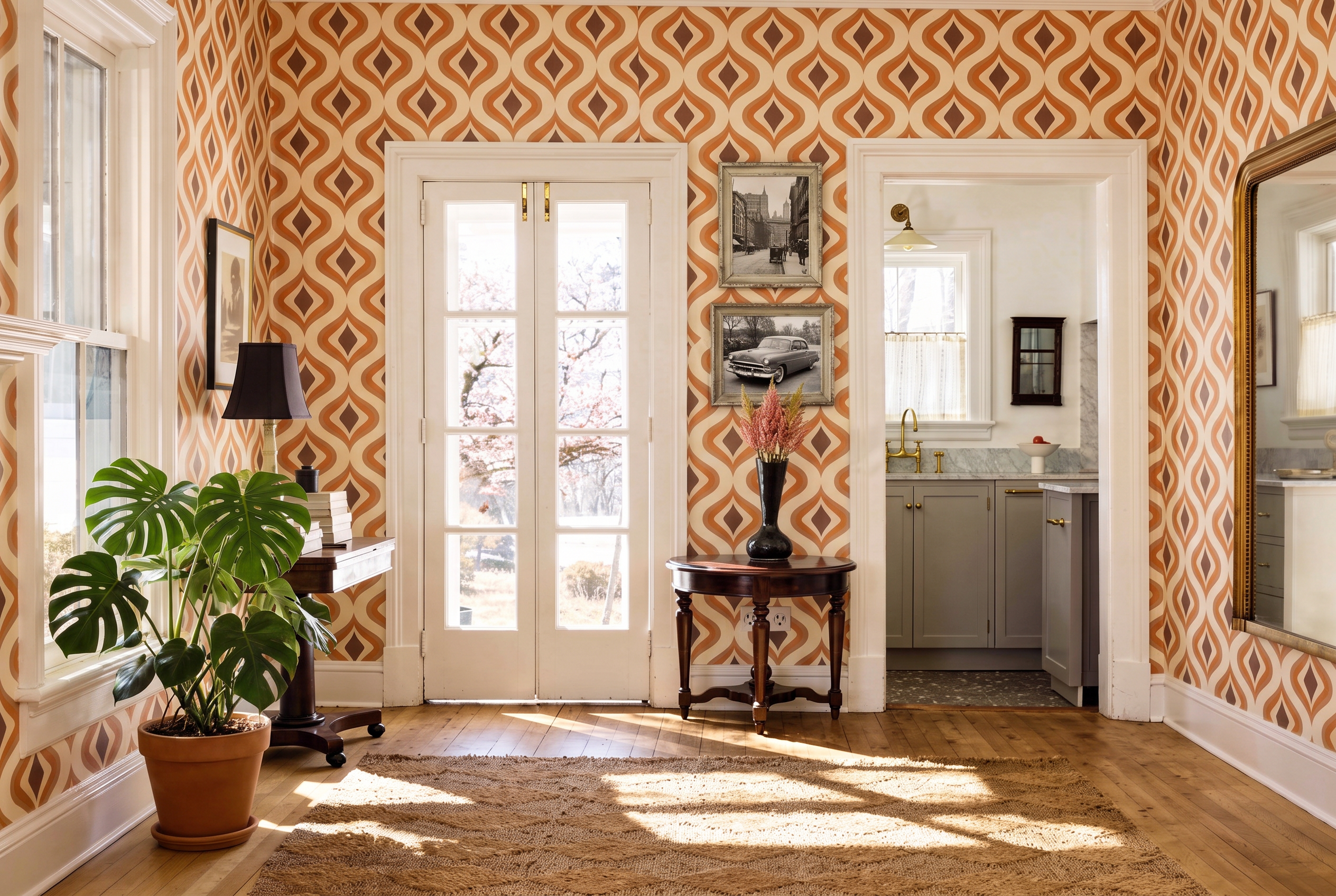
3D Backdrops are image-based 3D environments. They let you populate any 2D location and Lifestyle image you own with multiple furniture products that match the scale, perspective and camera angle of that image. A flat photograph becomes a space you can re-furnish as many time as you wish overtime, to achieve a realism and and stay on brand.
What you can do in the demo today
Option A — Upload your own image
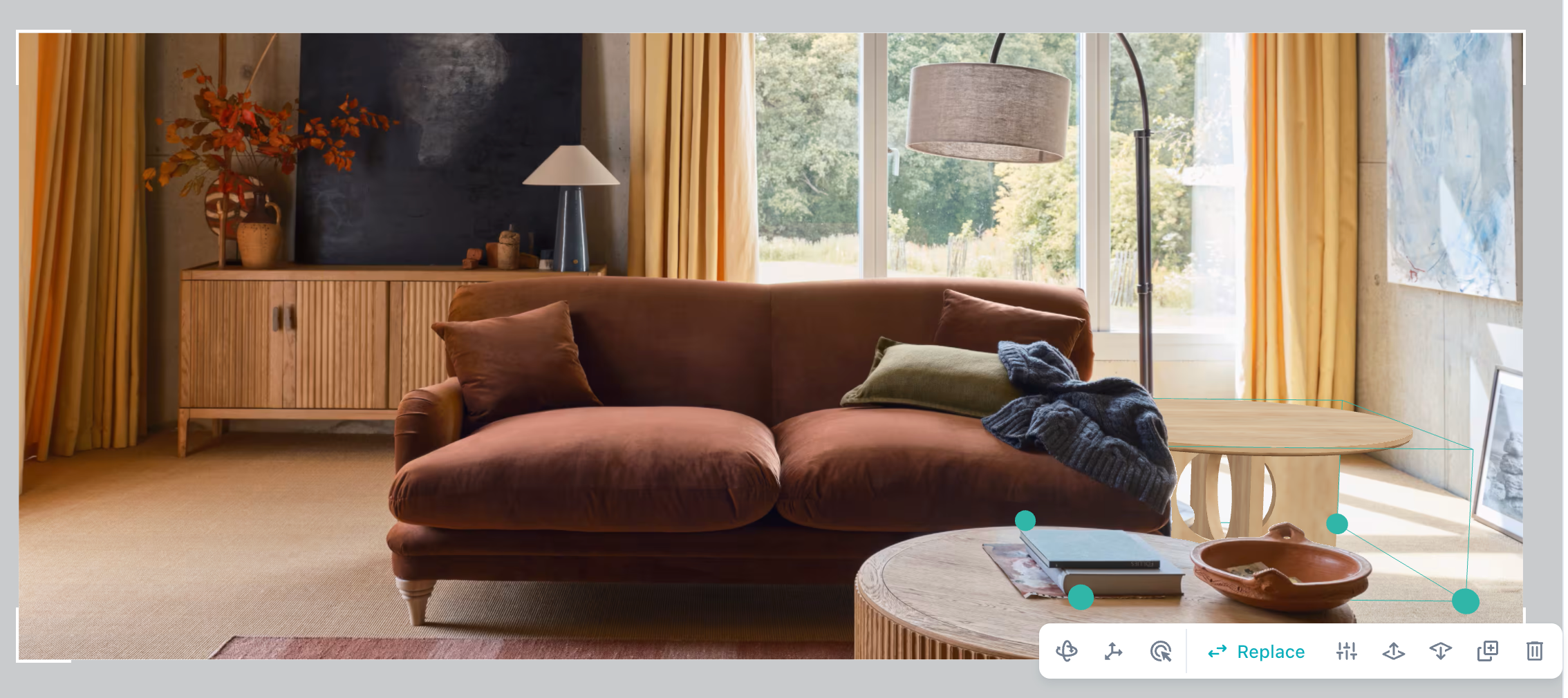
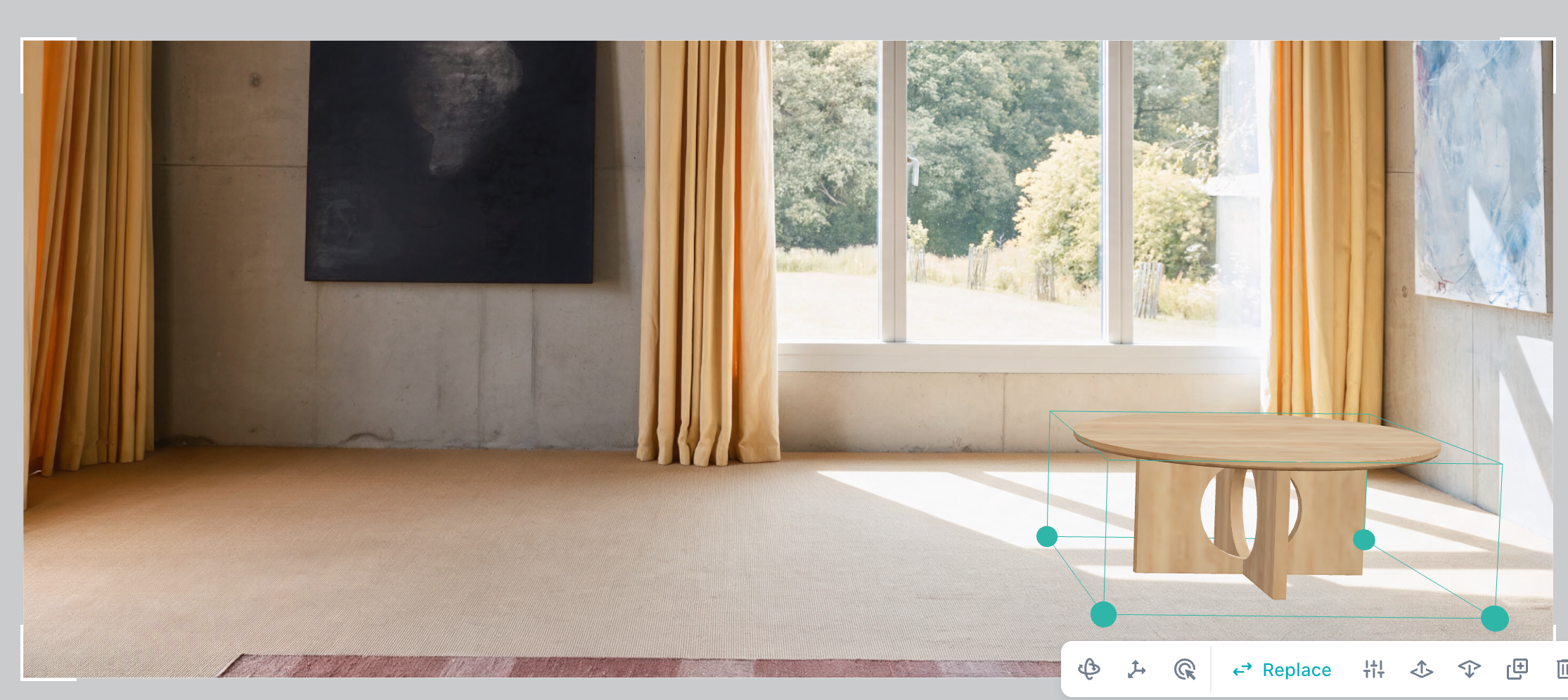
Upload a lifestyle image to generate your own 3D backdrop. After 3–4 minutes you'll get back a backdrop containing two versions of your image:
The original image with an occlusion mask — so objects in the photo correctly sit in front of your 3D Master Assets products once they're placed.
An empty location version — with all ground-contact furniture removed, leaving you a clean space to furnish.
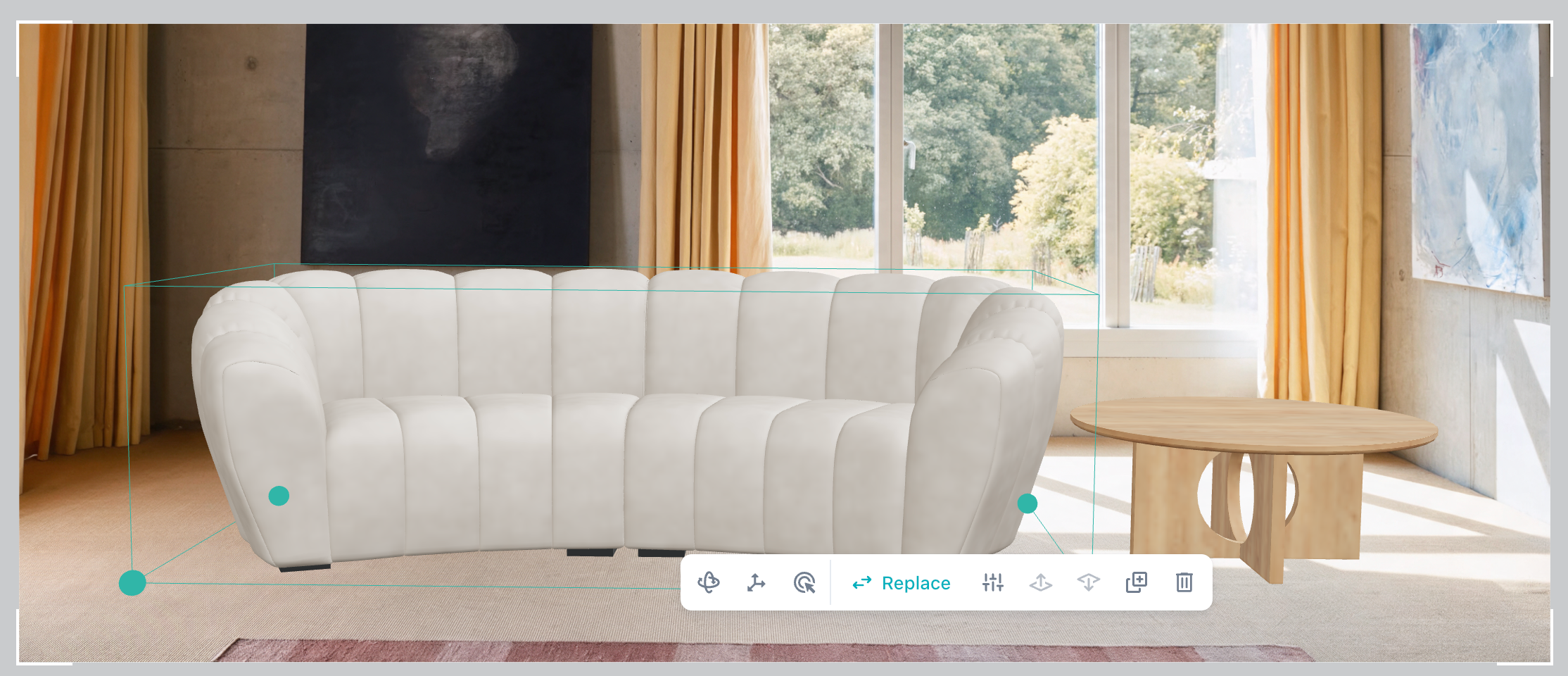
⏭️ Coming soon: decide product by product what stays in the scene and what goes.
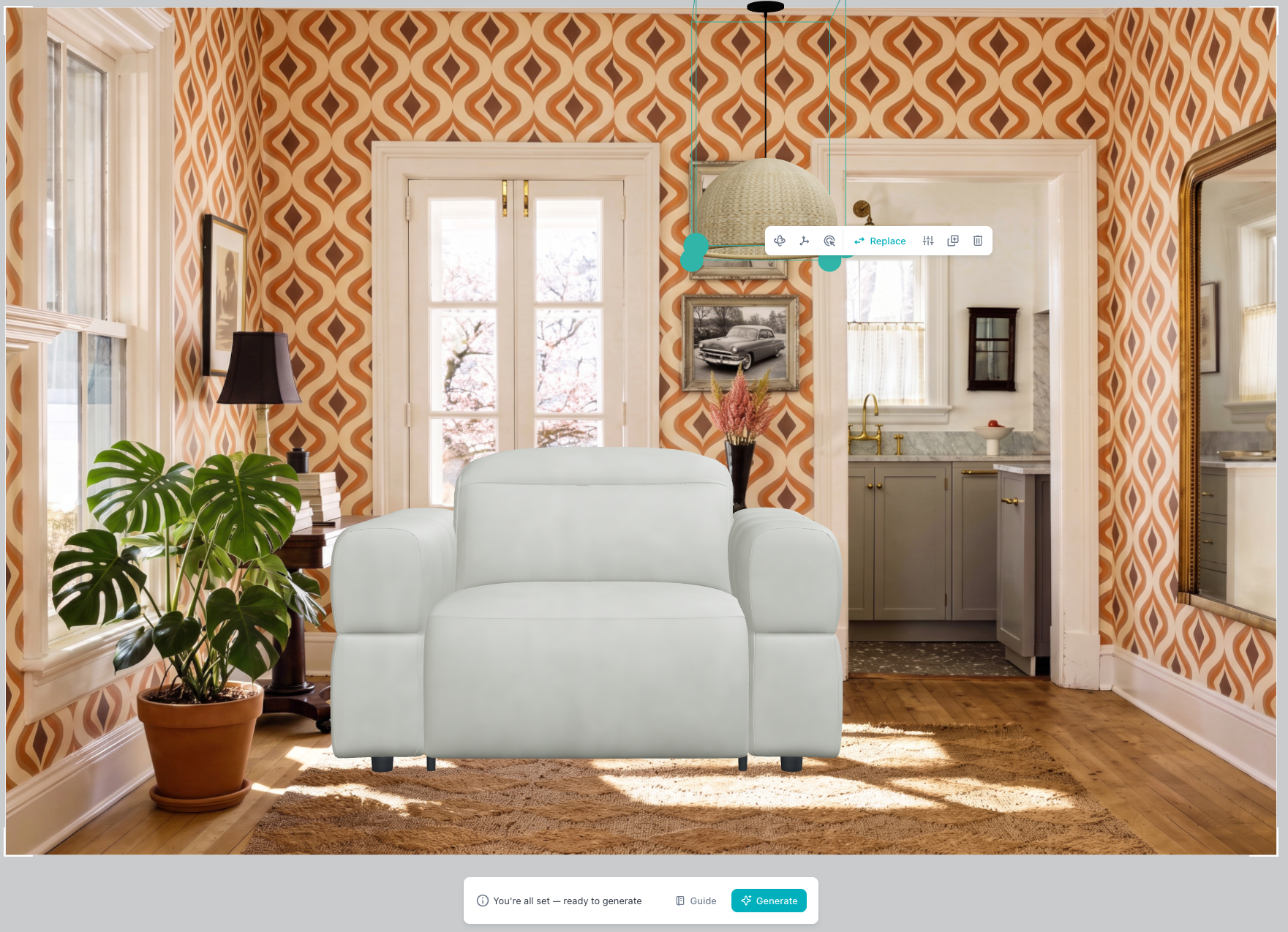
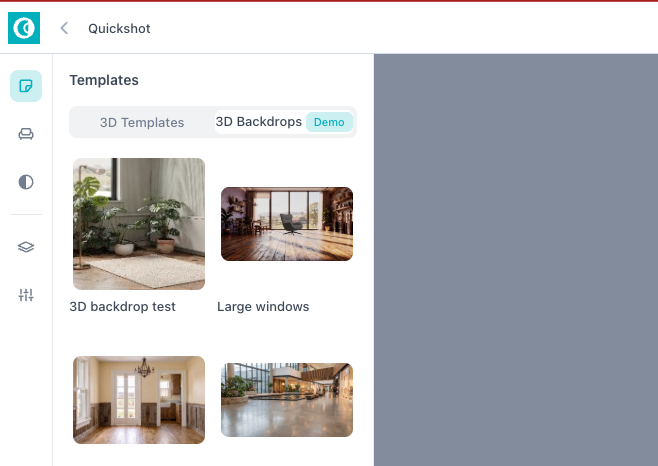
Select from a set of 3D backdrop templates, each with several image variations, then place furniture products into the scene. Products are matched to the image's scale and camera angle automatically — no manual perspective work.
Option B — Select a 3d backdrop template from the default library
Occlusion — fix what sits in front of what
Occlusion is applied automatically when you place a product, but you can correct it. Click a placed 3D product and move it in front if it’s wrongly hidden behind a 2D cutout, or behind if it should be occluded by one.
Scale: one global setting, consistent ratios
The camera lens scale of the lifestyle image is estimated automatically and applied to every 3D object you add.
You can adjust this scale up or down, but it’s a scene setting. It can’t be changed per product. That’s deliberate: tweaking the global scale keeps the size ratios between your 3D Master Assets intact, so a sofa stays correctly proportioned against a coffee table however you adjust the scene.
Generate
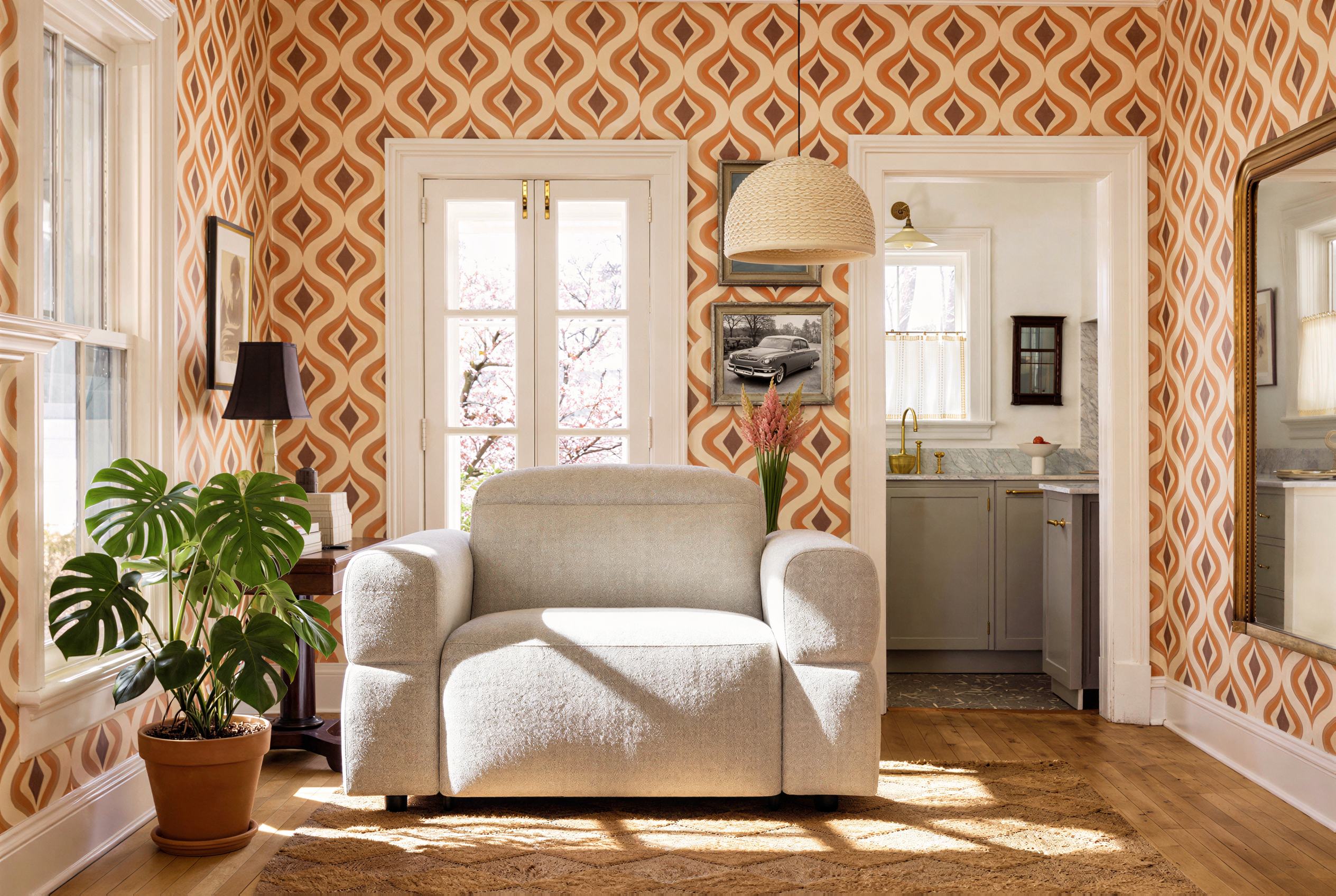
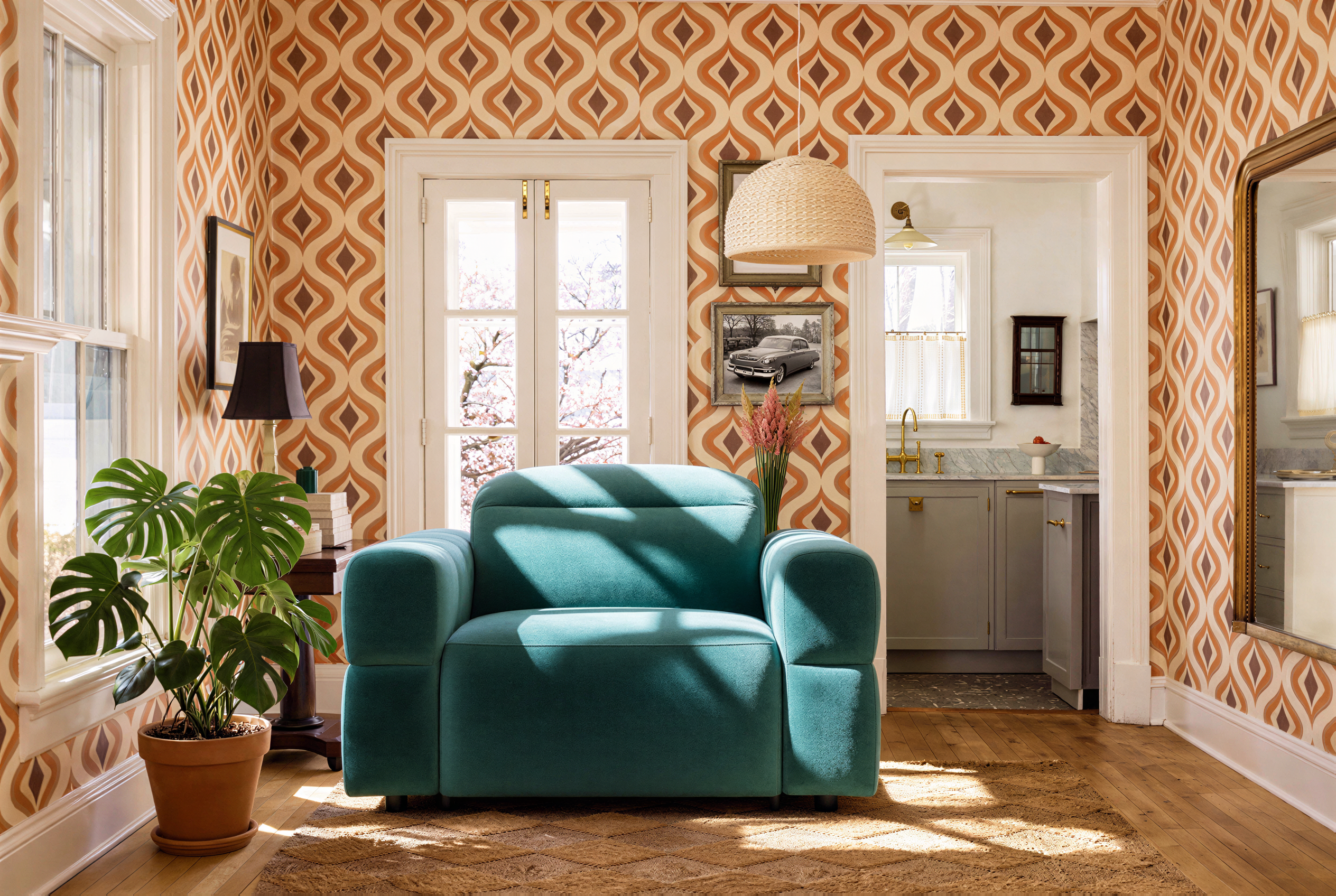
Once you're happy with the composition, click Generate. You can also easily create visuals of the same product in different finishes by selecting feature and options, and add props via Quick edit or Advance edit.
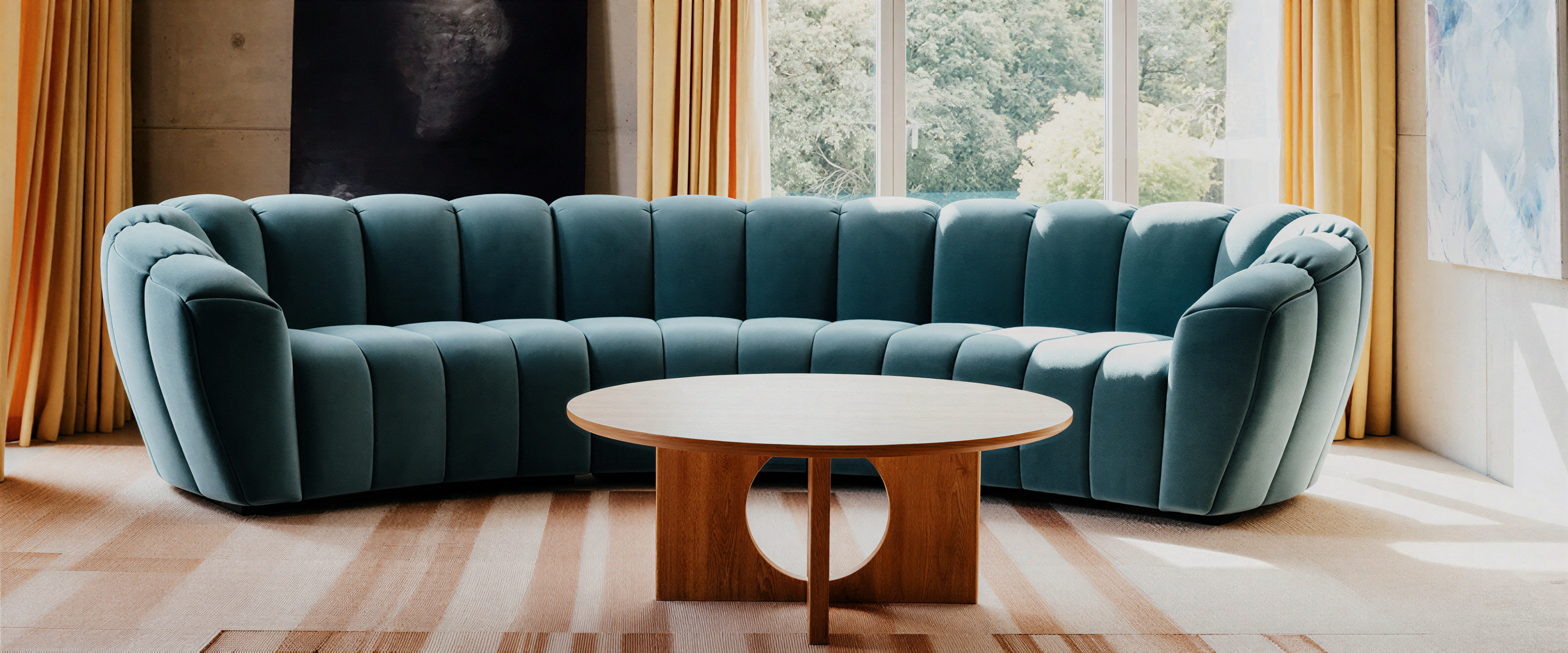
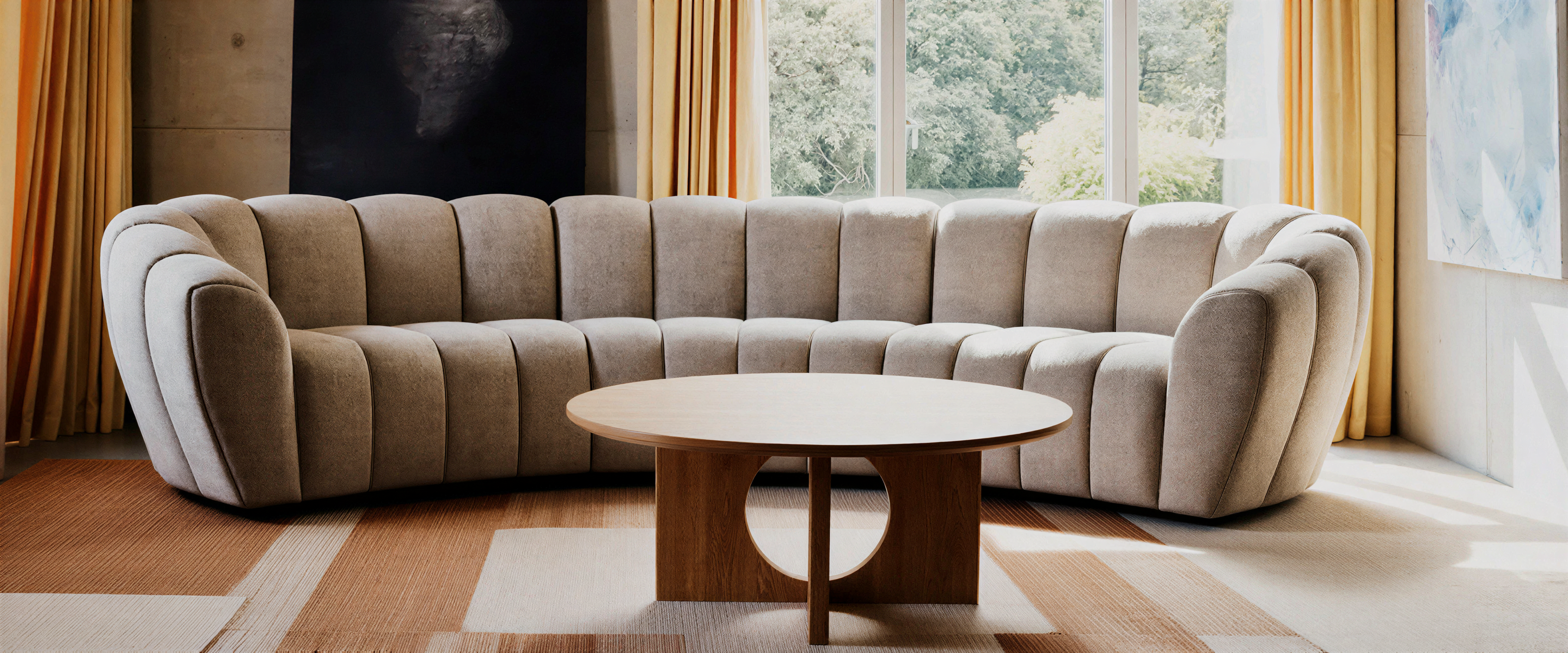
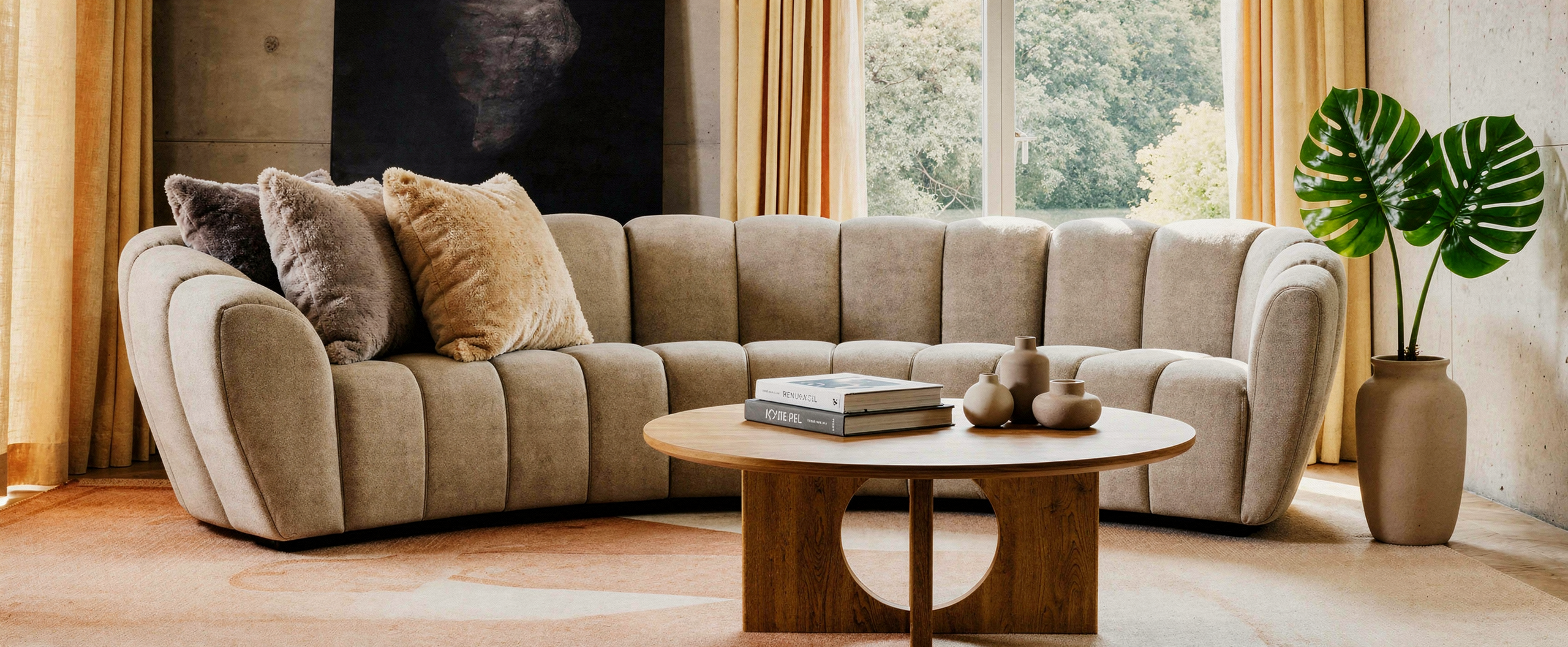
Use cases
These are the four scenarios we think 3D Backdrops unlock and that we'd love your input on them.
1. Repurpose existing photography — the "time machine"
That beautiful shot from 2005 can be reused for this season's collection. Keep the location, swap in the new products.
Same for those shots you could take with the only demo products that got shipped on time.
Likewise, discontinued products in visuals can be replaced to match your current product portfolio or inventory.
ADD VISUALS FOR THE EXAMPLES MENTIONED
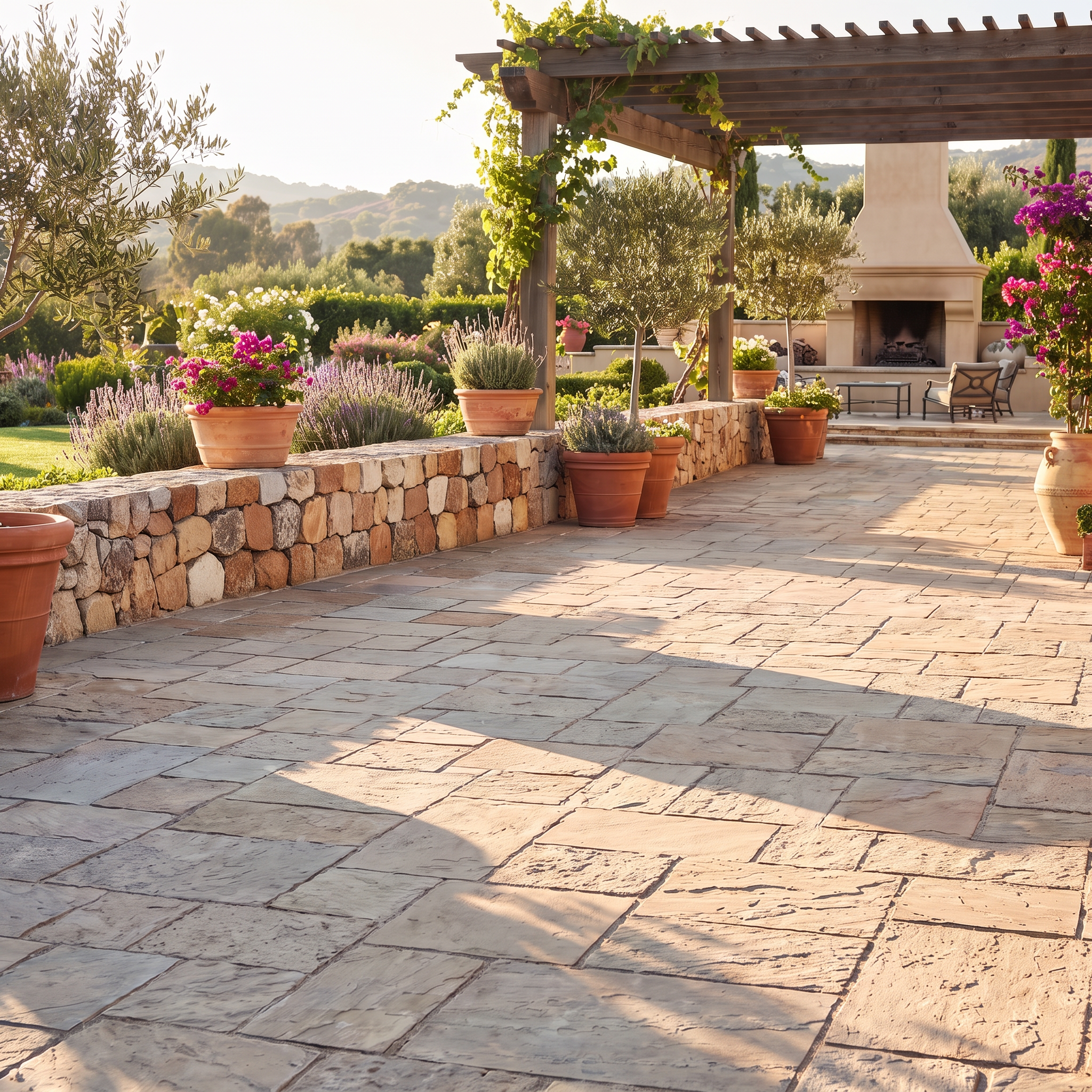
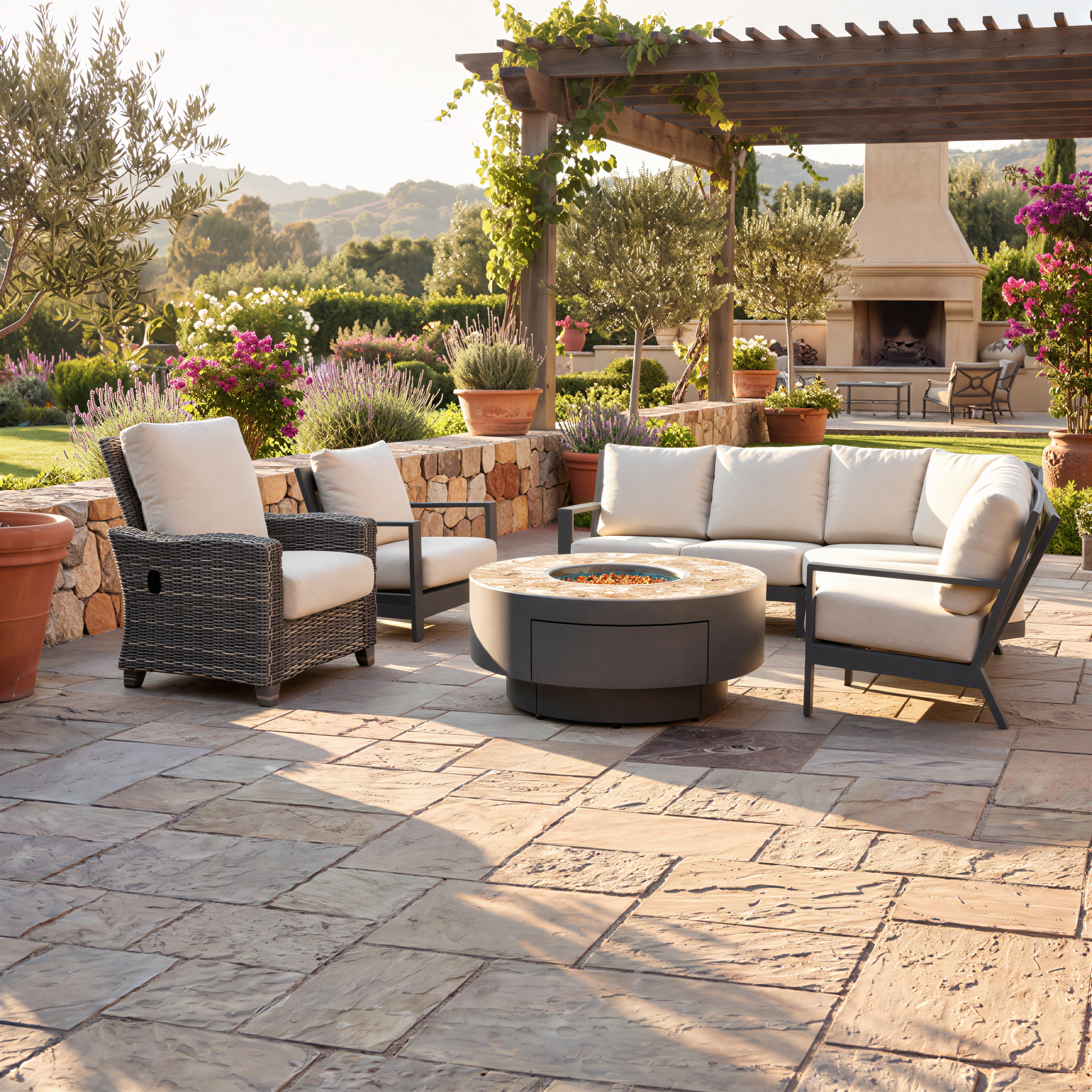
2. Storytelling — lock the layout, change the scene
Keep the product layout fixed and change the setting around it (and optionally the product configuration) to show versatility. Especially effective for versatile products and outdoor furniture. same terrace layout across seasons and weather.
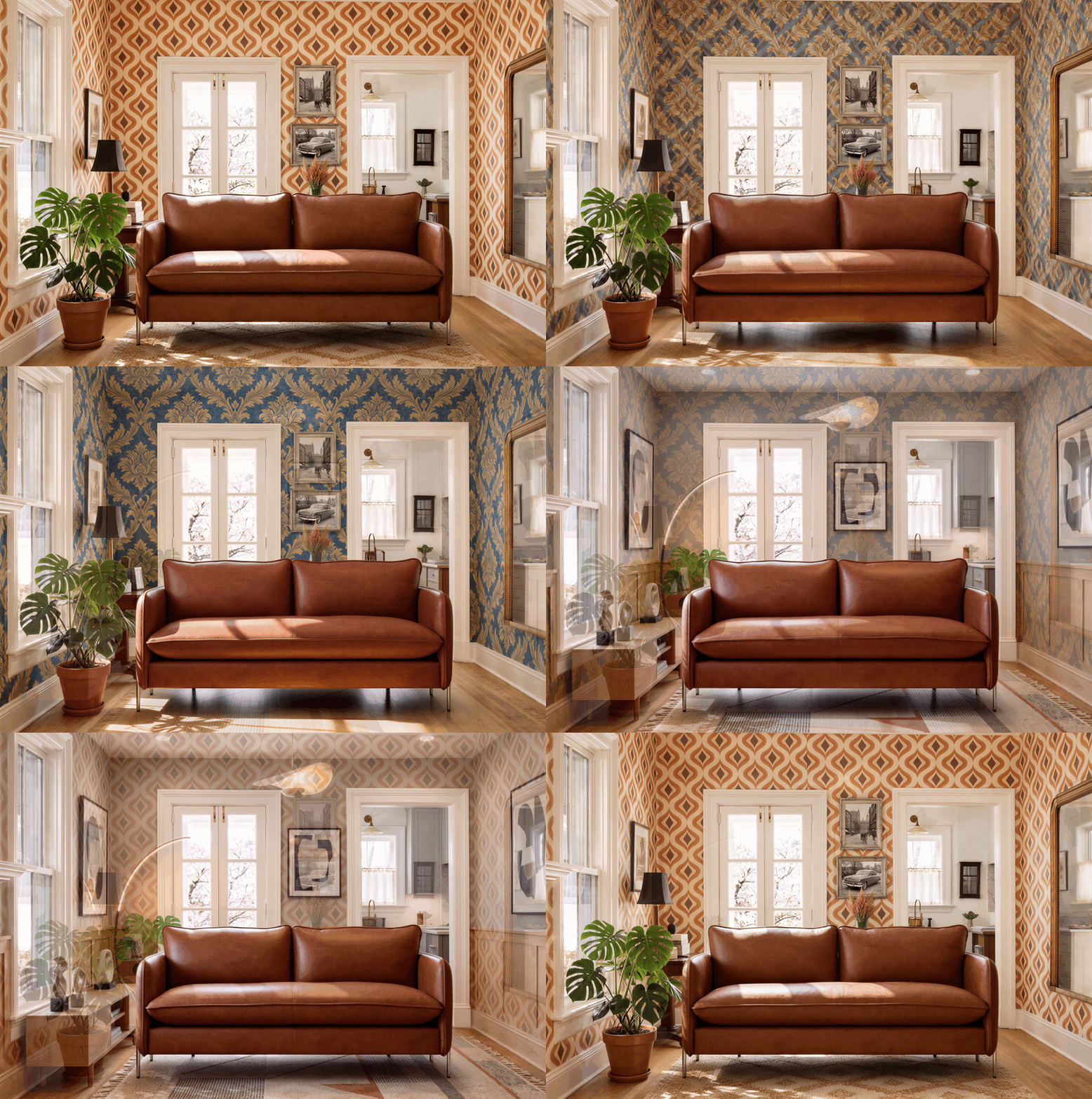
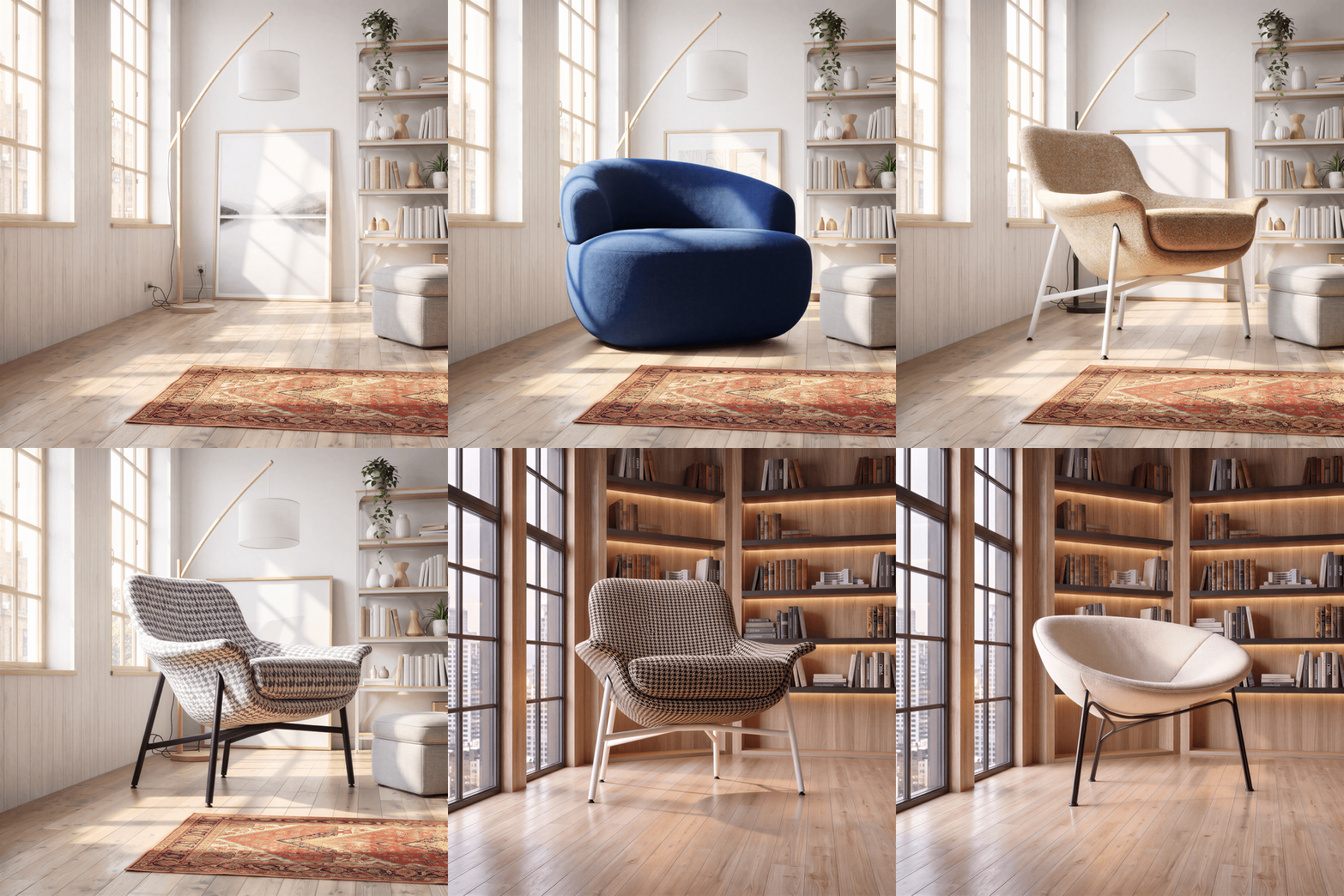
3. Lock the background — show multiple configurations and products
Fix the background and feature your products in multiple configurations, including configurations that change the product's geometry. The 3d model will ensure that the sense of scale is consistent across products and configurations.
Replace example below.
4. In-location visuals
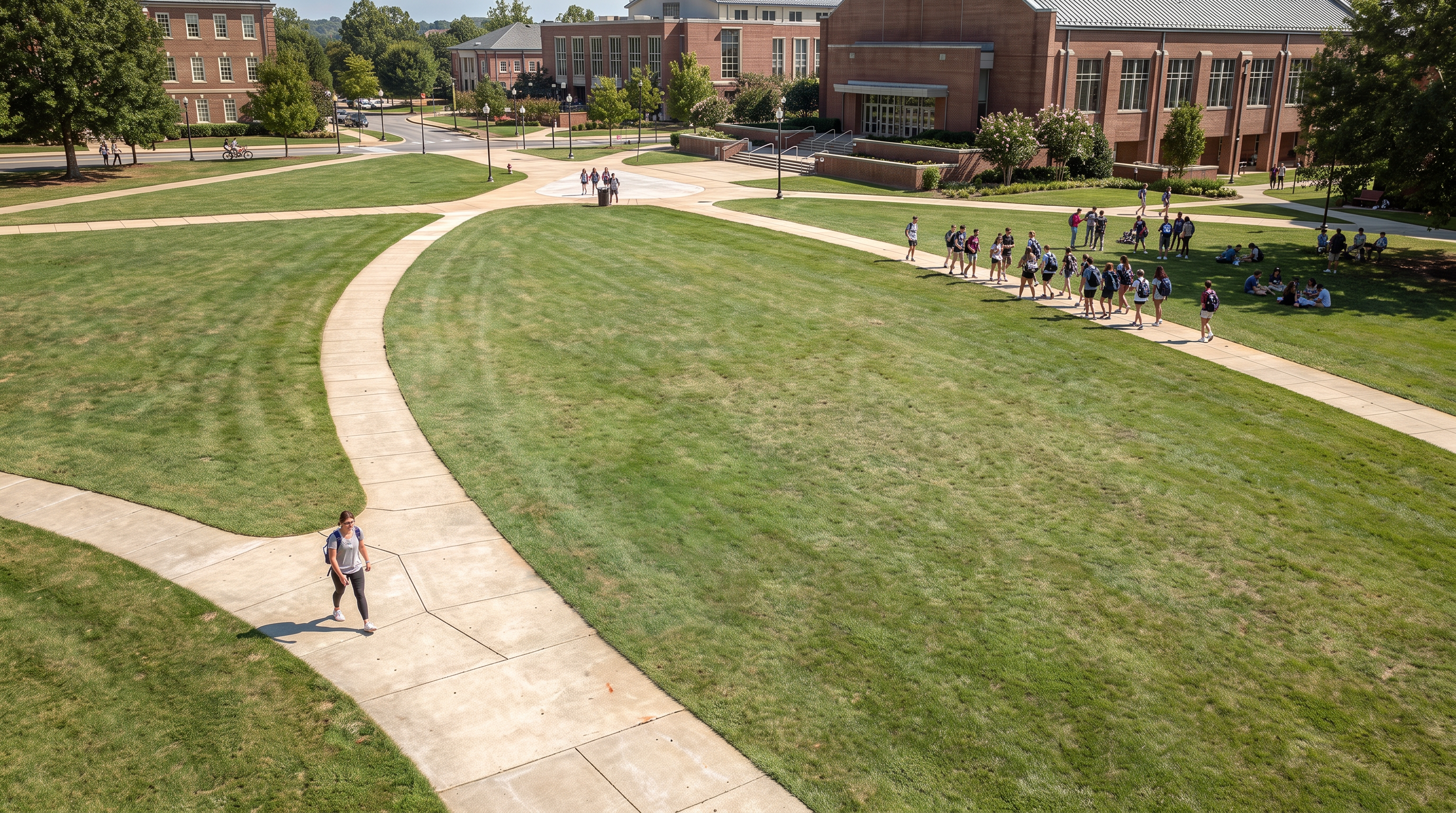
Use real location images to create lifestyle imagery grounded in actual places. Particularly valuable when products are configurable.
What's coming next
Actively in progress:
Place in the 3d backdrop any product, even the ones that do not have a Cylindo Master assets
In considerations:
Batch generations — a real possibility we're exploring: multiple products and options featured across the same location in one run.
Tell us what you think
The demo is intentionally limited, and the roadmap isn't locked. We'd especially like to hear:
Which of the four use cases above matter most for you and your customers?
Any use case we've missed?
Is the visual output meeting your expectations?
Was this helpful?
Still need help? Ask the team