Asset Ingestion - Requirements and process
Introduction
Asset Ingestion is a service that allows us to import a customer’s existing 3D assets into the Cylindo platform, as an alternative to our standard Master Asset creation process.
If the asset meets the required guidelines (outlined below), it can be uploaded directly as a 3ds Max package during Product Setup. The platform will then automatically:
Process the asset
Generate the required files and materials
Prepare it for use in rendering and distribution
This significantly reduces onboarding effort and speeds up time to value.
What qualifies as an ingestible asset?
To be compatible with the automated Asset Ingestion process, assets must be production-ready and meet the following criteria:
Format & Engine: Assets must be exported from 3ds Max using a V-Ray-only setup (V-Ray render engine and V-Ray material shaders/V-Ray Standalone).
Completeness: Each package must include both the 3D model and all corresponding materials for a single configuration.
No Post-Processing: Custom Color Profiles (such as OCIO files in VFB) and post-production processes are not supported.
Zero Modification: Assets must function correctly upon upload. Any asset requiring manual adjustment is instead classified as a reusable asset, requiring additional work before it can be used.
Cost overview
The cost of using Asset Ingestion depends on whether the asset meets the required standards or needs additional work. Anything sent outside the recommended framework may be subject to additional service costs
Important note
Even when a complete asset package is provided, several critical factors must still be considered to ensure a no-cost service outcome. The minimum technical requirements required to achieve this will be outlined below.
Asset ingestion workflow in CMS
Output in CMS
Products are labeled “Ingested product”
Can be filtered in product lists
Available across all content creation and distribution tools
Asset ingestion workflow in 3ds Max
Asset preparation | Open 3ds Max and load the model Make sure that all modeling technical aspects are met Apply the VRay materials to the objects in the scene Make sure that all material technical aspects are met | 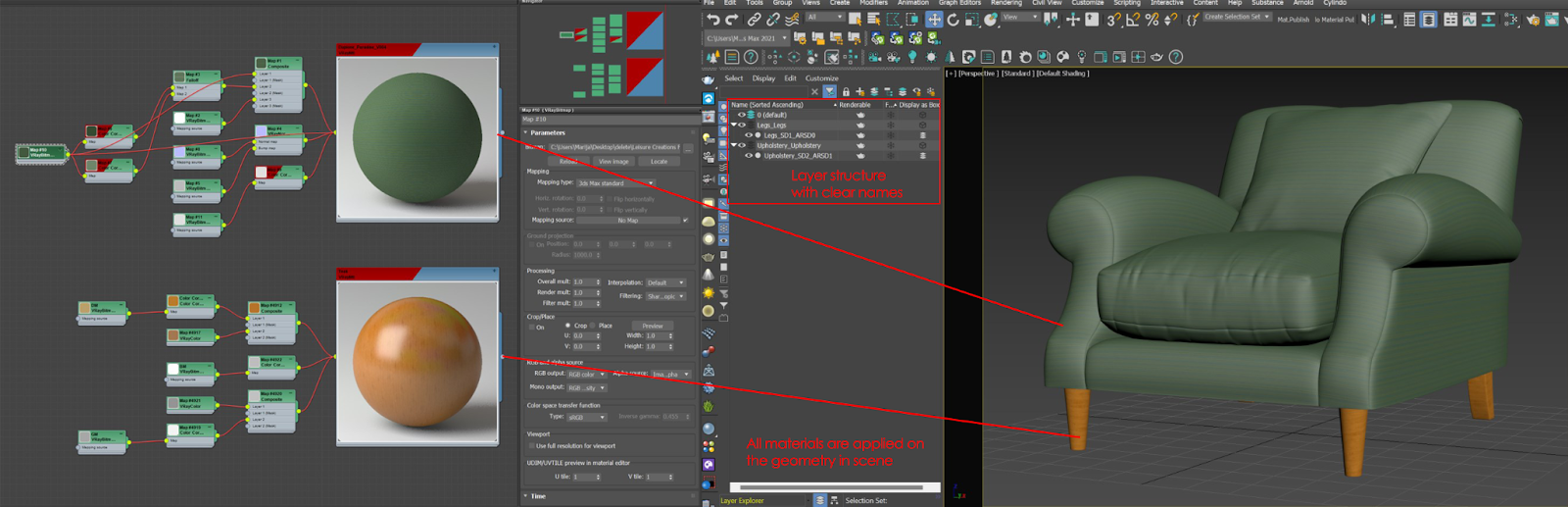 |
File archive | Archive the scene [zip of the current 3ds Max file and all associated assets with the correct file paths into one file] File>Archive>File name>Save Make sure that the 3ds Max file is saved in the initial/root folder in the zip file | 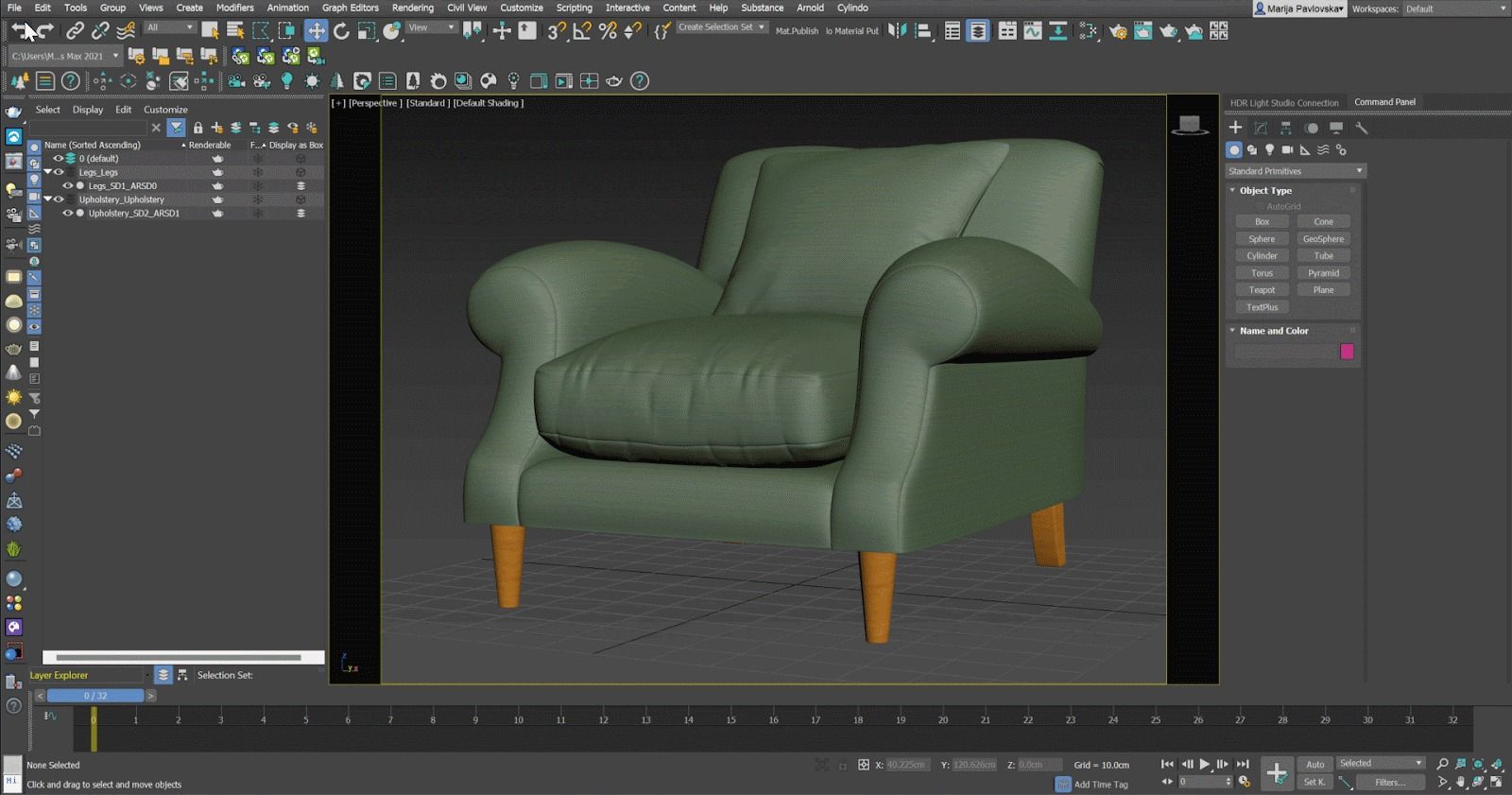 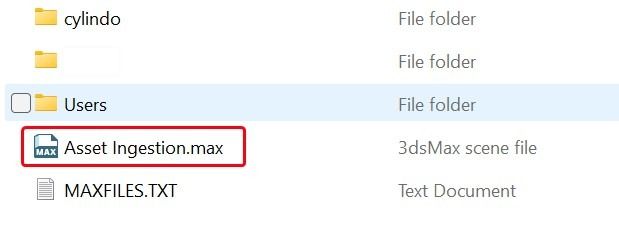 |
CMS Upload | Upload the archived asset: Create a new scene in the (CMS) and drag and drop the .zip file into the scene's upload interface | 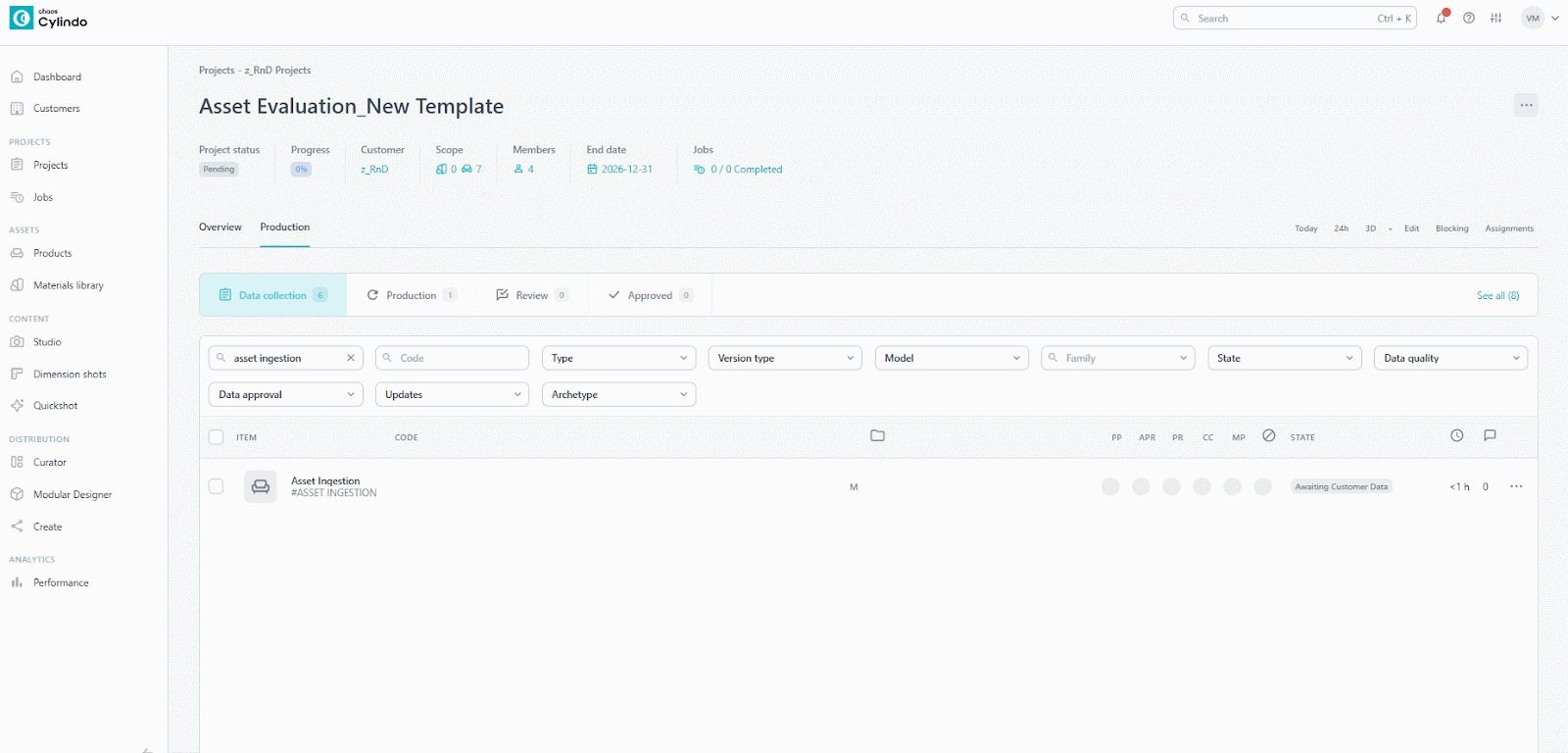 |
This is an example of the product the upload is finished. All the product meshes should be listed on CMS with the appropriate material automatically applied. | 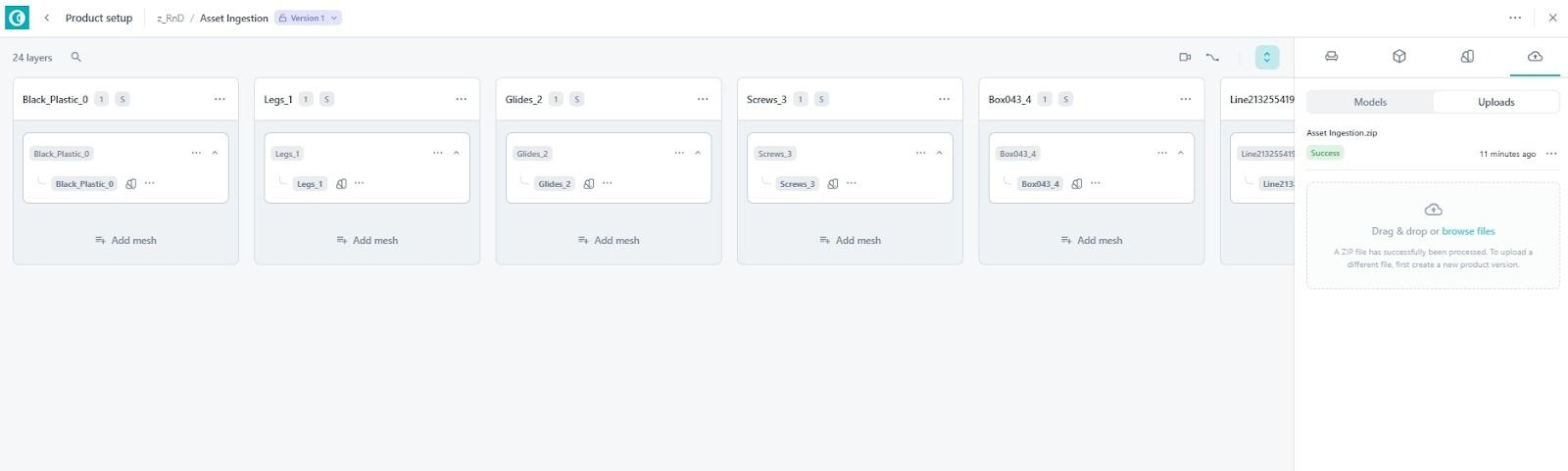 | |
Render | Start the Render Procedure by selecting the desired Aspect Ratio and Resolution for your render. | 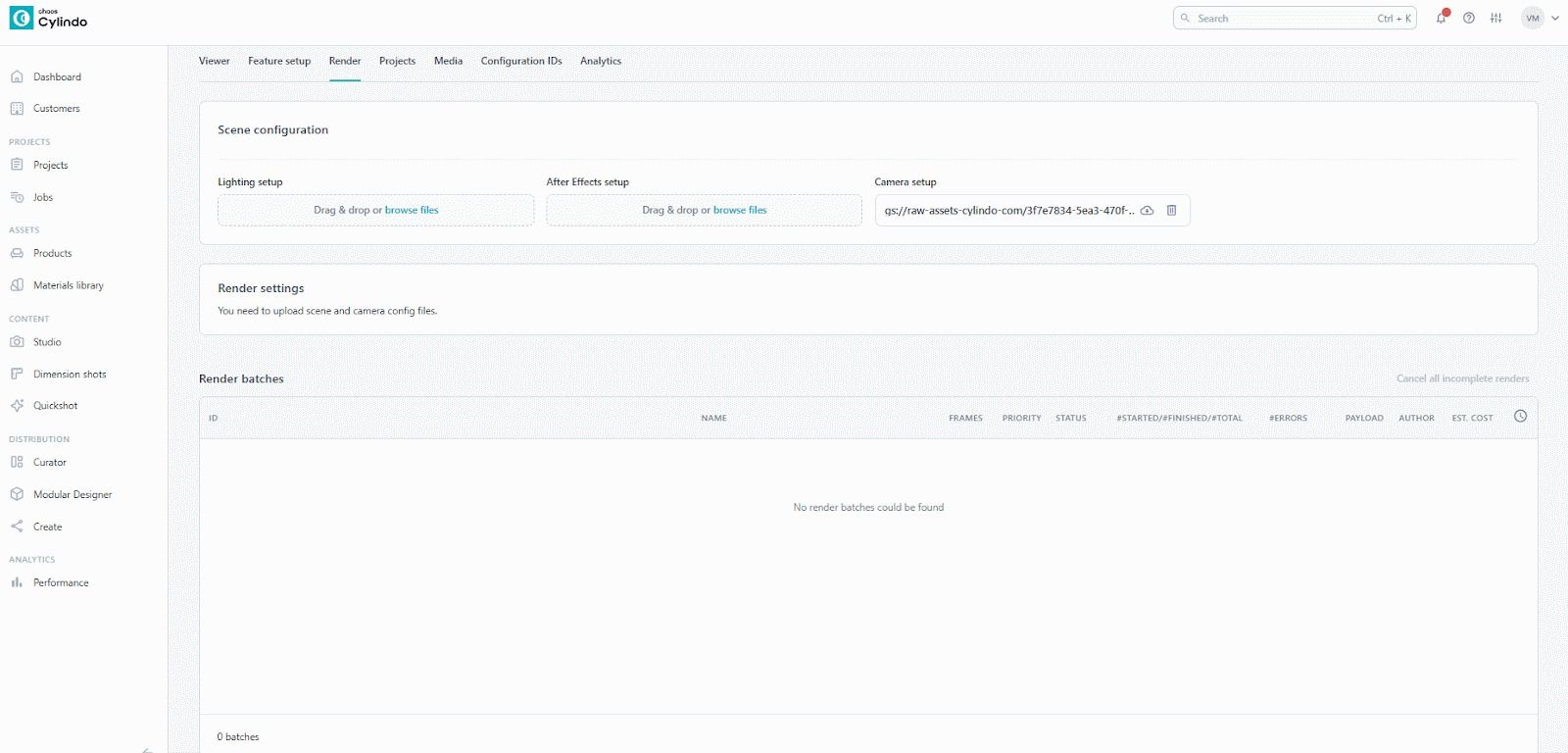 |
Result | 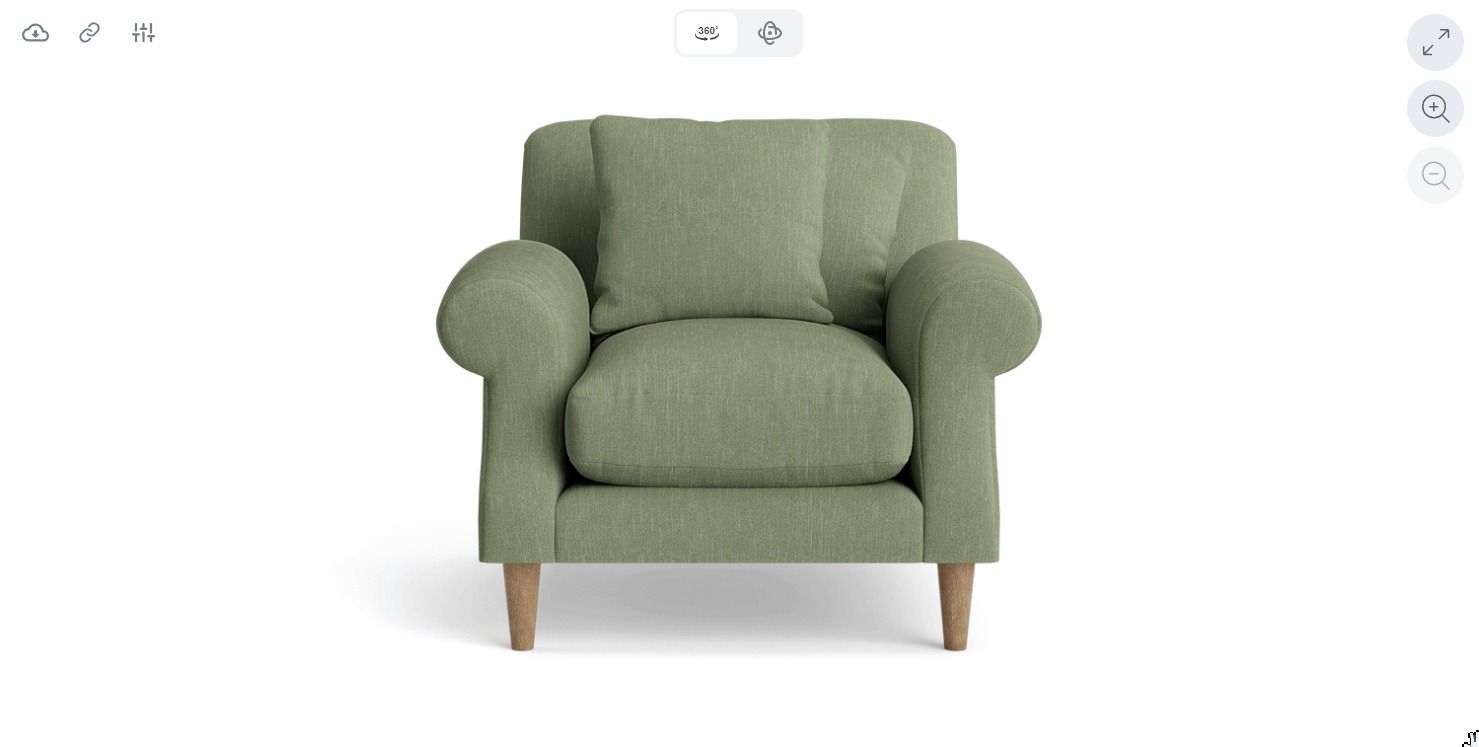 |
Important note
Always use Merge Render to start the asset ingestion rendering process.
3D Model - Requirements
Recommended | Not recommended | |
File Format | 3ds Max 2021 (*.max) | Other engines are not supported at this time, and if provided, will be subject to additional cost for service |
Scene | 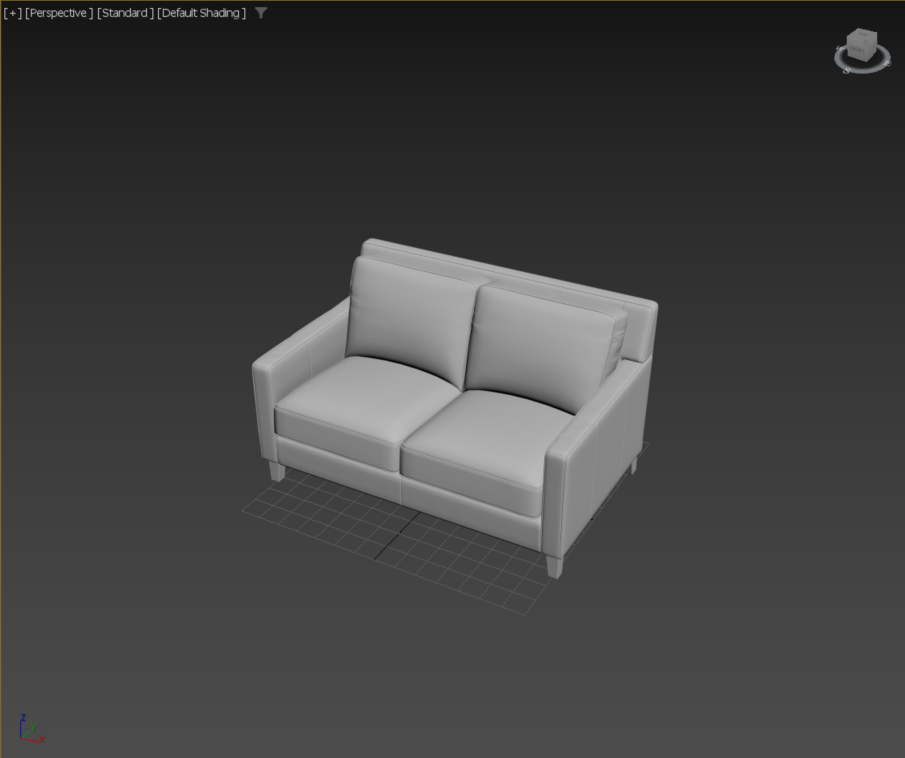 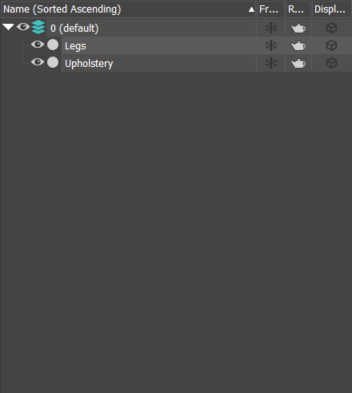 | 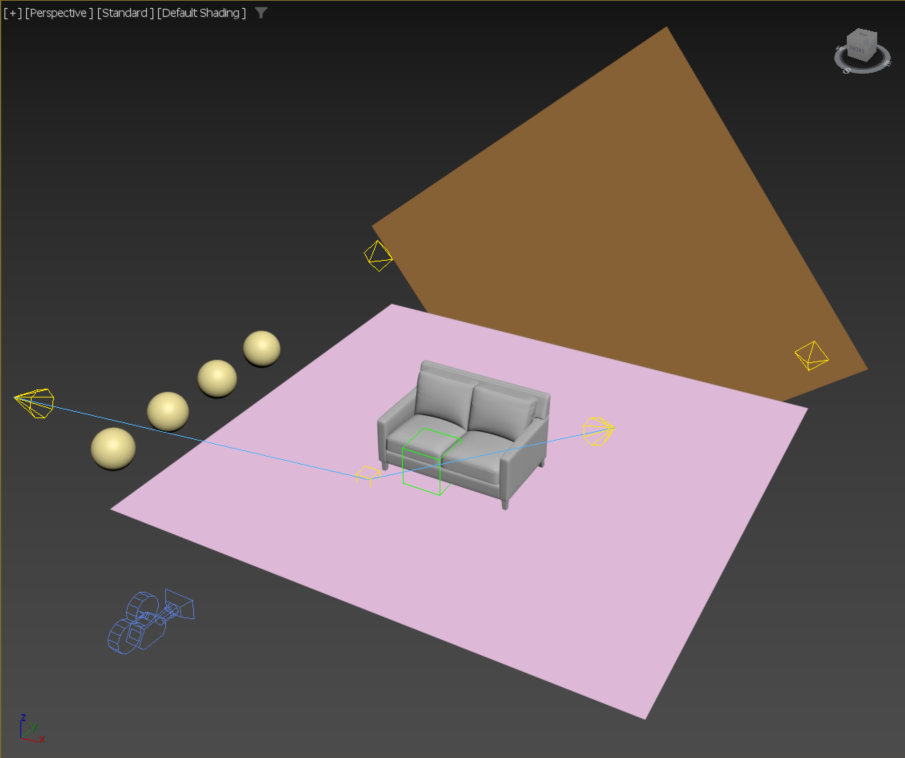 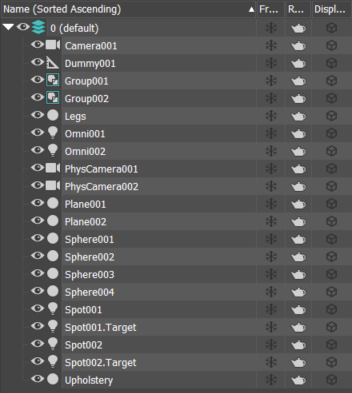 |
Only include product geometry, no: lights, cameras, helpers, etc. | Unnecessary elements such as objects, modifiers, cameras, and lights must be excluded. Their presence will cause inaccurate results and cause extra service costs for identification and removal. | |
Geometry | 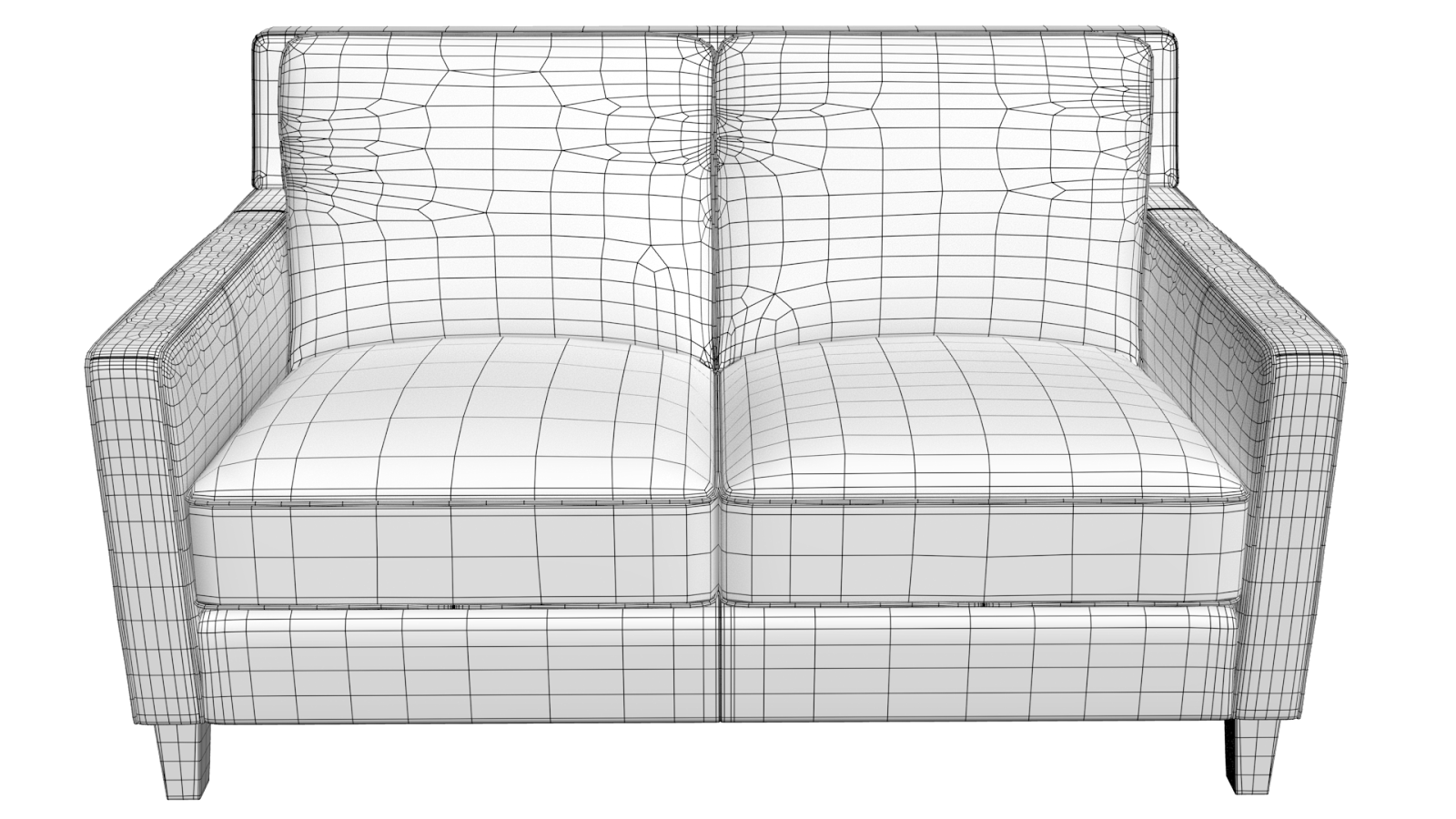 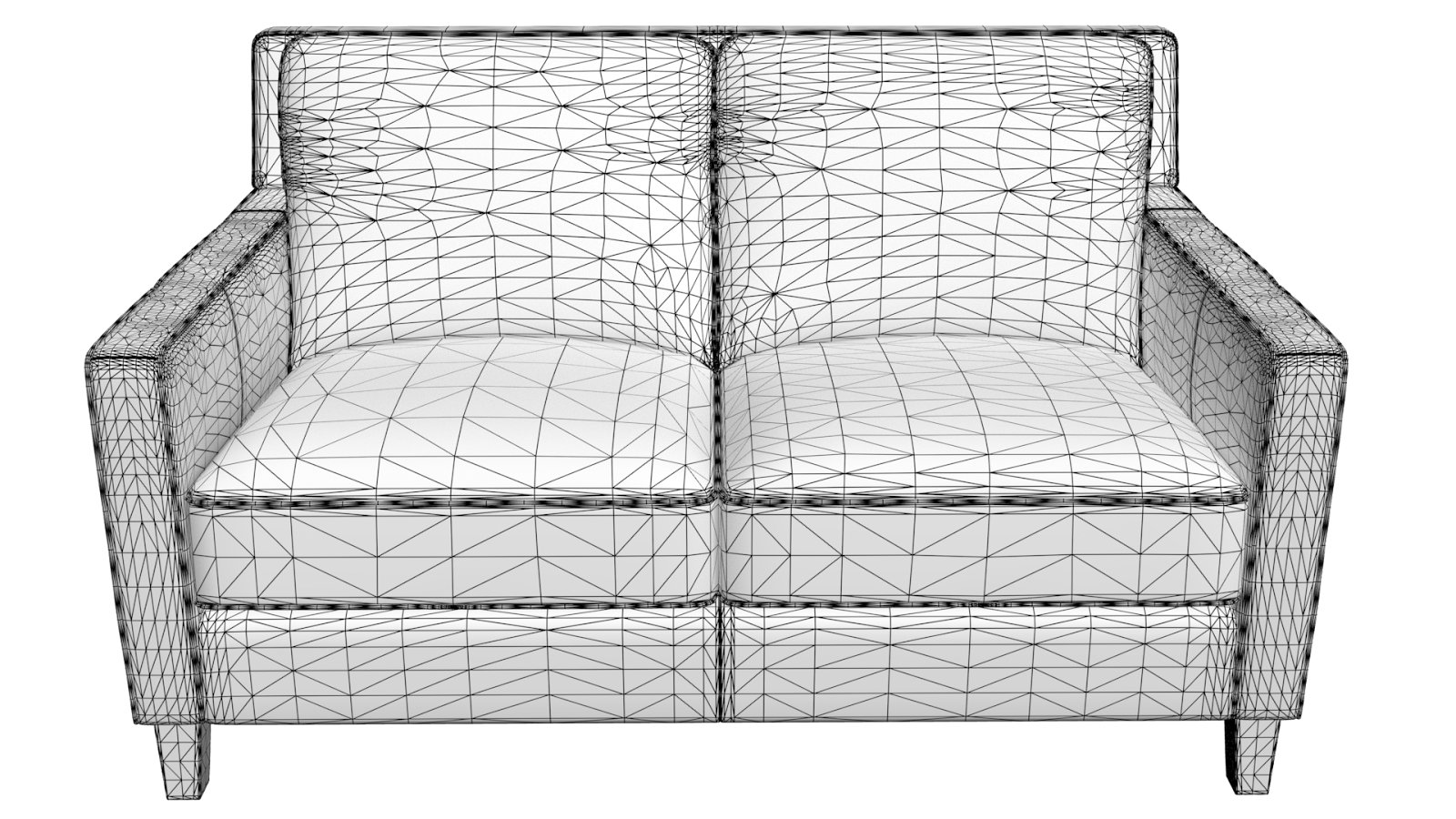 | 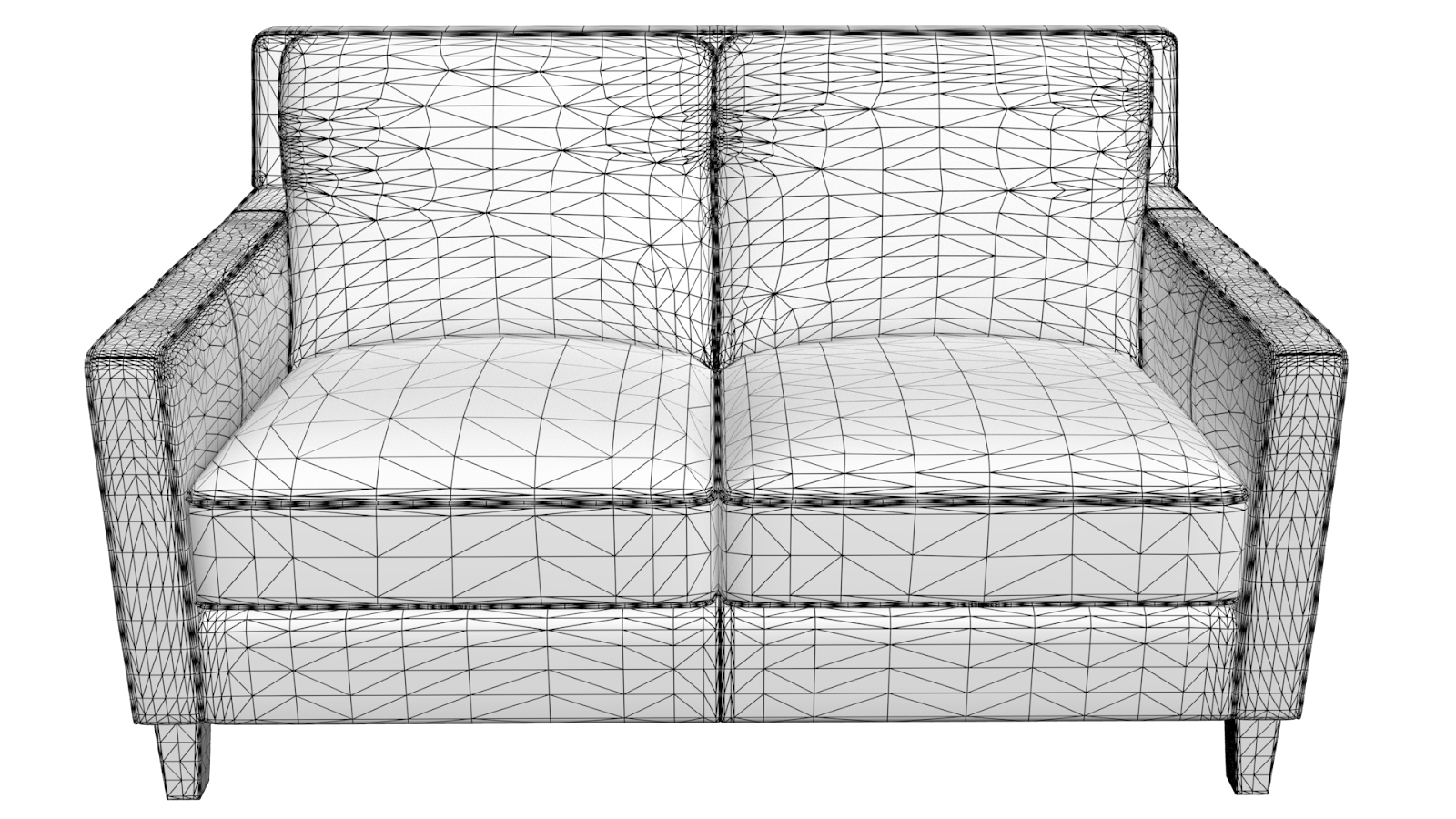 |
We can support models composed of either quads or triangles. | It’s important to note that when working with ingested models (and especially with triangulated models), our team is not responsible for any visual issues that may arise during rendering. Third-party models can sometimes lead to problems such as artifacts, overlapping faces, shading errors, or black spots in the final render. These issues are inherent to the nature of geometry and cannot be easily corrected without completely reworking the geometry, and therefore are subject to service and re-rendering costs. | |
Naming | 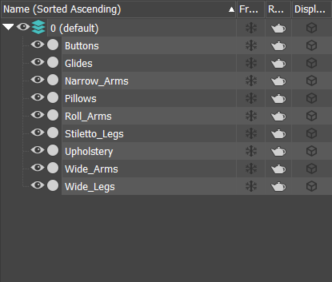 | 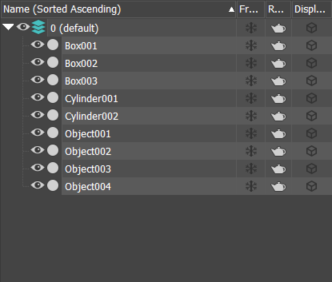 |
Logical and clean naming of objects. | Unorganized and unclear naming conventions can lead to significant delays in editing the scene and rendering the final result. | |
UV Layout | 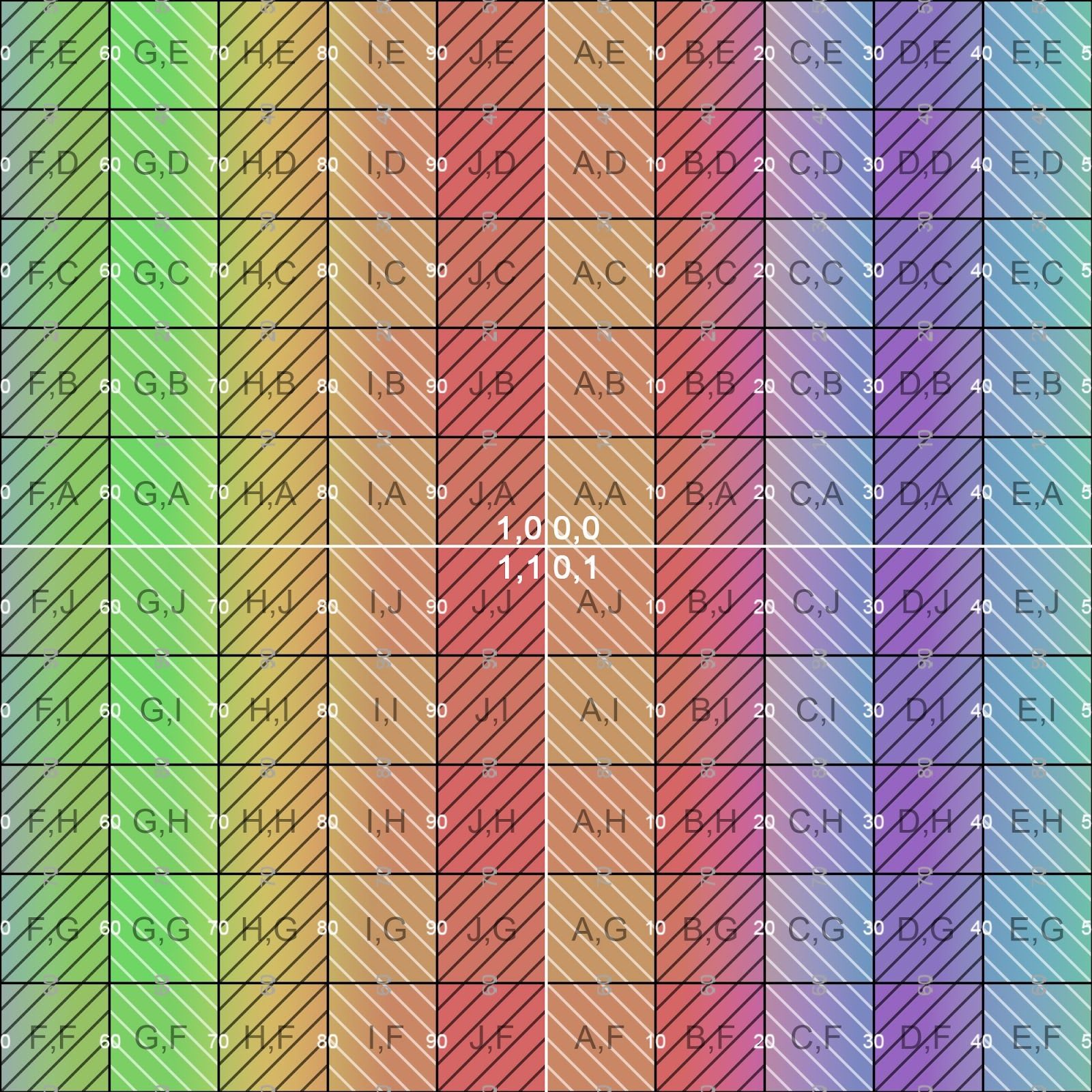 | 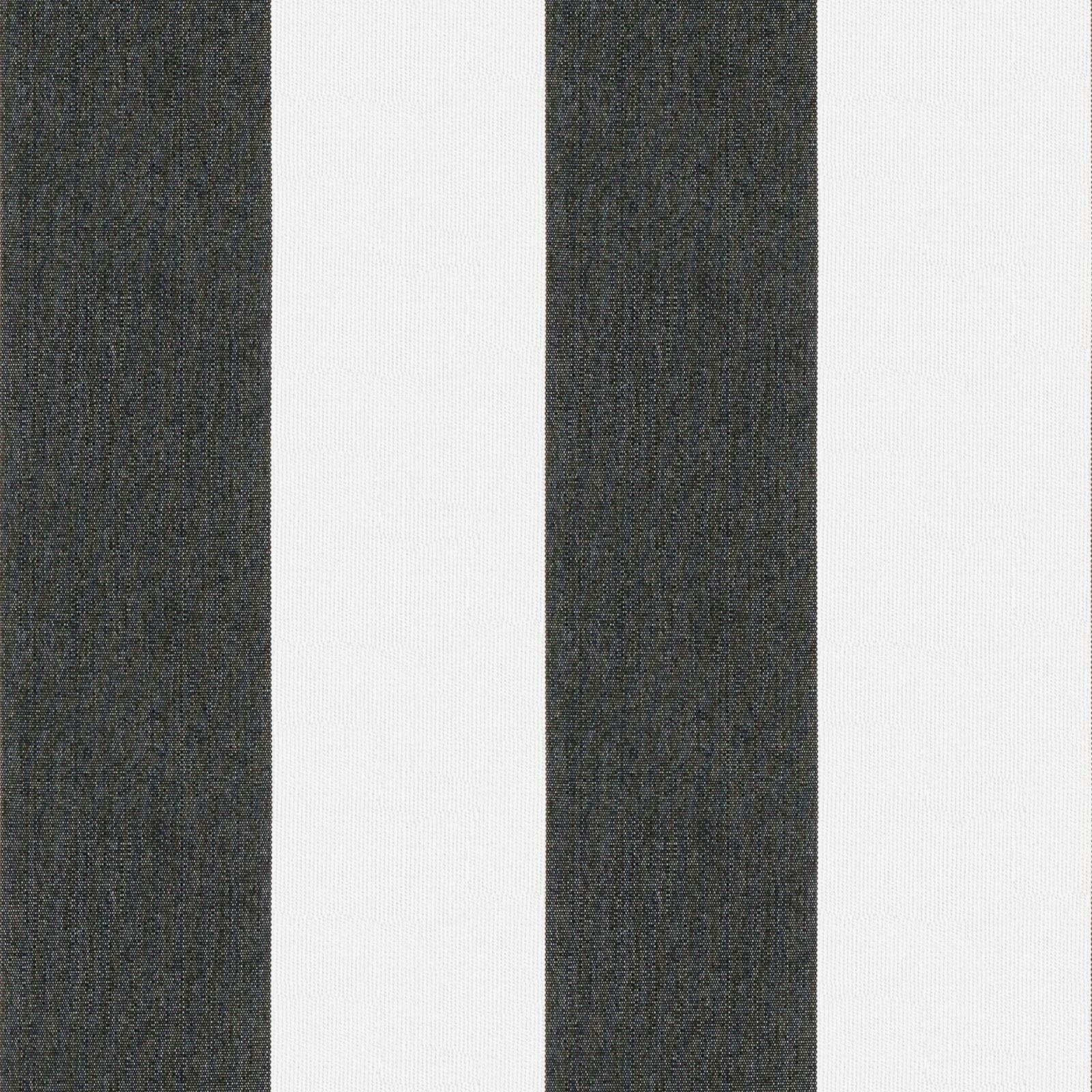 |
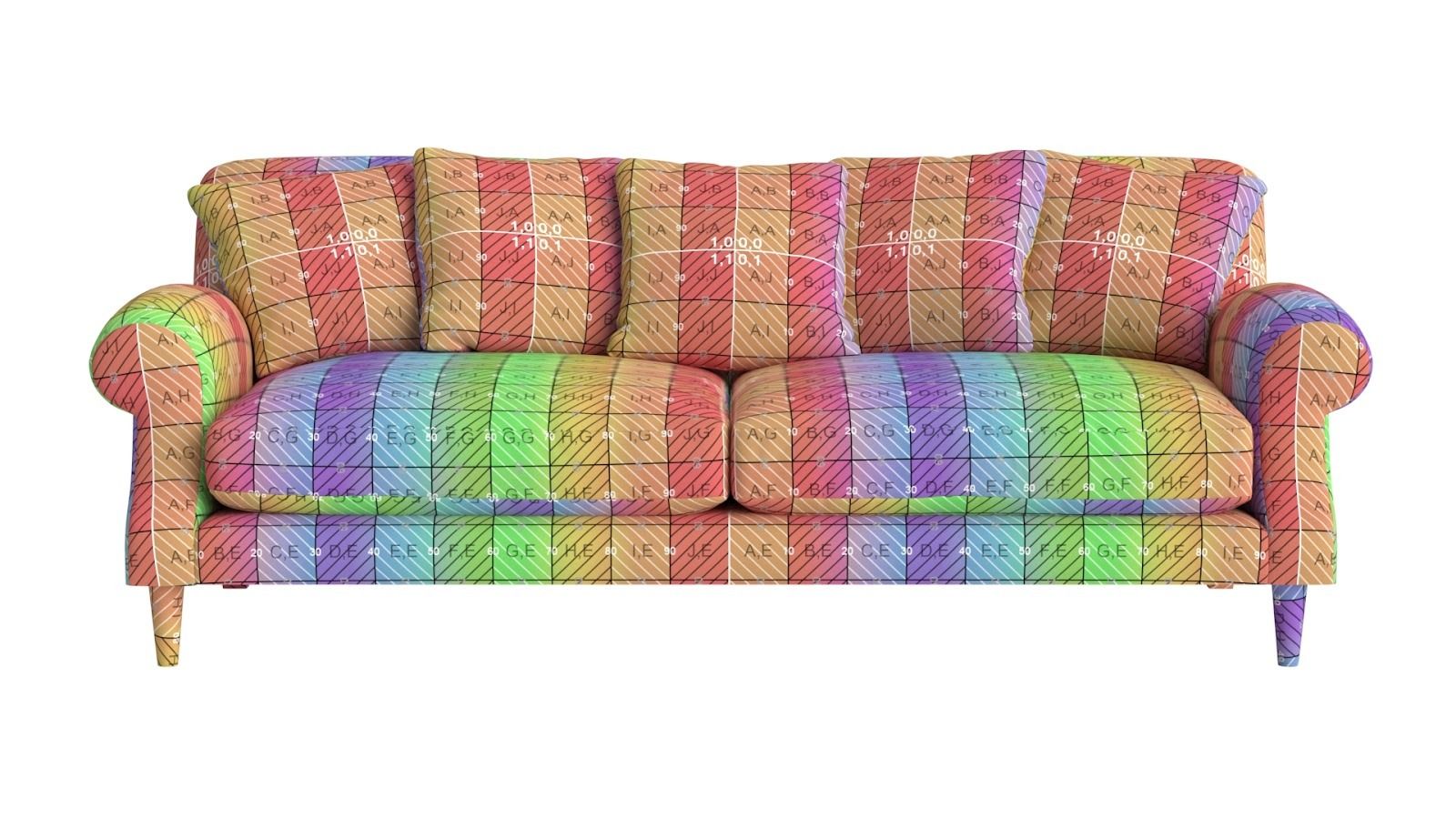 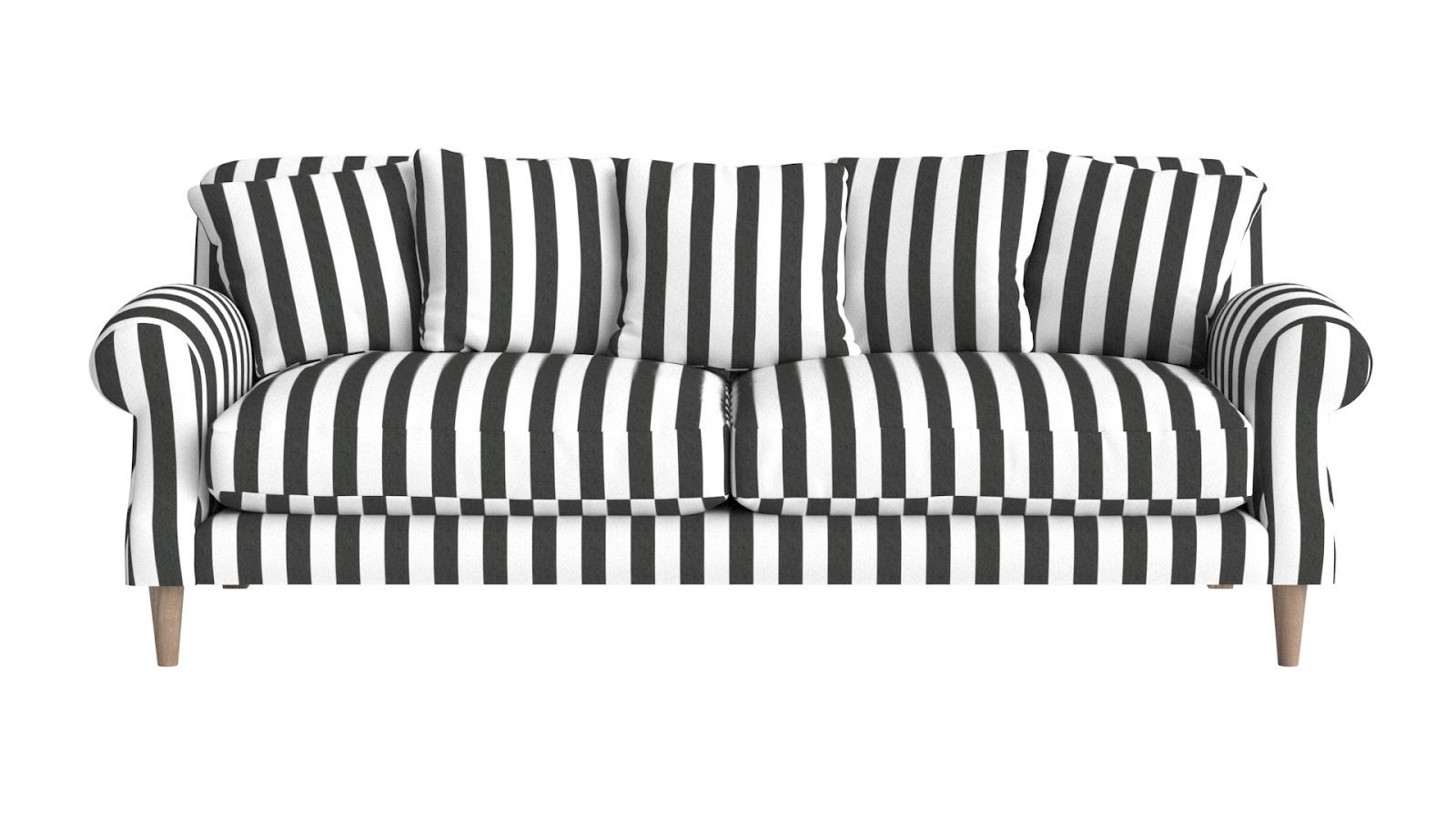 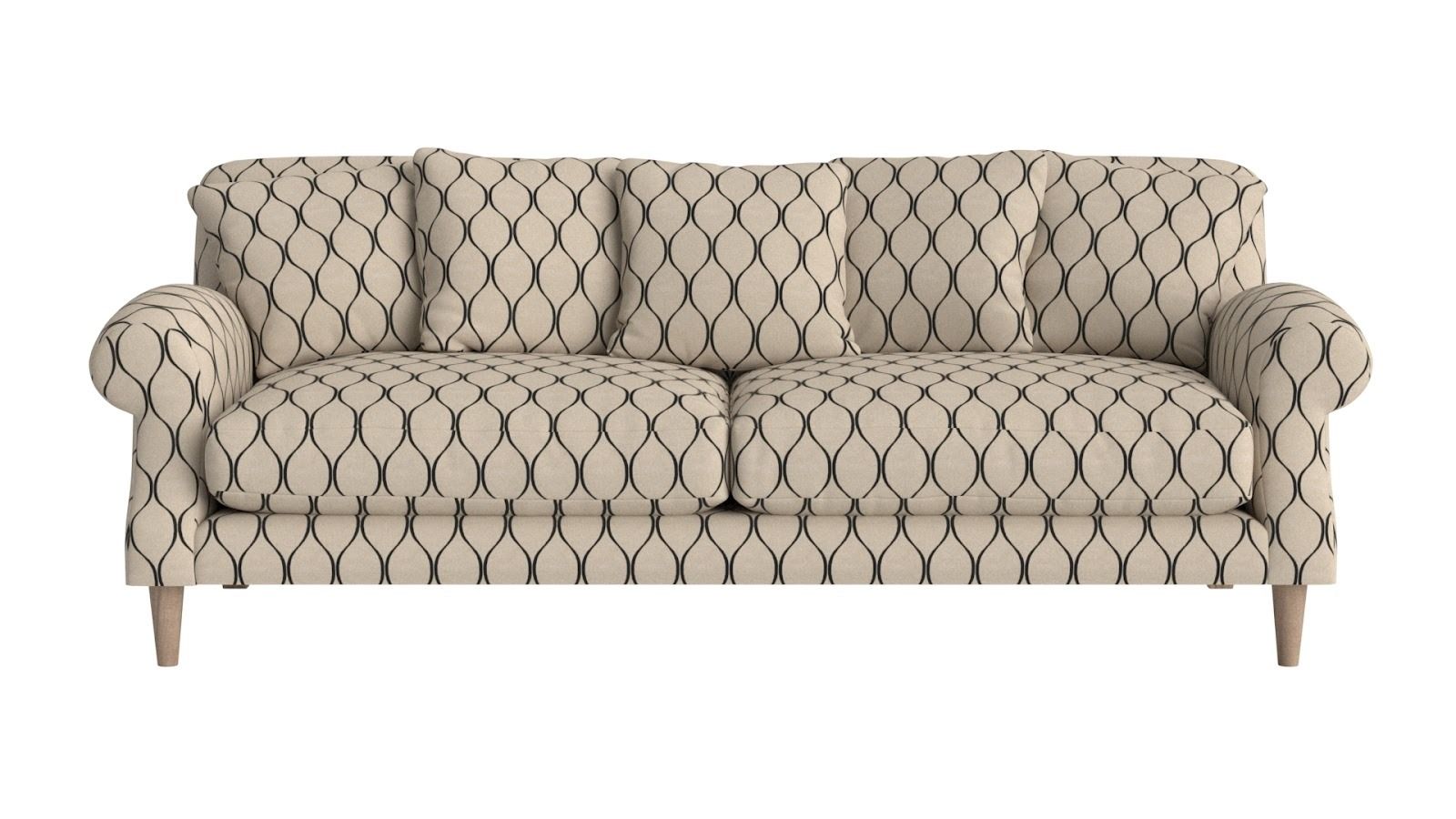 | 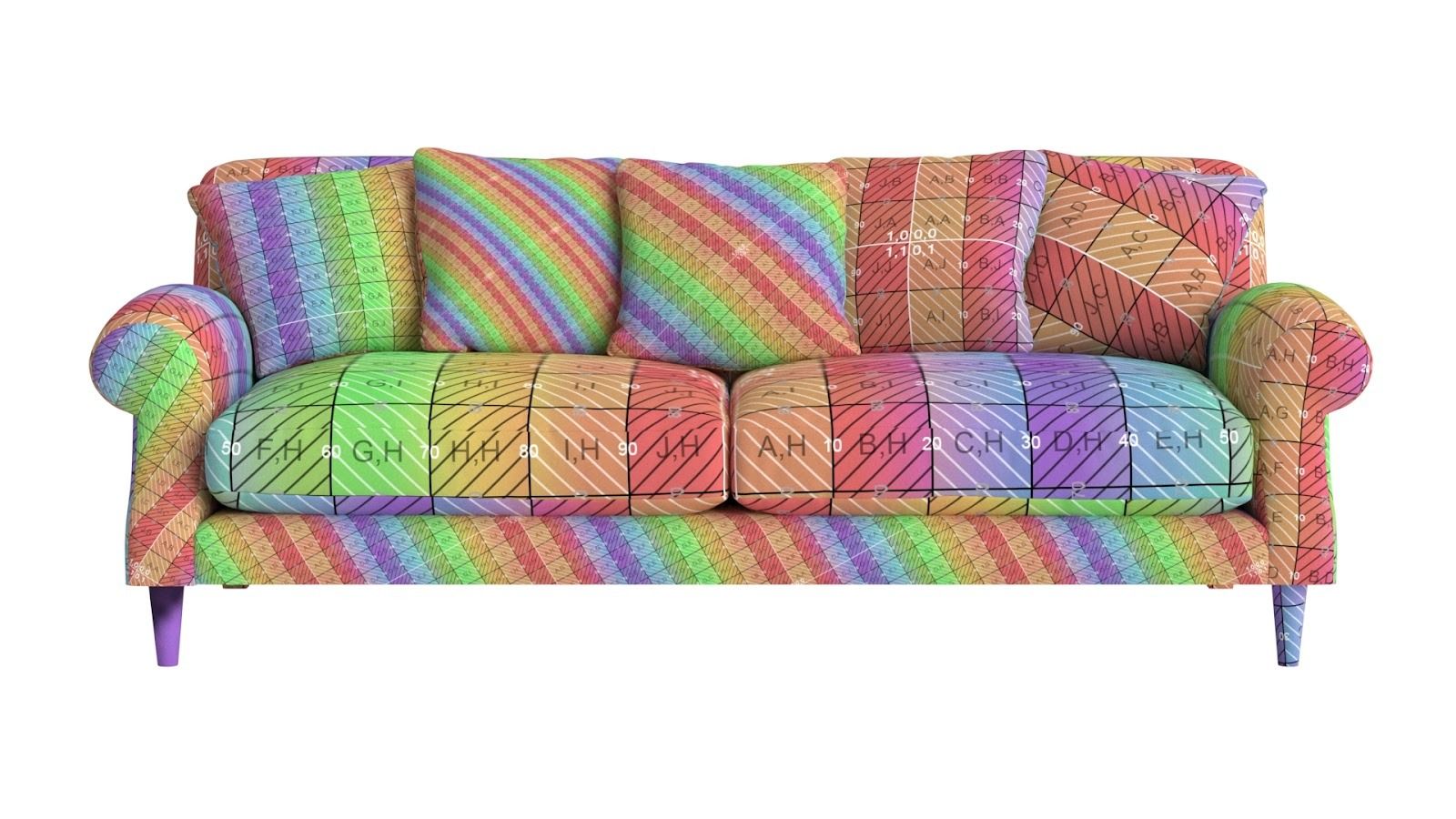 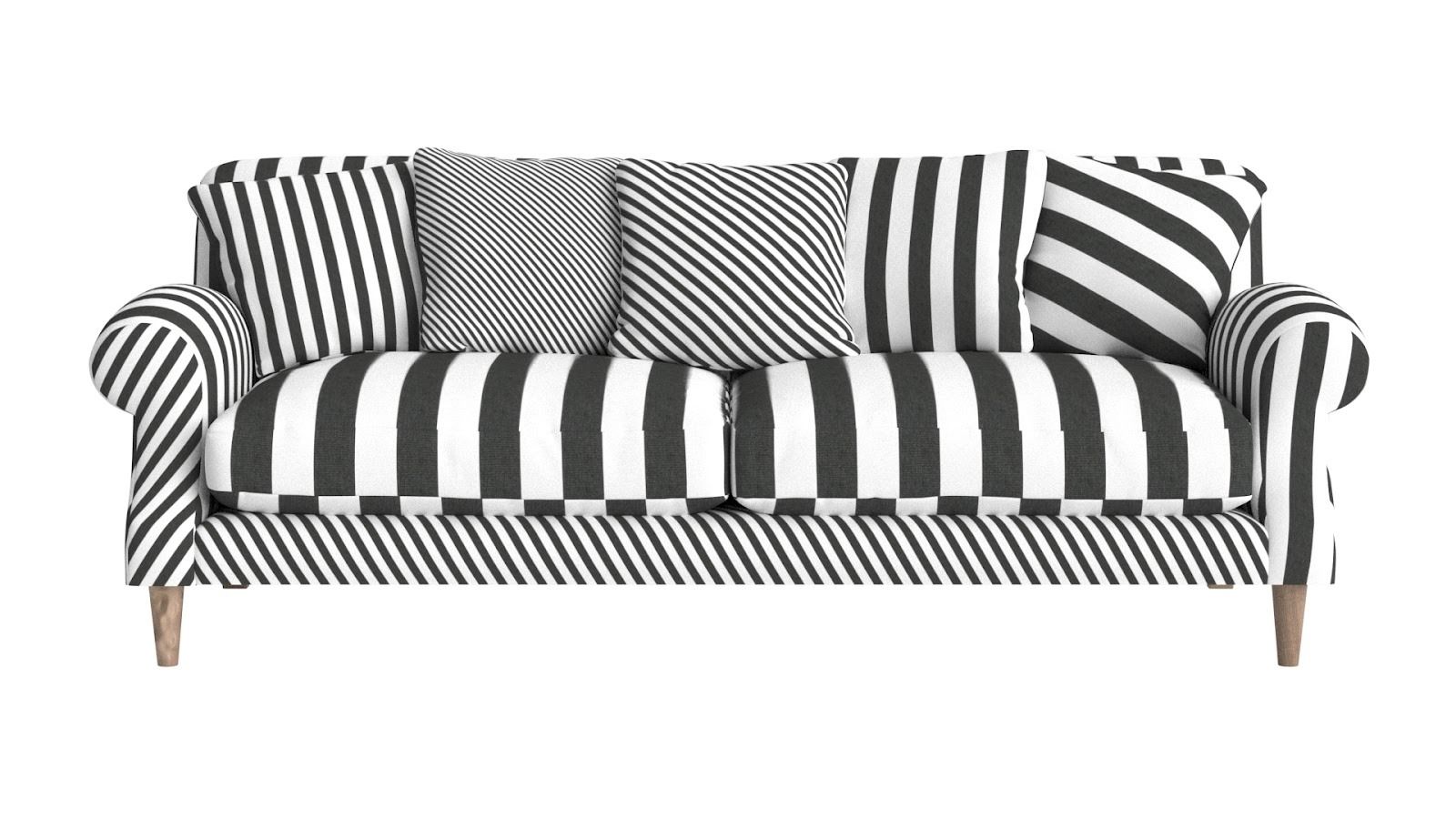 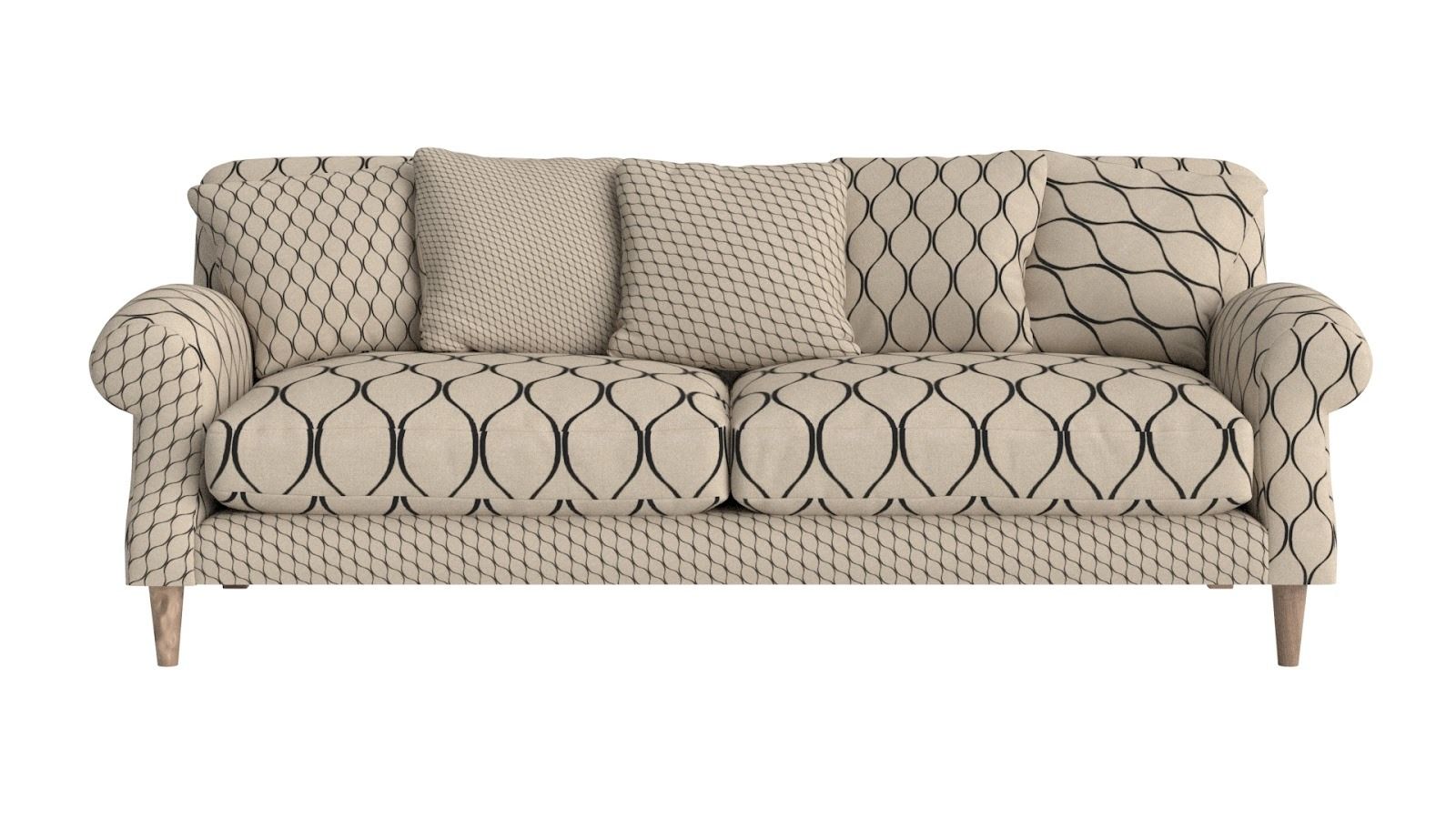 | |
The models provided must have their own UV layouts and matching materials/textures so they will display correctly. | An incorrect UVW and material match will display incorrect results. | |
Pivot & Position | 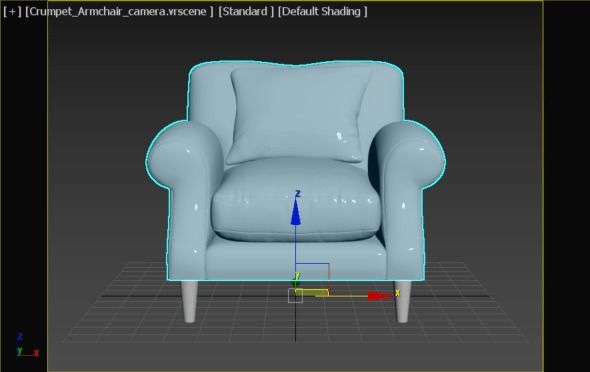 | 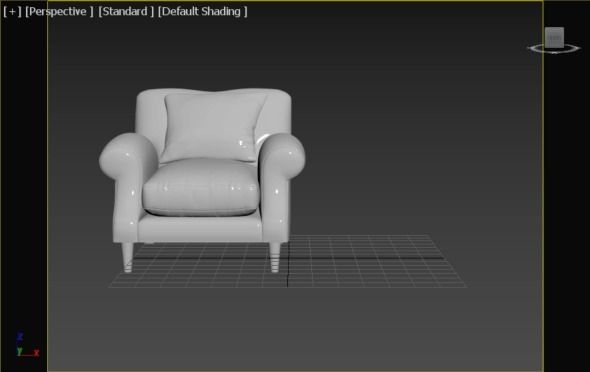 |
The model should be centered at the scene origin (0,0,0). Center at the base of the object. Align Z as up. | If the center and pivot are offset, the result will be incorrect, and the issue will be subject to service and re-rendering costs. | |
Product Framing | 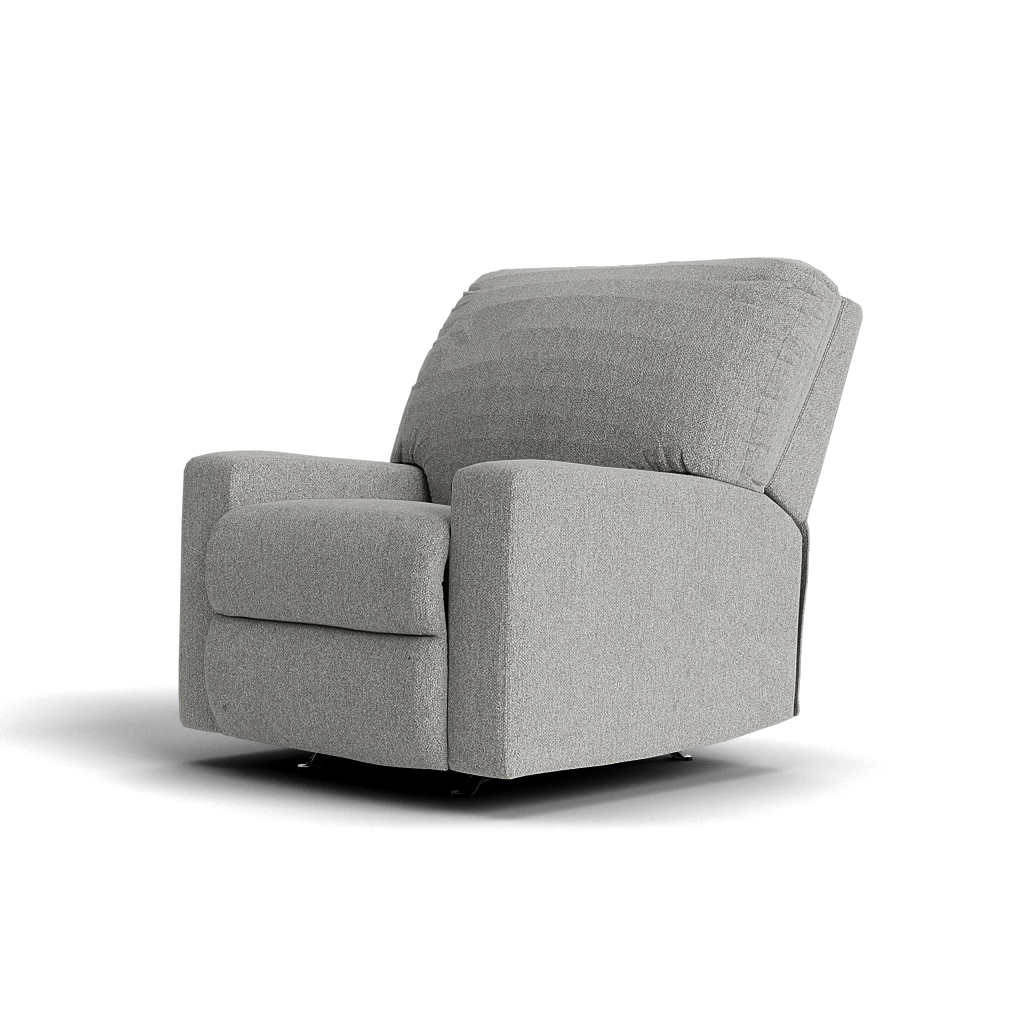 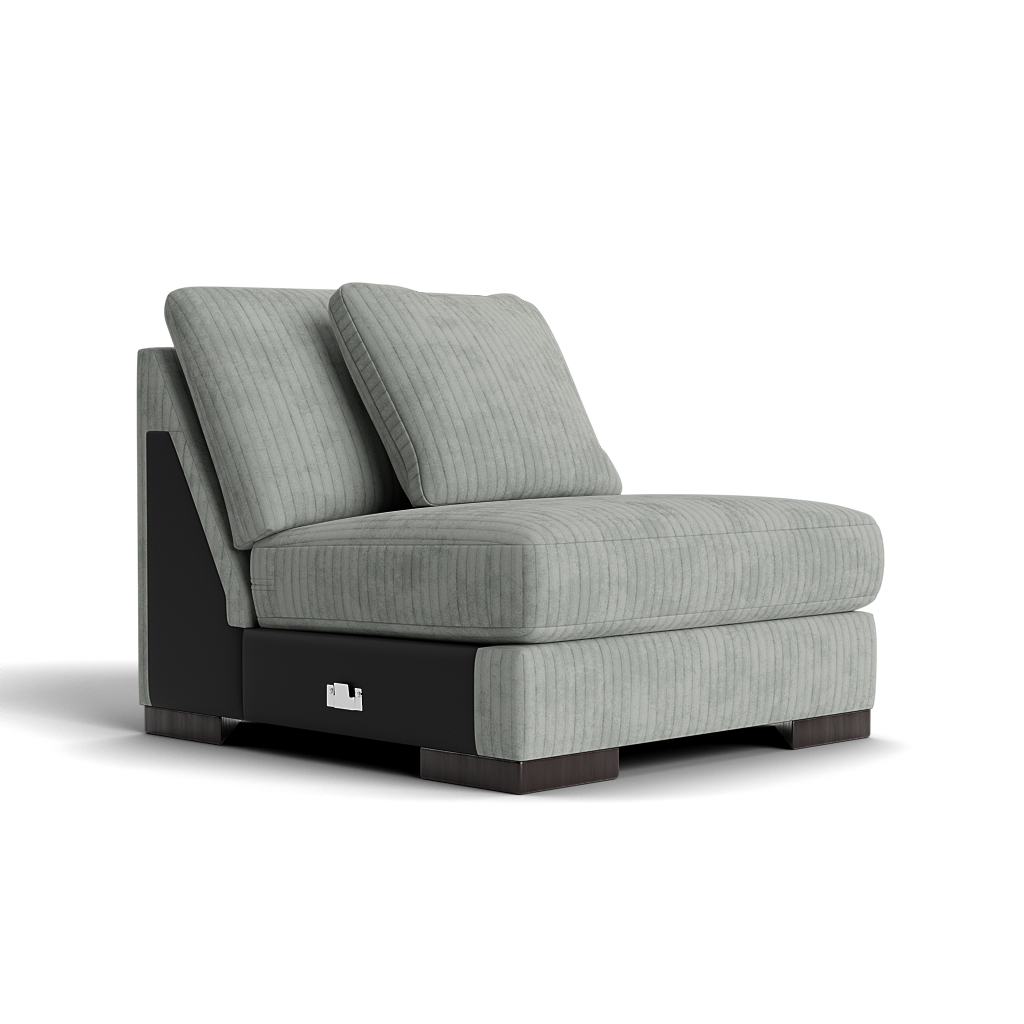 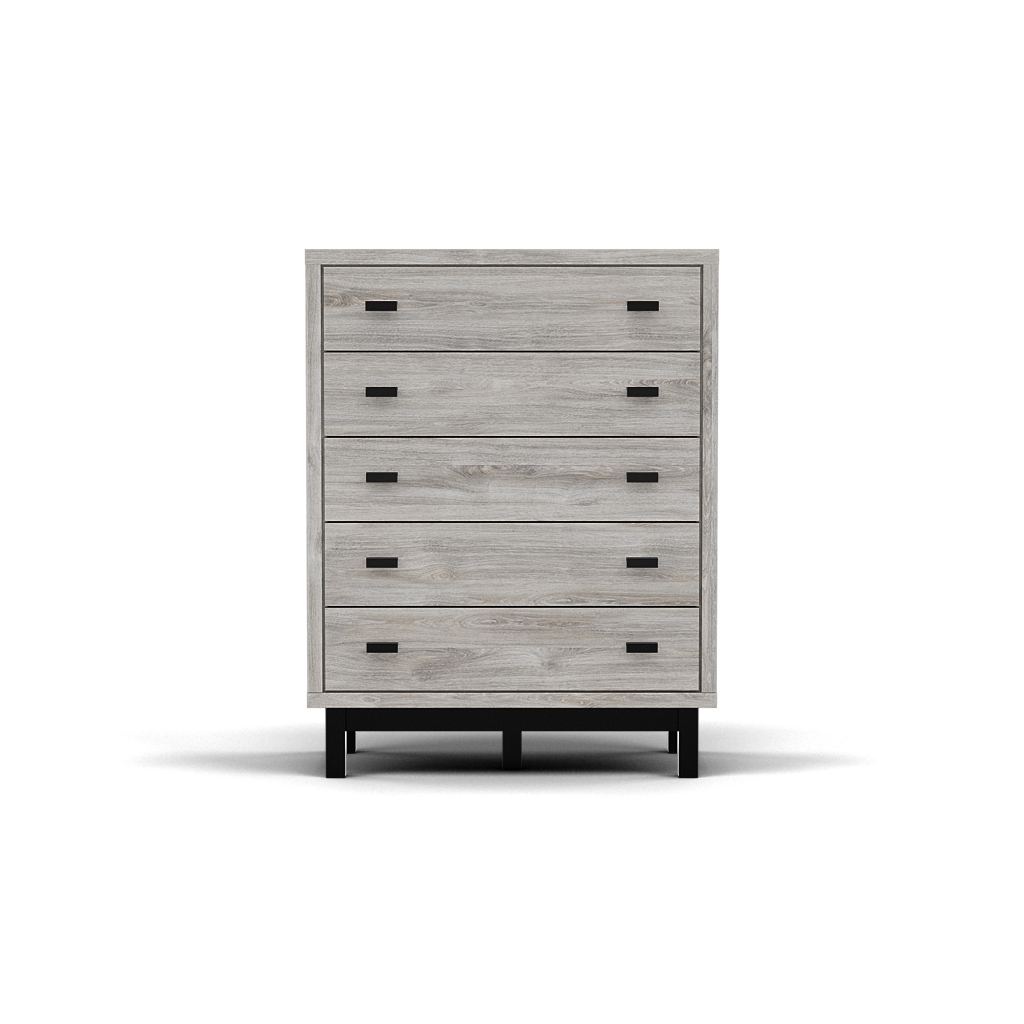 Cylindo Renders | 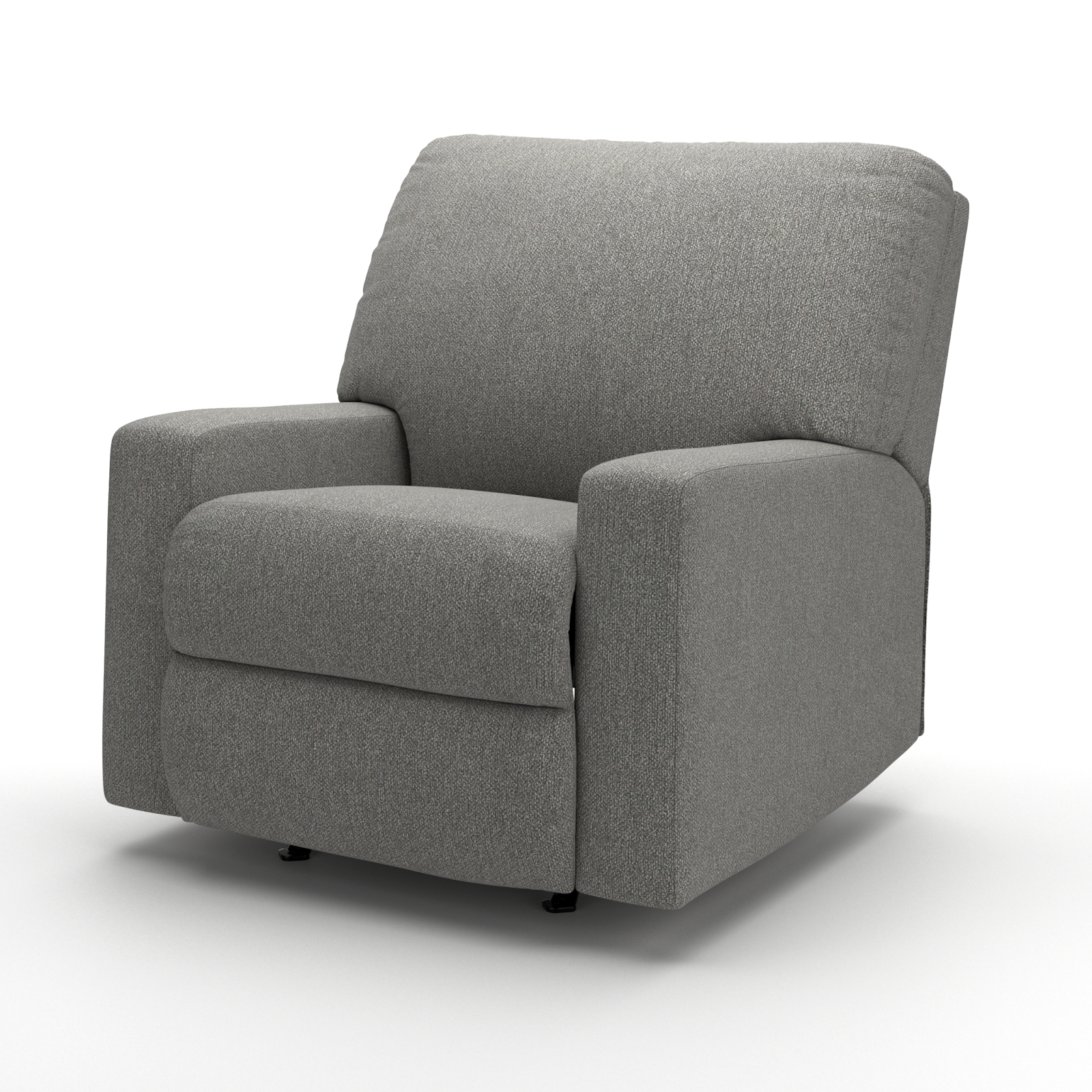 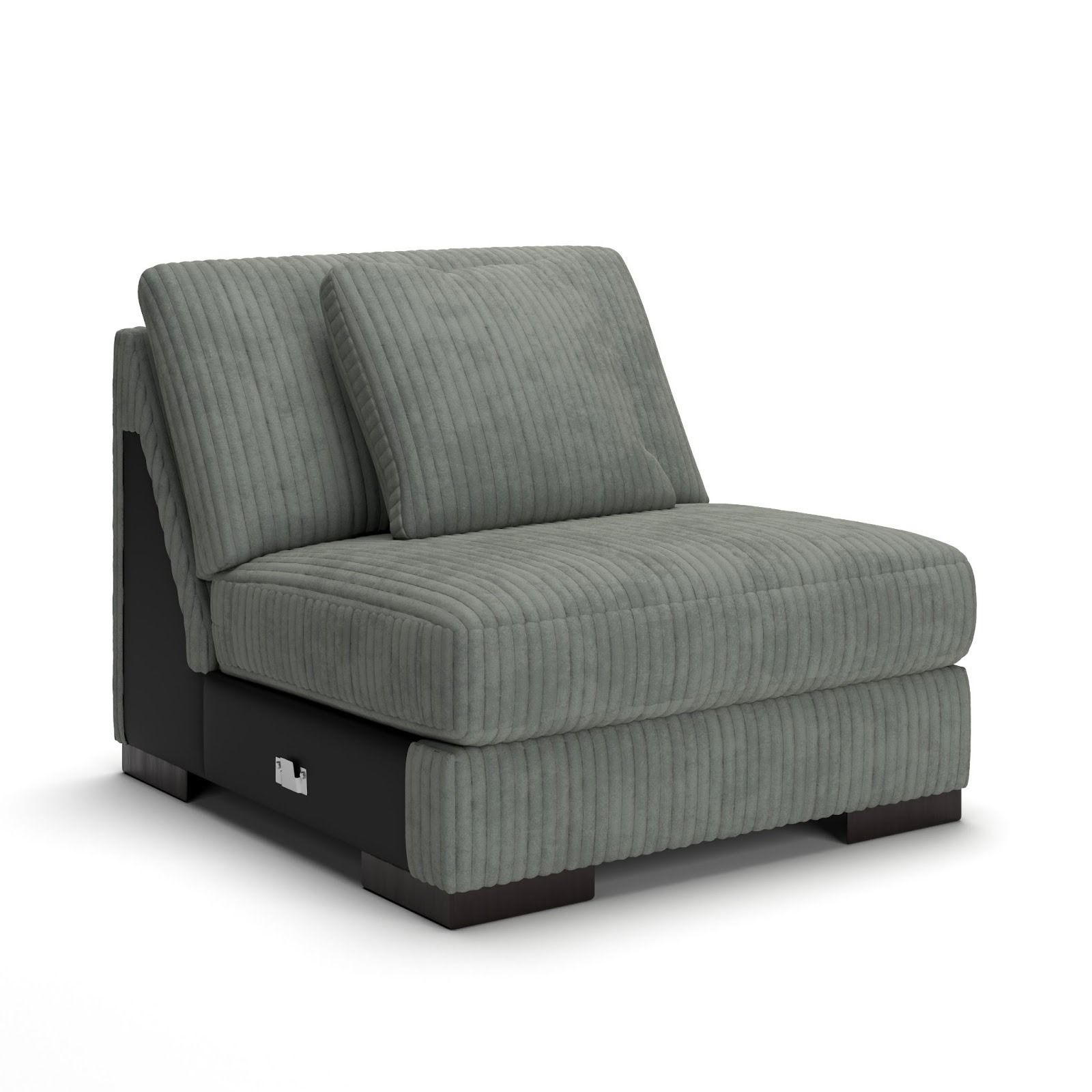 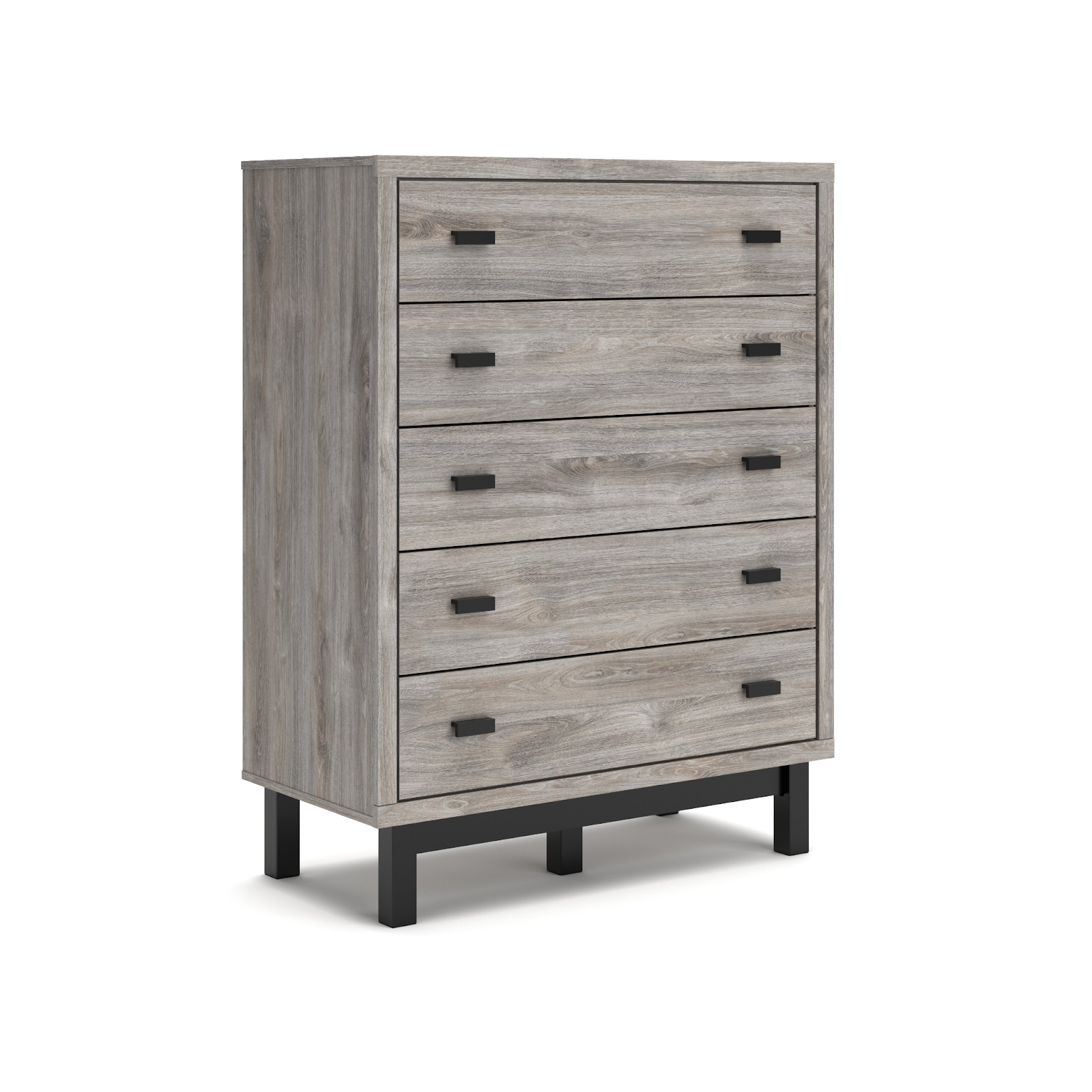 Client Renders/Packshots |
The Cylindo camera is automatically generated based on the model’s bounding box dimensions. White space and tilt angle are also applied automatically, with a fixed focal length of 85 mm. | If the client provides reference renders, it is currently not possible to match the exact camera settings due to the unknown focal length and tilt angle. A manual camera creation option will be introduced soon to address this limitation. | |
Scale | 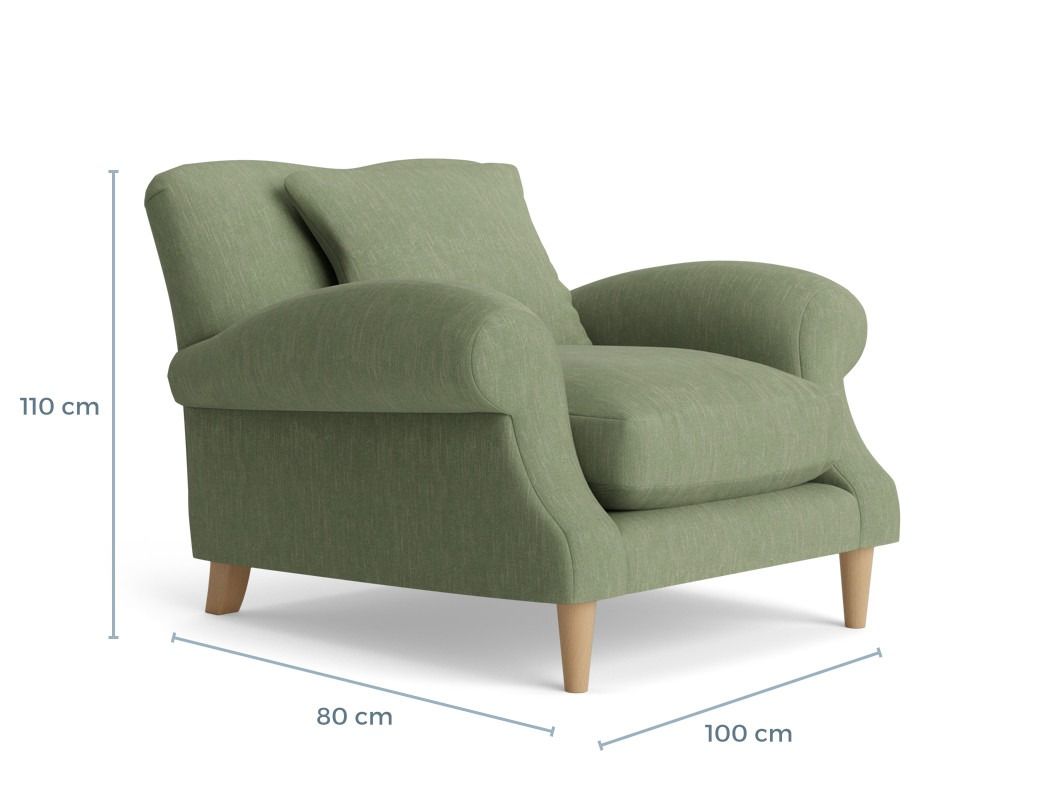  | 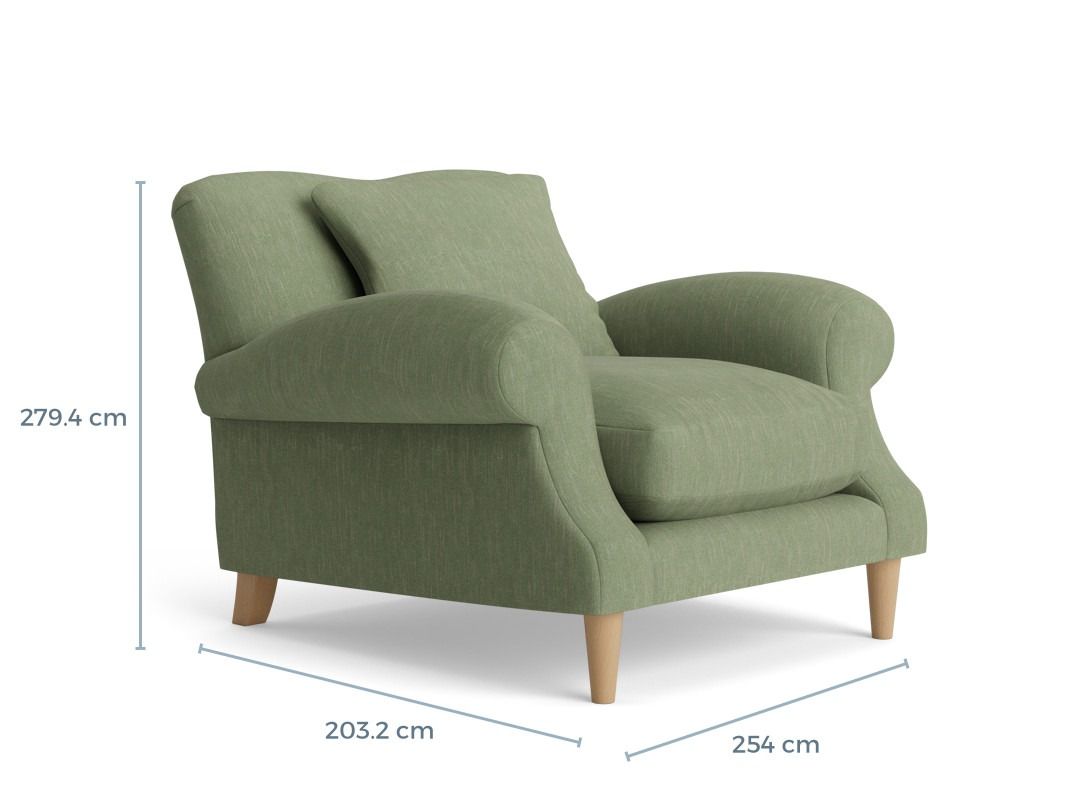 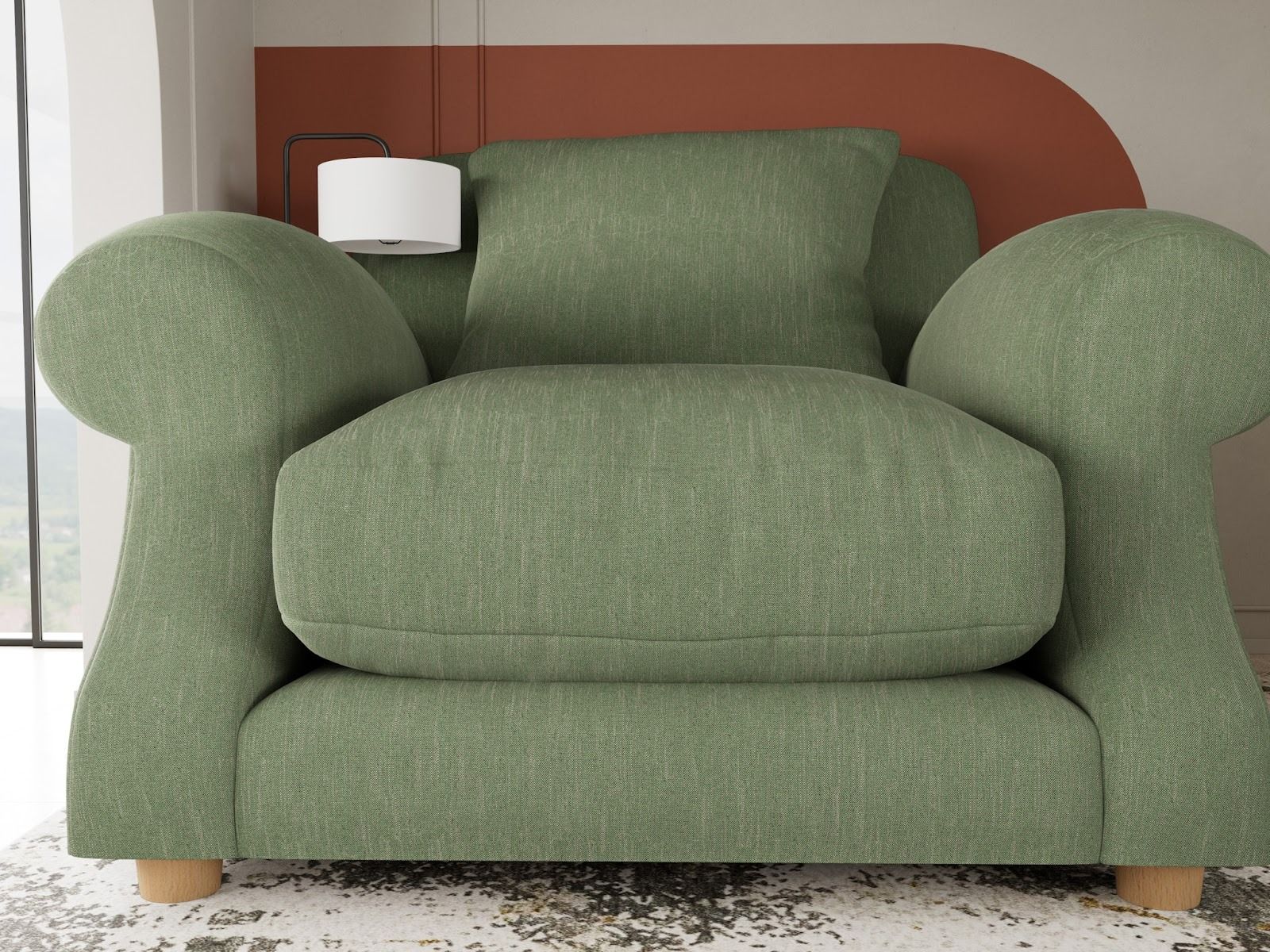 |
1:1 real-world scale in a metric system is recommended for assets to be sustainable across all Cylindo product lines and ecosystems. | The use of an imperial measurement system will result in inaccurate measurements, which will be particularly noticeable in a dimension shot and studio environment, despite potentially appearing acceptable on camera. | |
XForm | 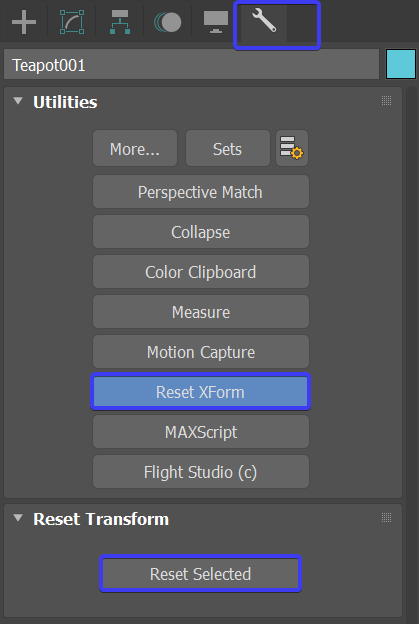 | |
Important note | ||
Polycount | Important note |
Materials: Technical Recommendations or Guidelines
Rendering engine | Recommended | Not recommended |
 |     | |
For rendering our assets, we use the VRay Standalone engine. | Service Cost will be applied for:
|
Important note
Our platform supports everything that is supported with VRay Standalone. link
Shader | 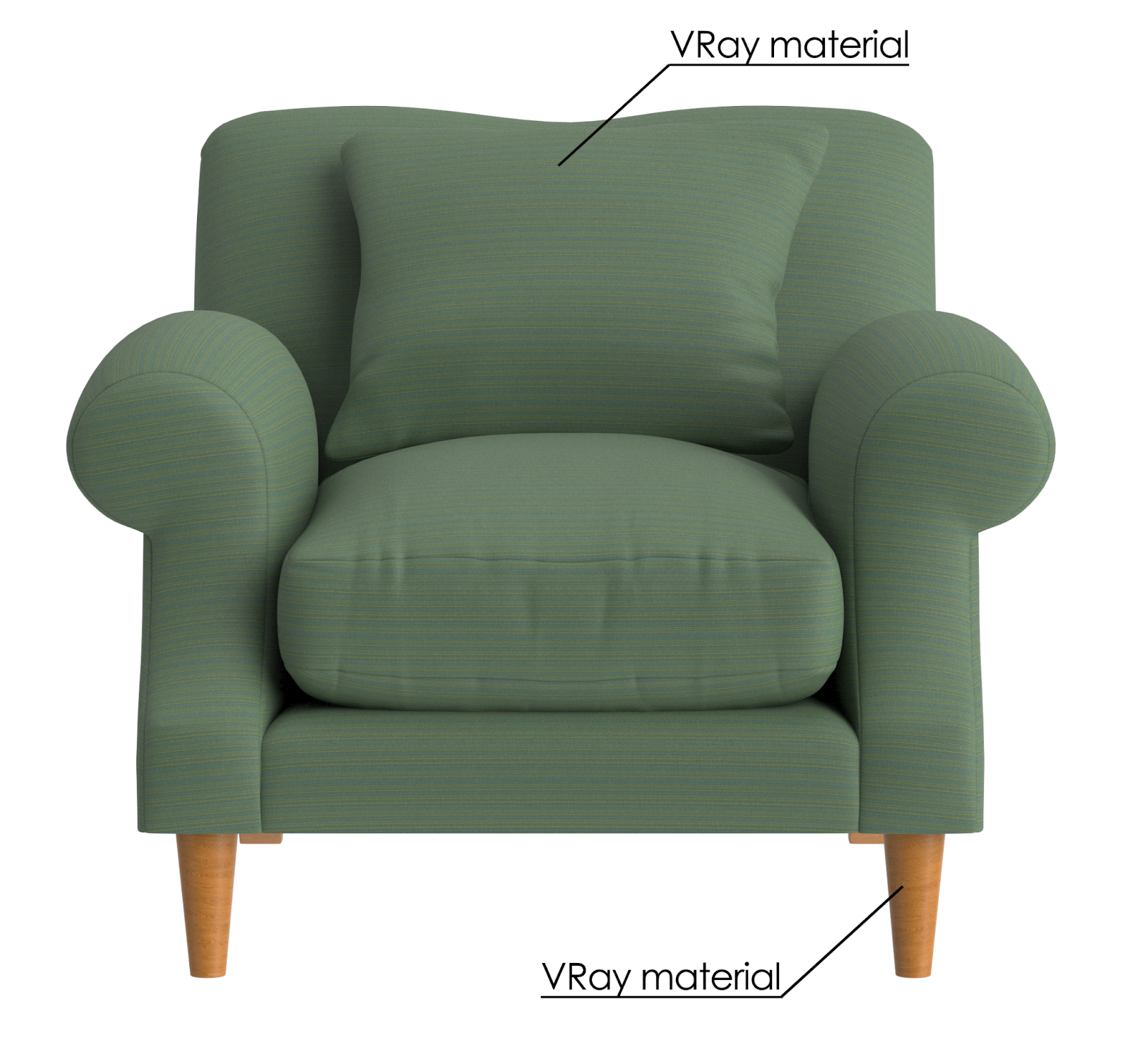 | 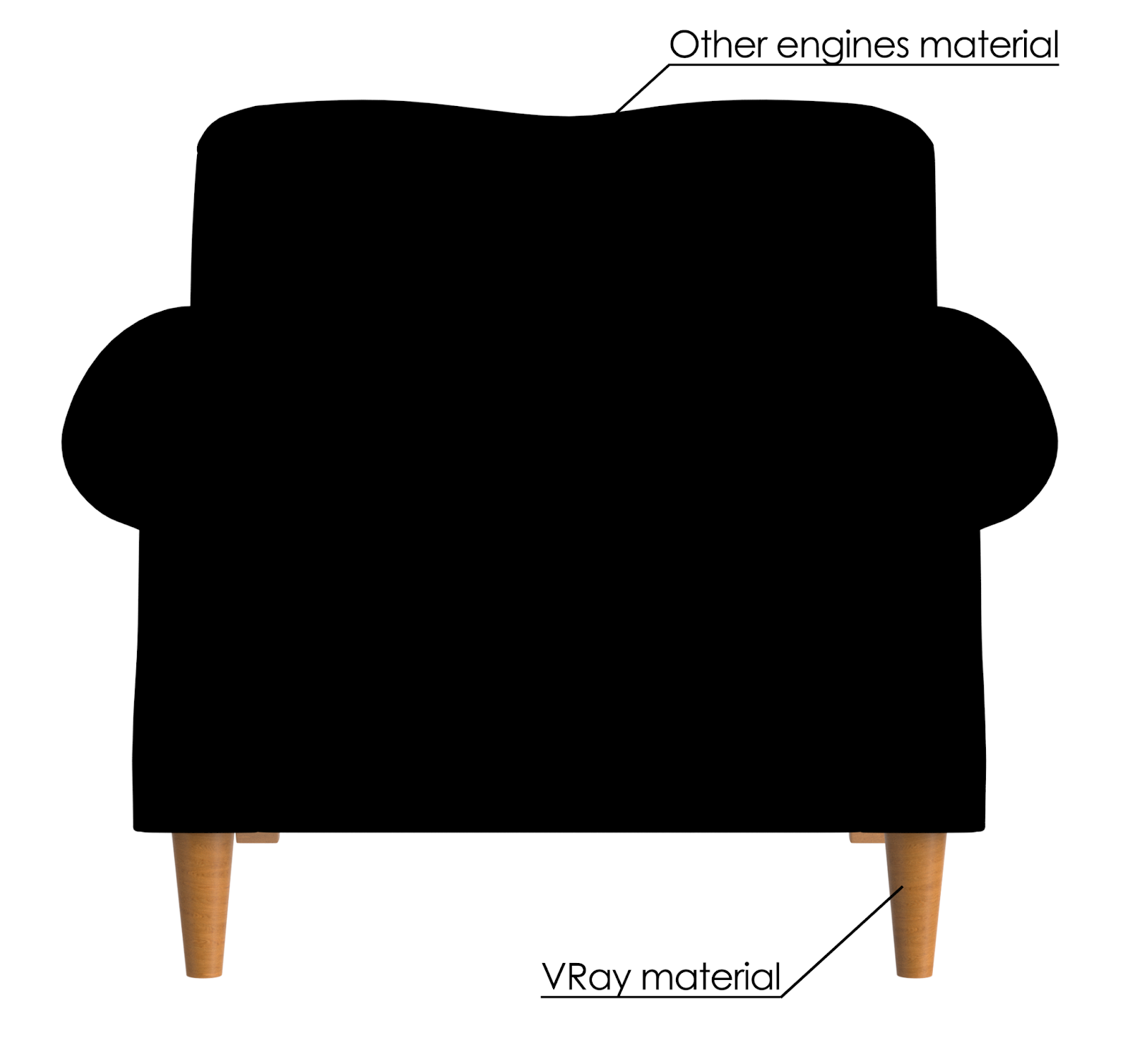 |
The default VRayMtl shader is fully supported, compatible with AR, and with clean results. | Other shaders or only textures provided will be:
| |
Textures Resolution | 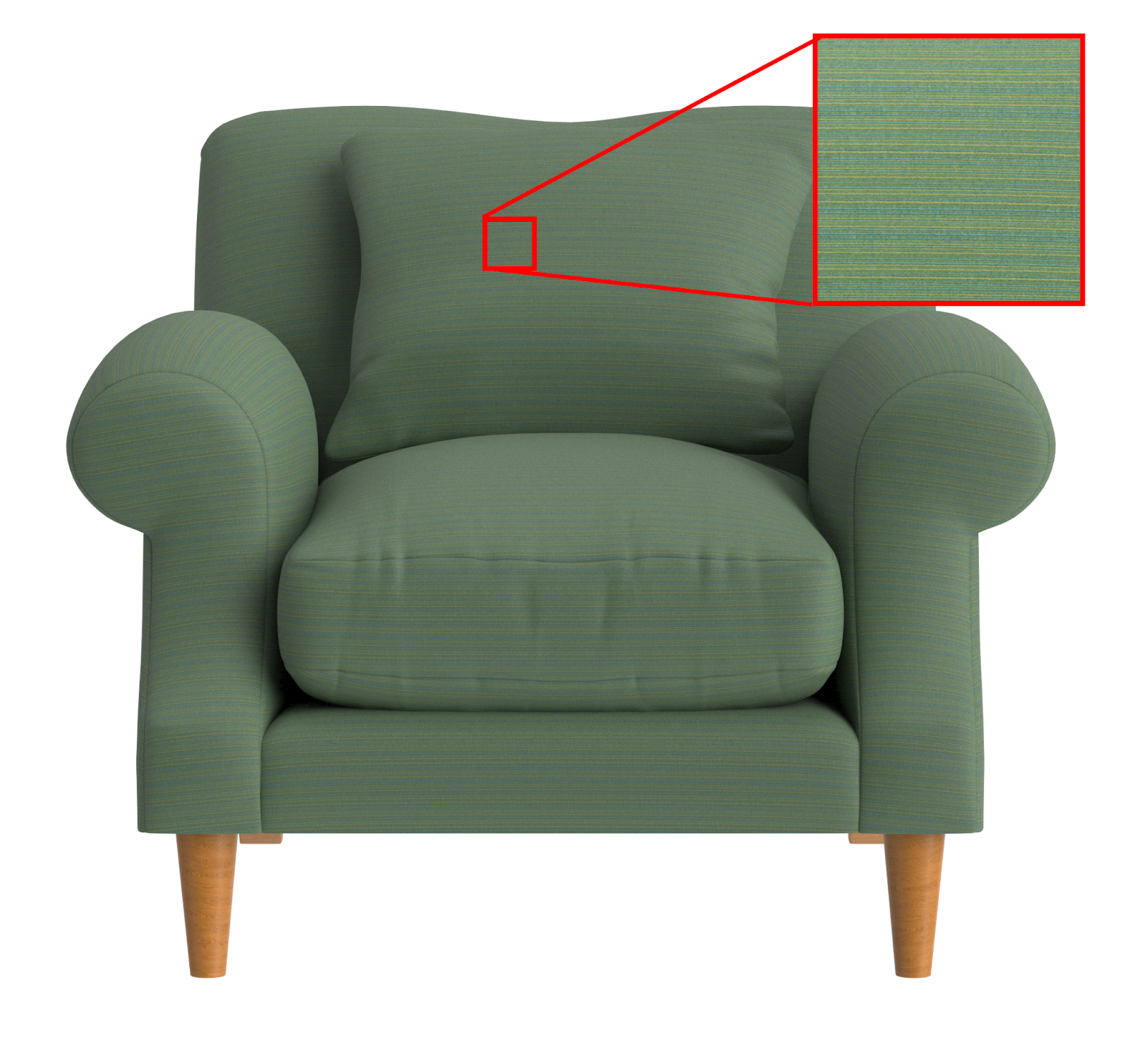 | 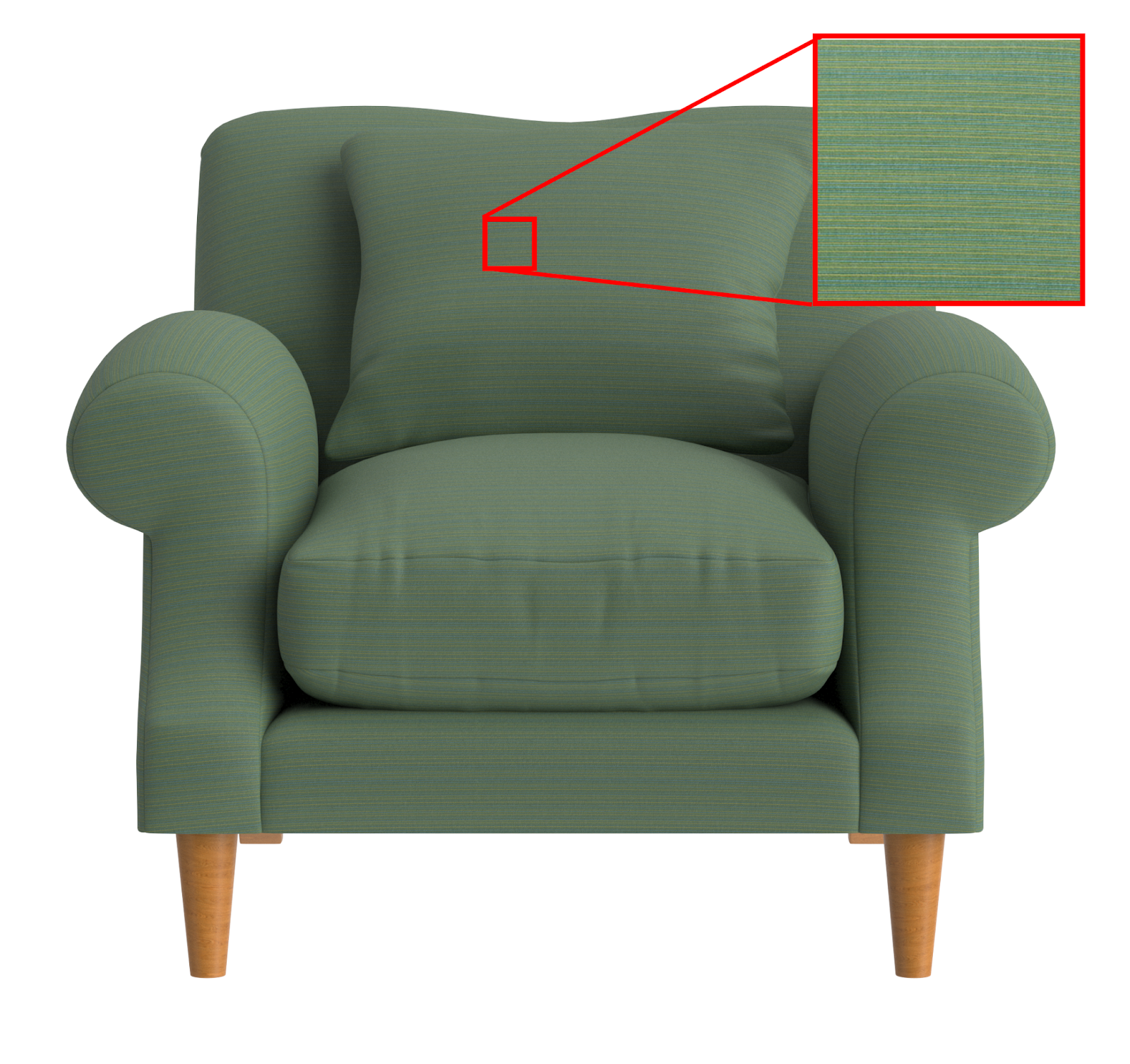 |
Recommended 1k up to 8k for:
| Larger files lead to:
| |
Displacement node | 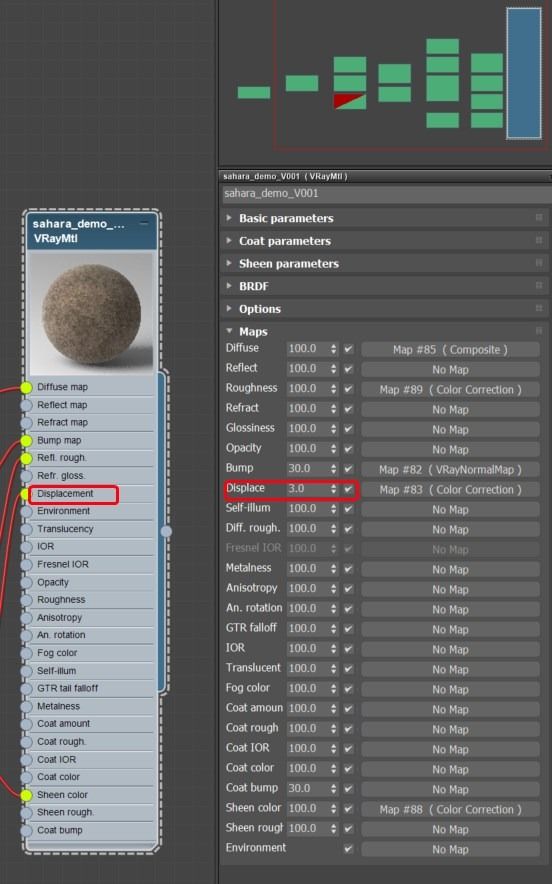 | 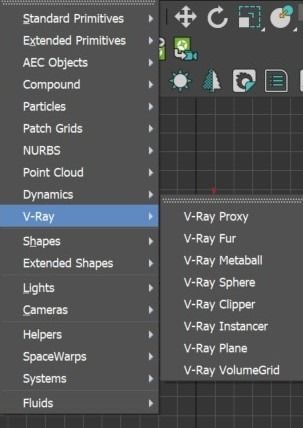 |
Displacement is recommended as a material-only property, best used sparingly on materials like sheepskin or bricks, with a maximum value of 3. General use is discouraged due to performance costs and limited benefit. | Unsupported features include displacement and other modifiers. Supported features are exclusively those detailed in this document. | |
Naming | 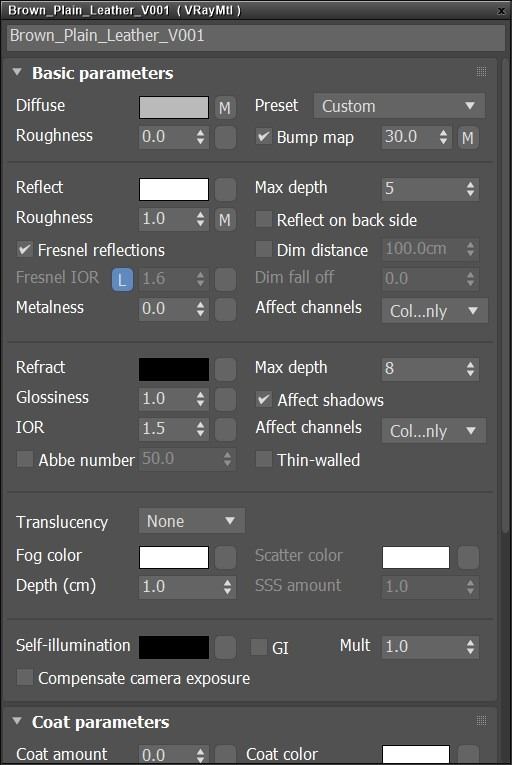 | 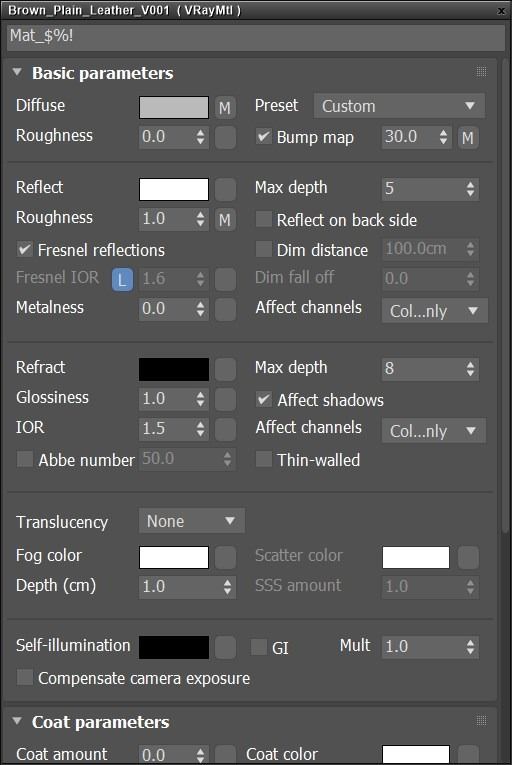 |
Material names is recommended to be:
| Names with special characters (!@#$%^&*:”~) will be:
| |
Lighting | A pre-defined lighting setup for rendering the assets is provided in the offering. Custom lighting setup provided from the client can be accepted in 3ds Max File and VRay ONLY | |
Color Space | 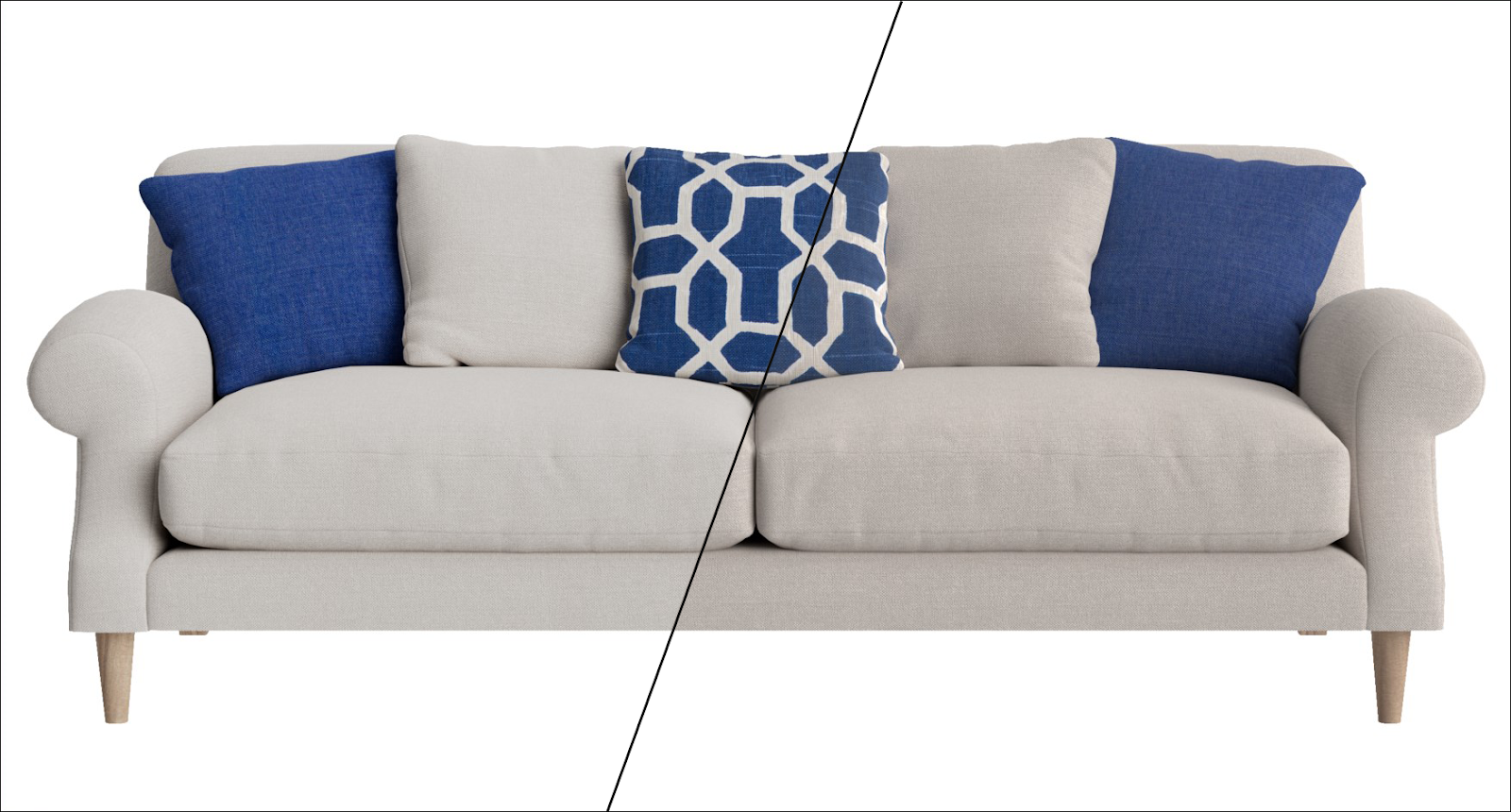 Cylindo’s OCIO preset vs sRGB colorspace | 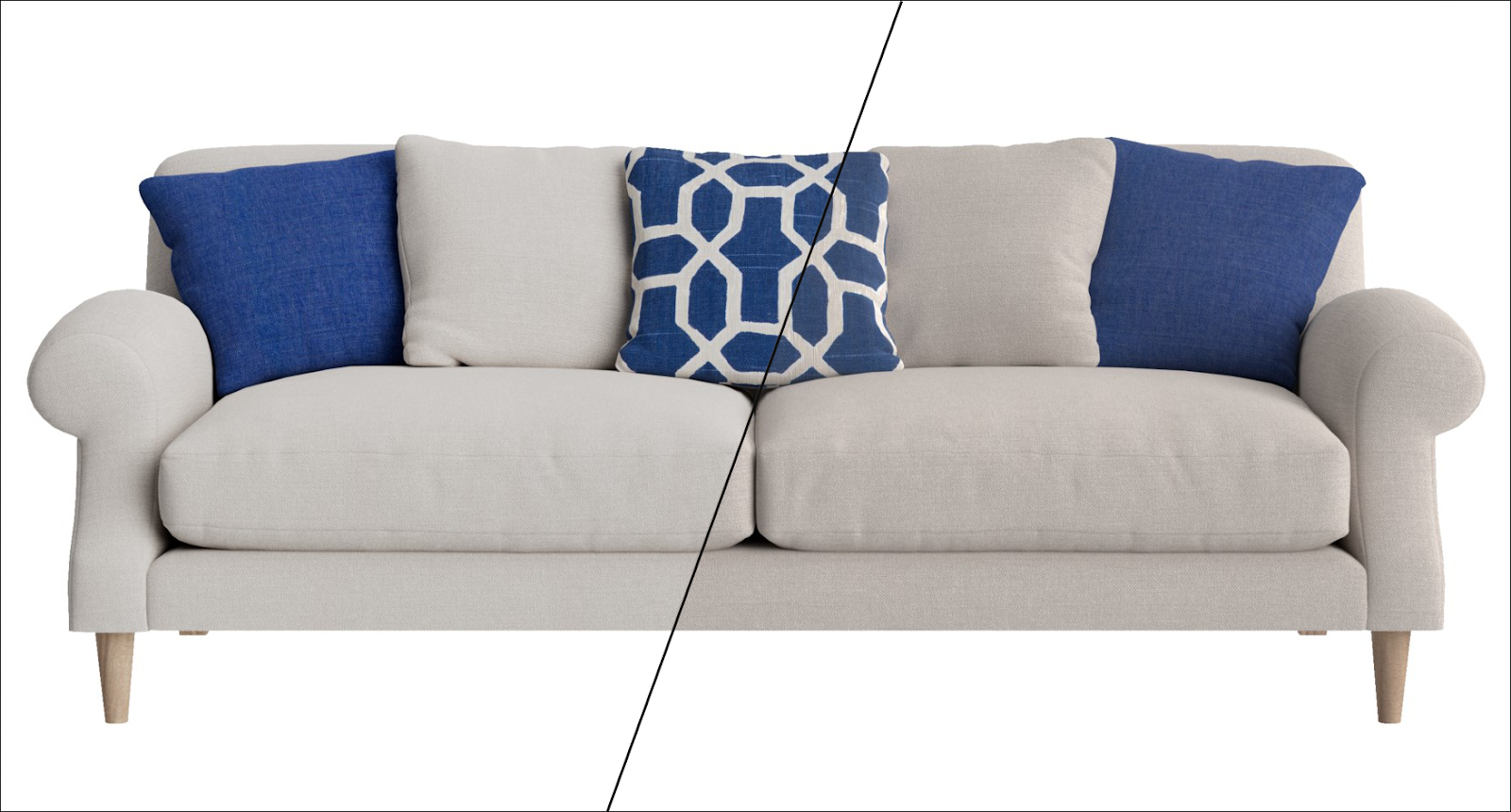 Cylindo’s OCIO preset vs sRGB colorspace |
Our platform final render output is with the company standard OCIO preset | We do not support raw outcomes with sRGB colorspace or custom display corrections or custom OCIO files. |
Important note
We do not support the use of custom color profiles, such as OCIO files in VFB, nor do we perform any additional post-production processes.
Known limitations
Environment shadow | 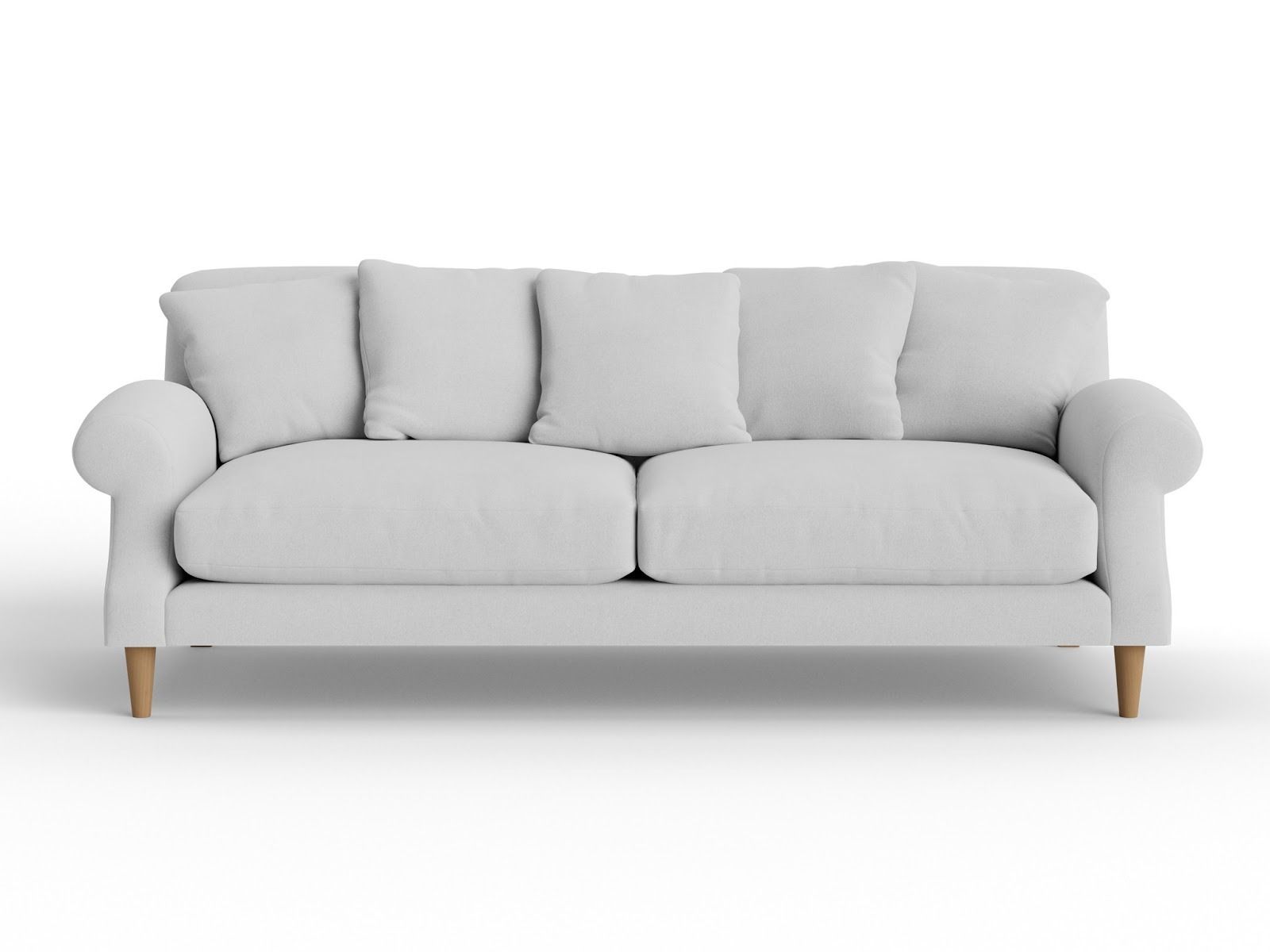 |
The result of the asset ingestion product environment shadow is that it is excessively strong and cannot be adjusted. | |
Hair and Fur | 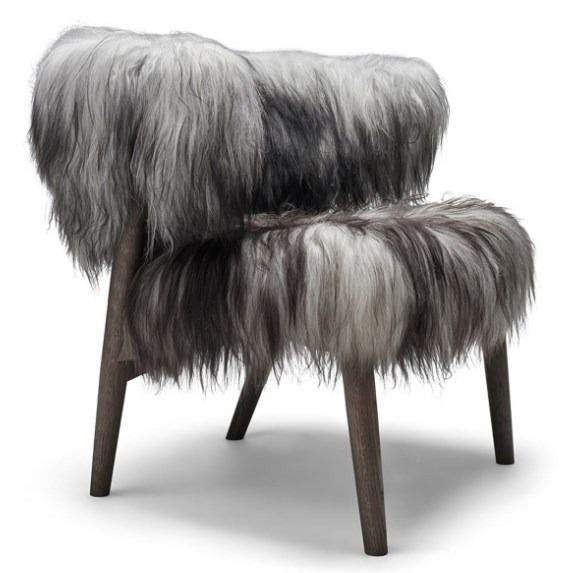 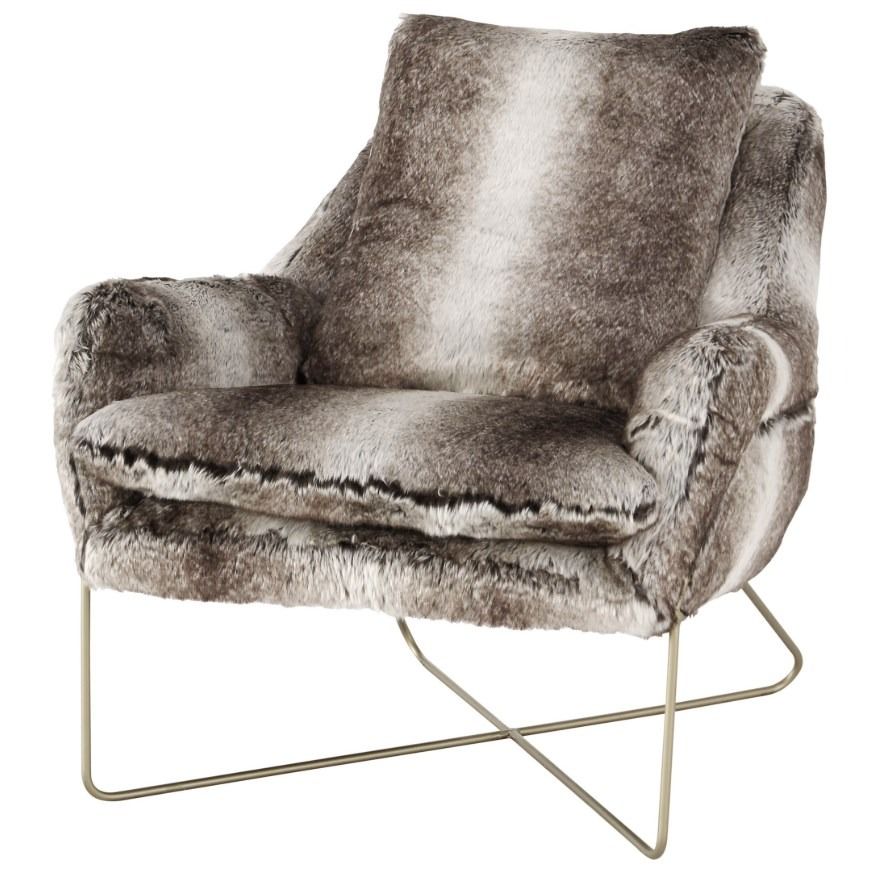 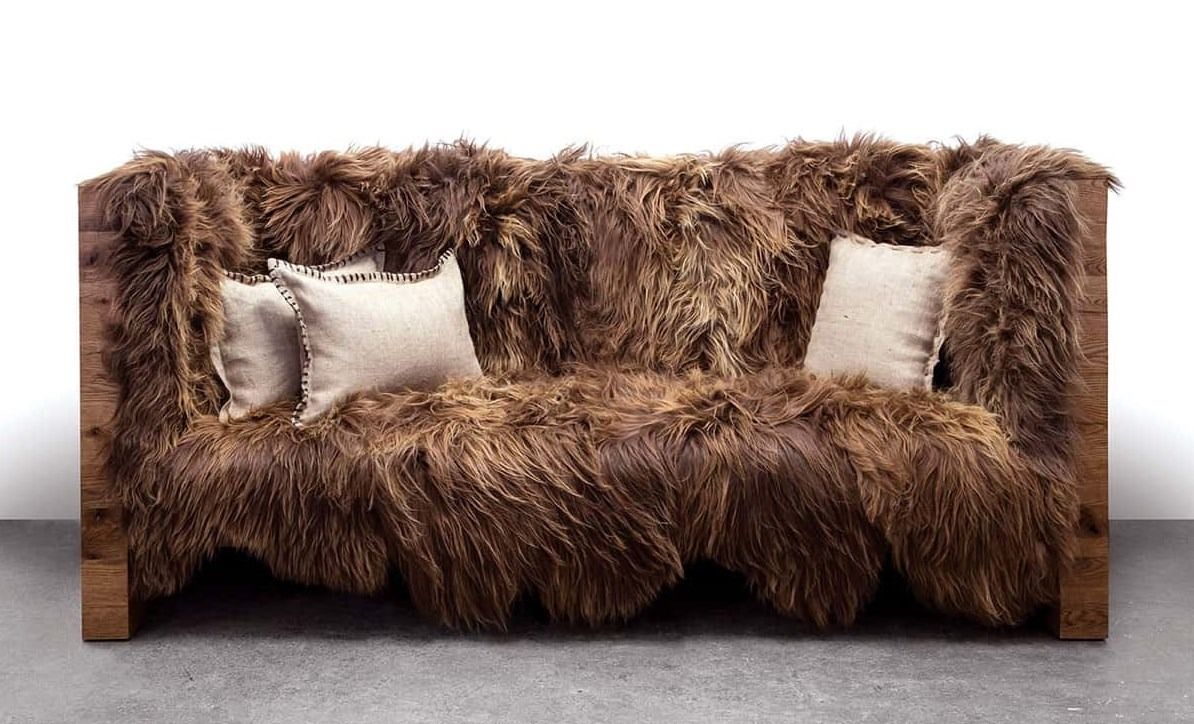 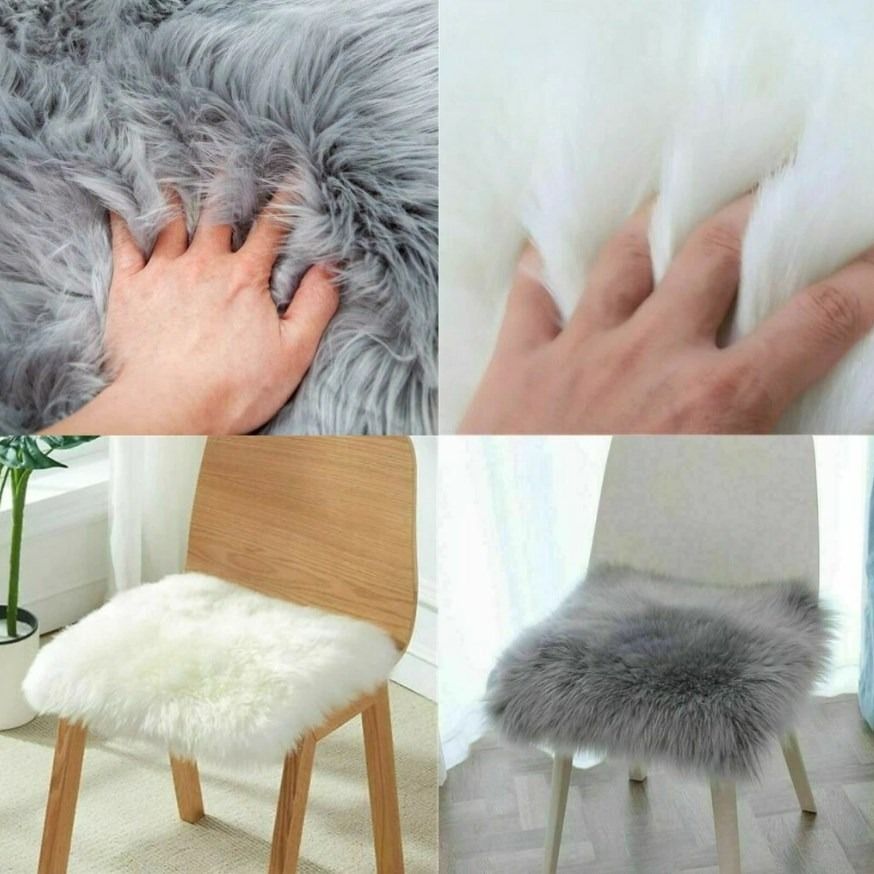 |
Our platform does not support complex materials, such as hair and fur, that require extra plugins for creation. |
Material Swatches | 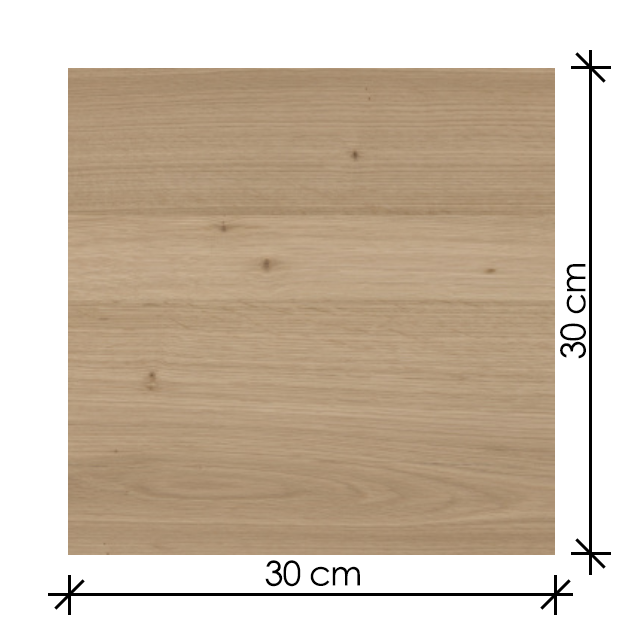 | 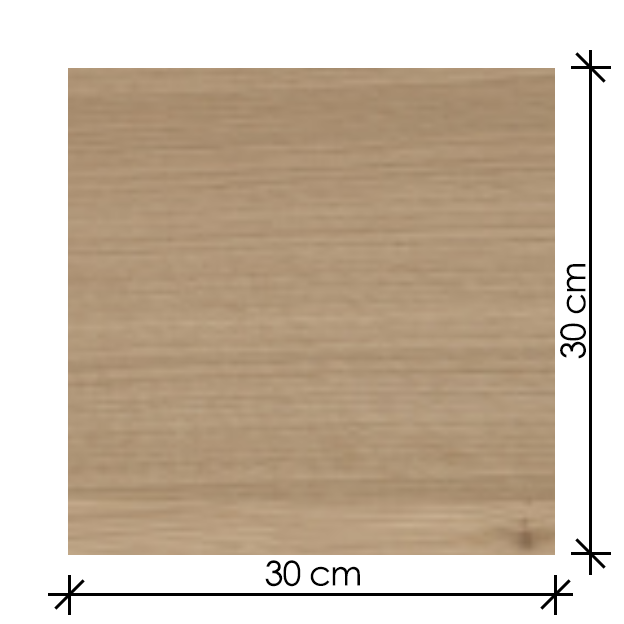 |
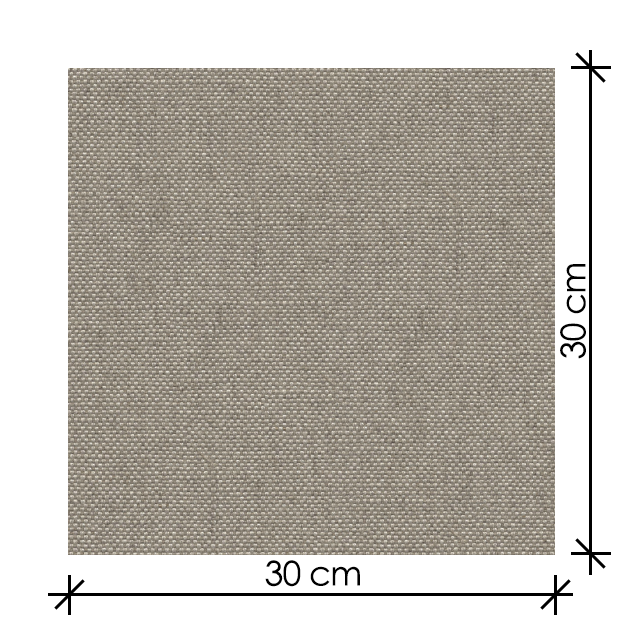 | 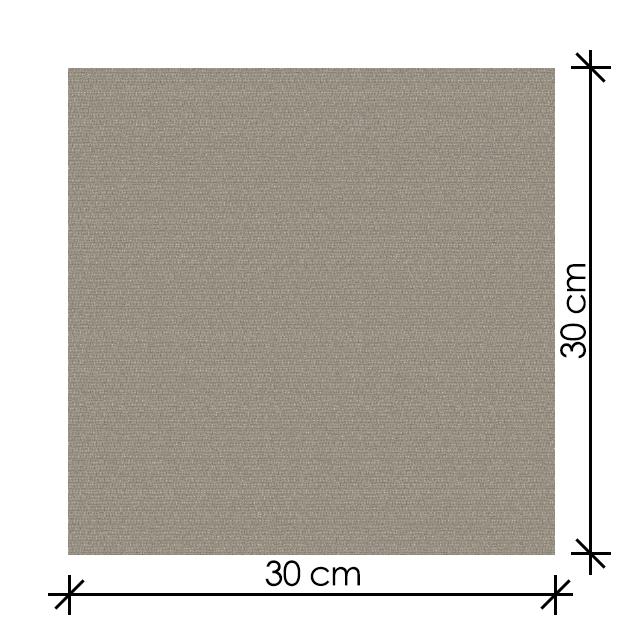 | |
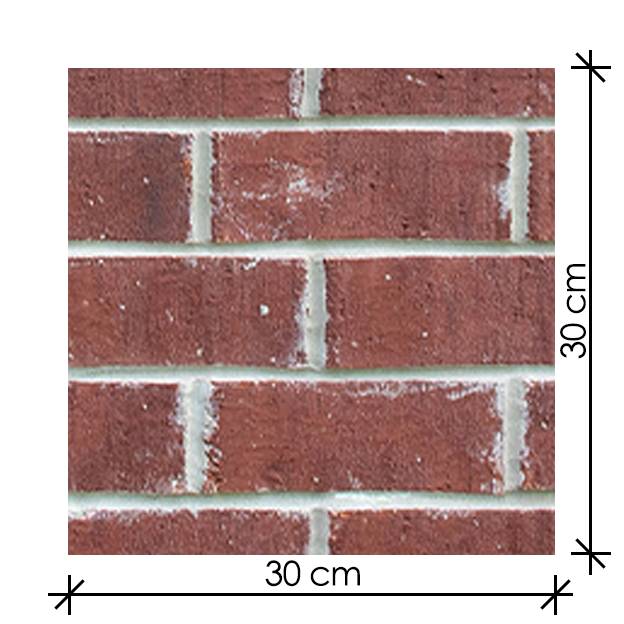 | 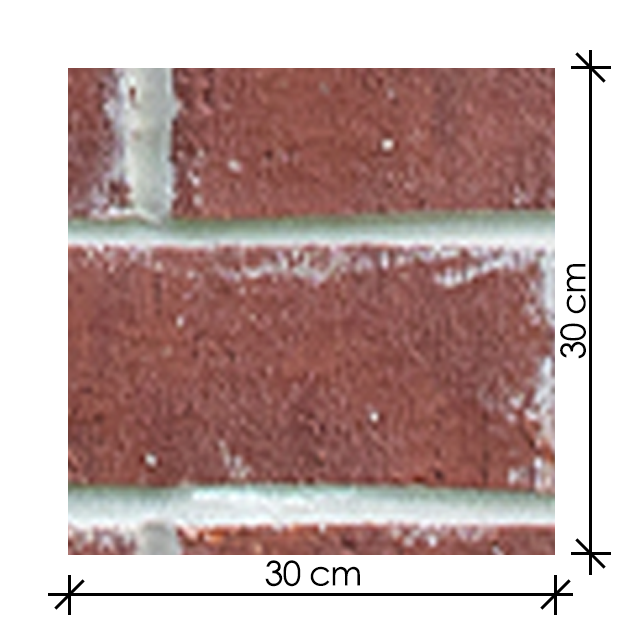 | |
Due to different standard material swatches from clients may result in difference in appearance that is not true-to-size representation compared to our auto generated process. |
Important note
The material's scale will appear incorrectly on the render when using custom assets provided by the client, as it will differ from the material's actual size.