June 26th, 2024
Improved
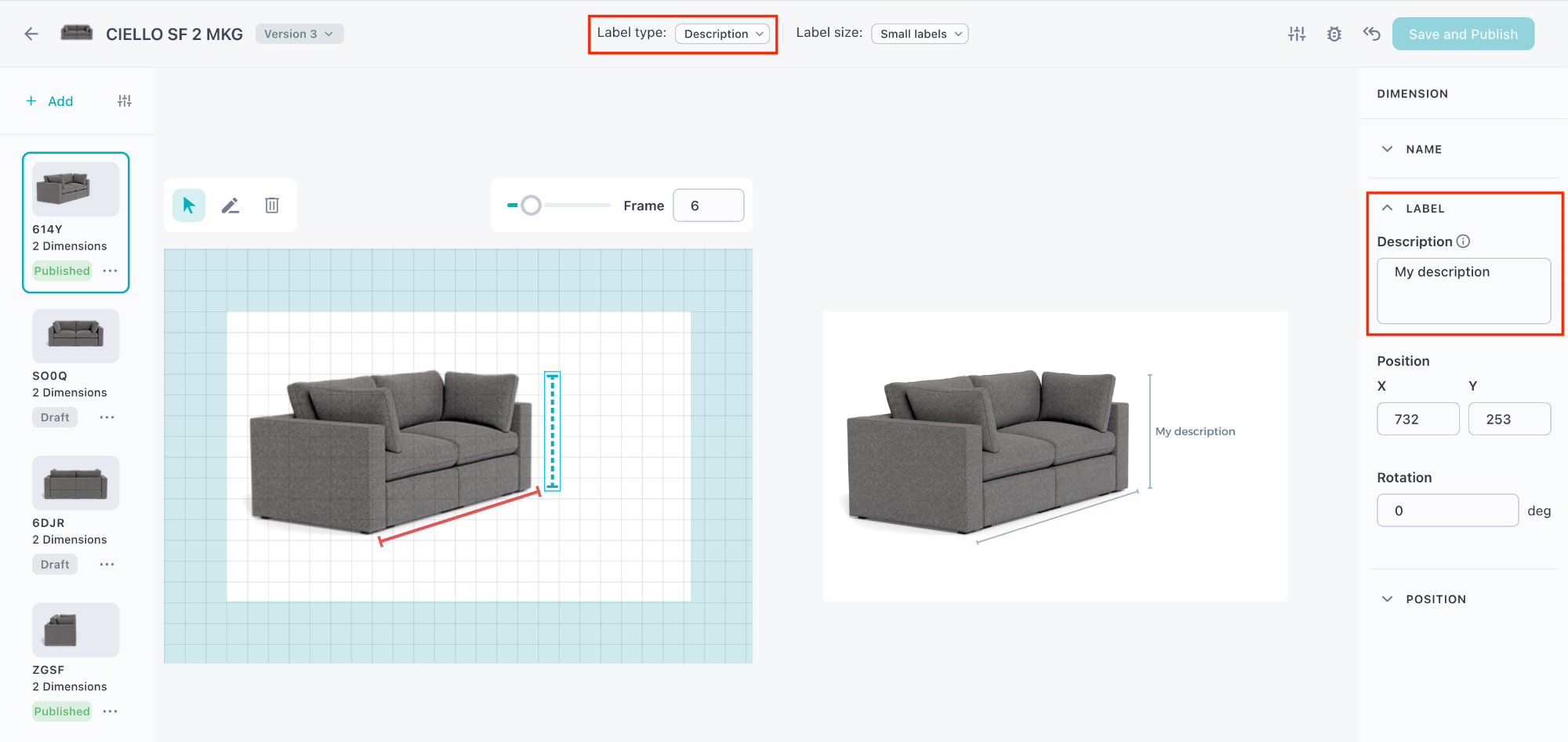
Text values in Dimension Shots 📏
What is it?
You can now add a description/text values instead of numeric values in Dimension Shots.
Why does it matter?
Previously, you could only add numeric values (cm, inch, mm) on dimensions. Now you can add text values, which gives you more freedom and flexibility.
How does it work?
Open dimension shots
Draw a dimension
Select "Description" as the label type
Add your description/text value in the label field in the right sidebar
Write a comment...