Product List redesign ✨
What is it?
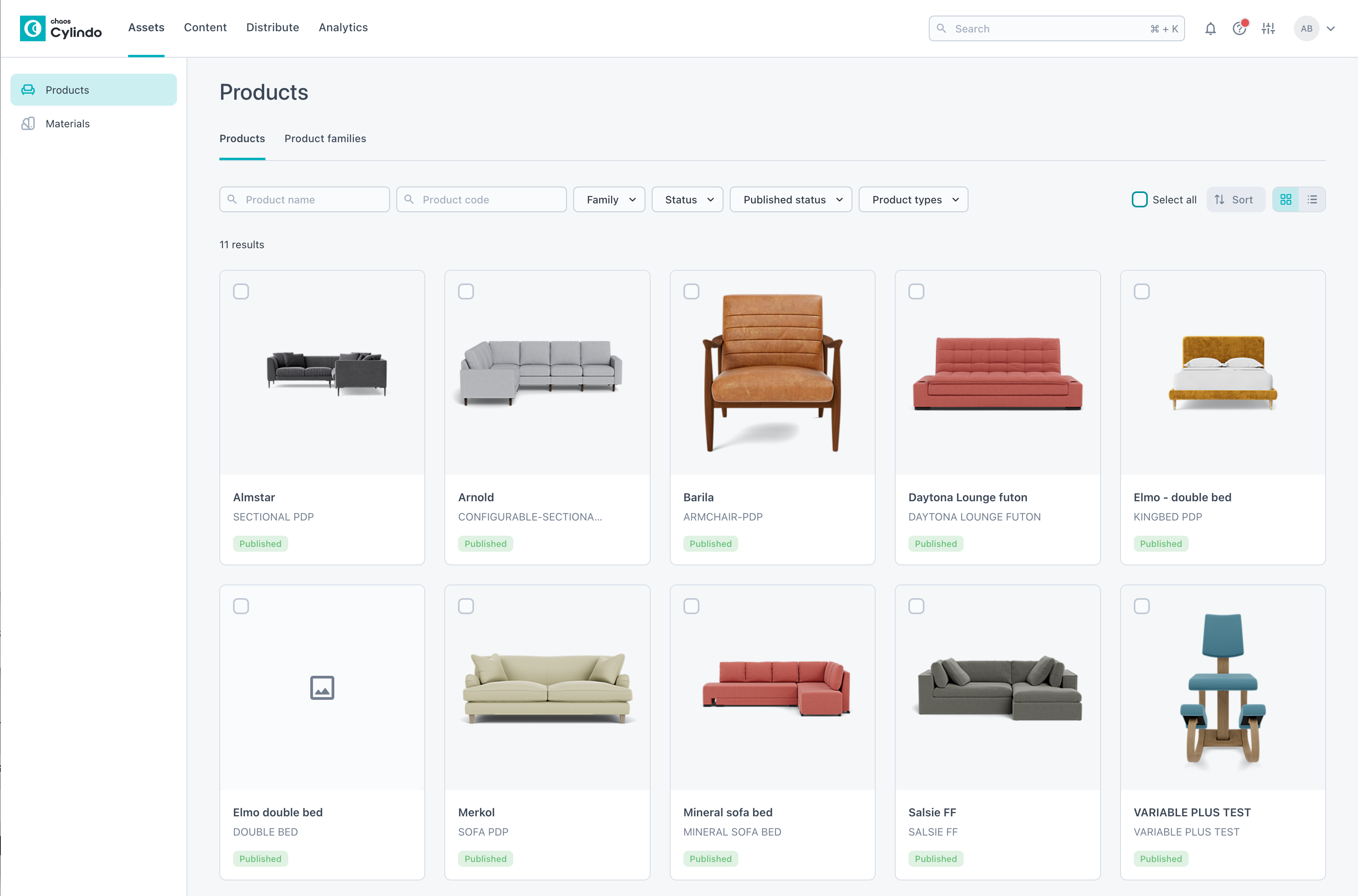
The newly updated Product Overview Page provides enhanced functionality and a more user-friendly interface for managing and editing product data — from streamlined search and filtering to new editing capabilities.
Why it Matters?
Efficient product management is essential for keeping workflows smooth and organized. These updates are aimed at making it easier to manage your products and maintain accuracy across your data to help you save time, increase control, and improve overall usability.
How it Works?
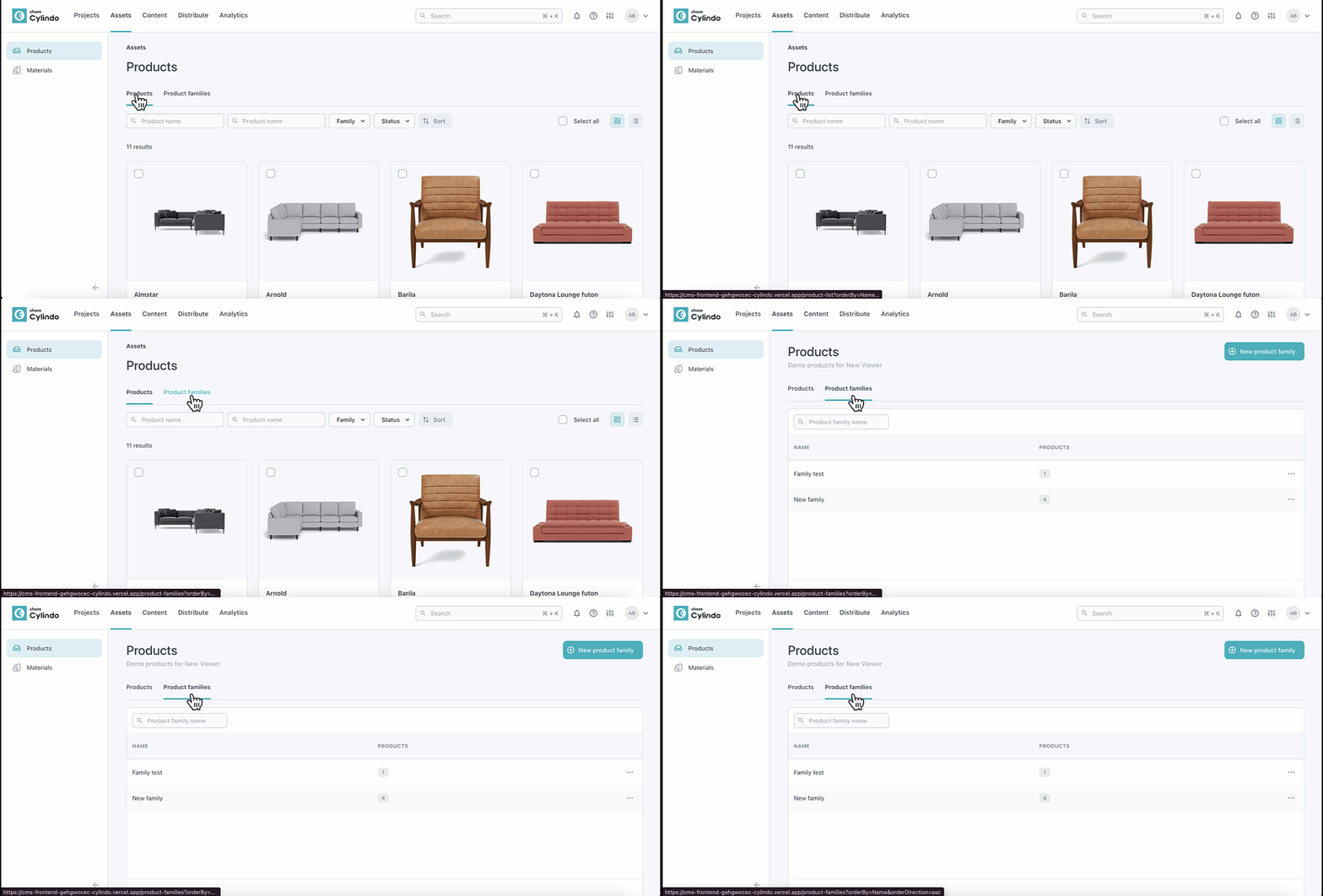
Locate the Product list page under ‘Assets’ in the top navigation.
Choose between the ‘Products’ or ‘Product Families’ tab.'
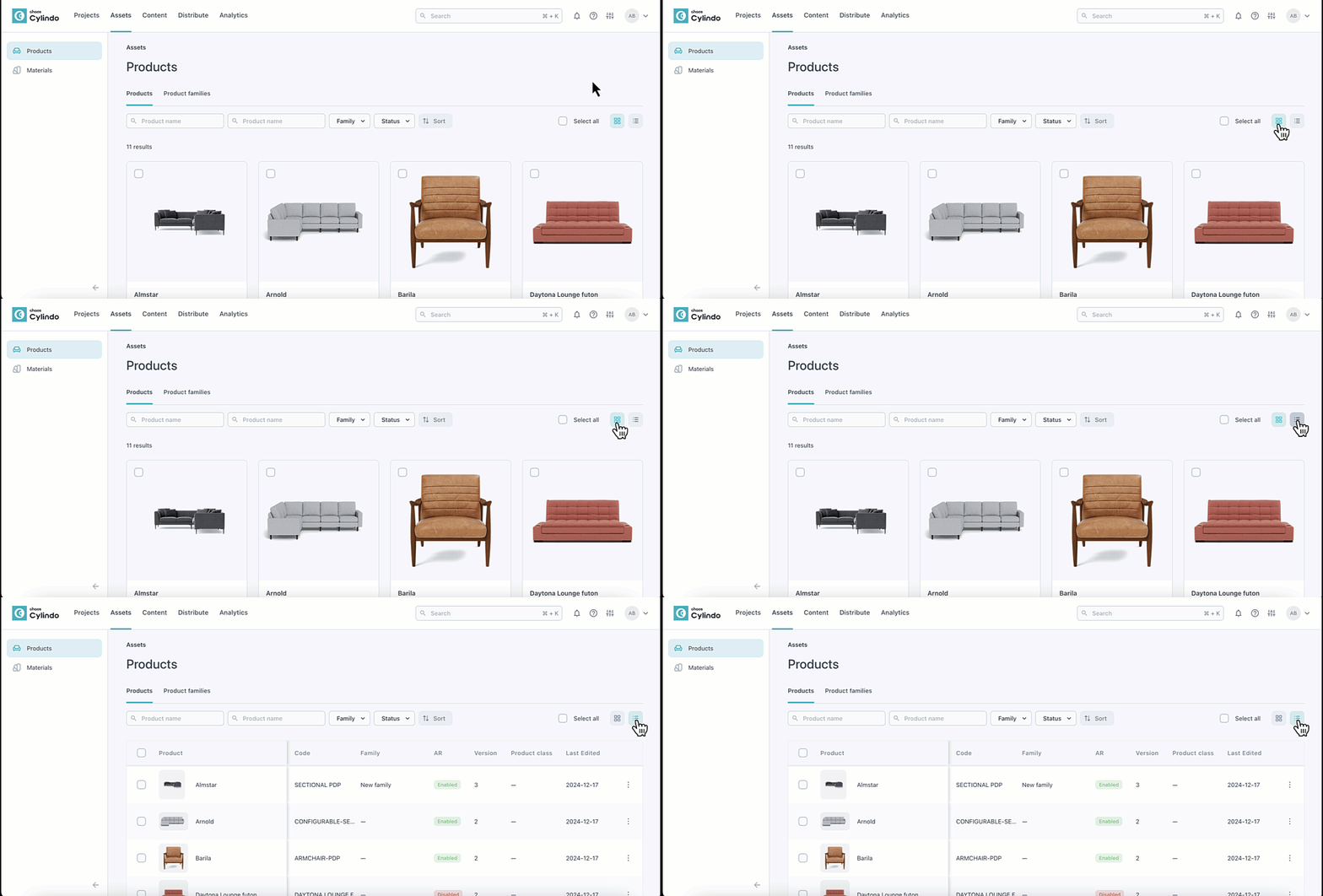
Toggle between grid and list views to suit your preference.'
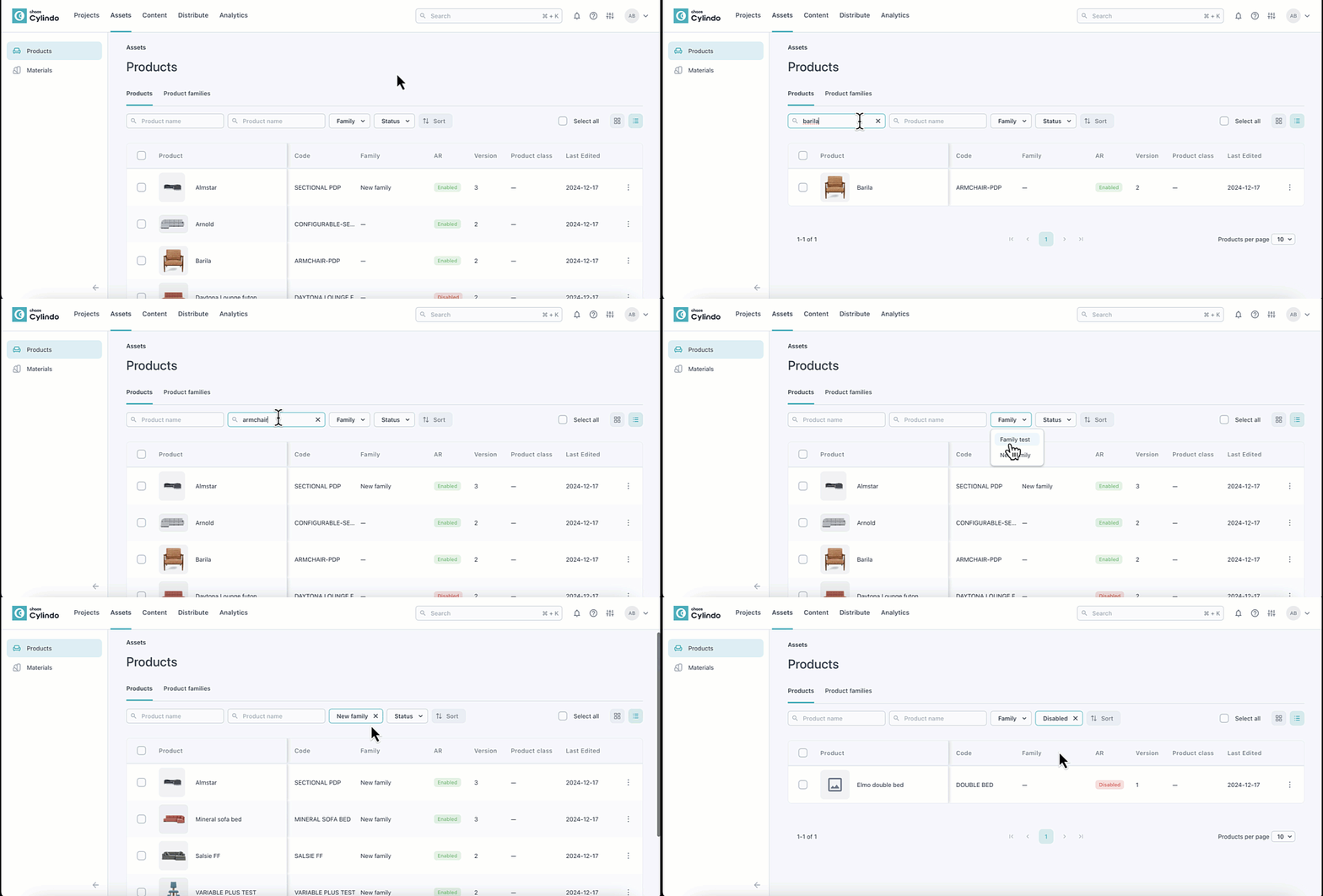
List view — Key product details like name, code, family, AR (enabled/disabled), version, Product class, and last edited date are displayed.
Grid view — A high level overview including the name, code, and status of the product is displayed.
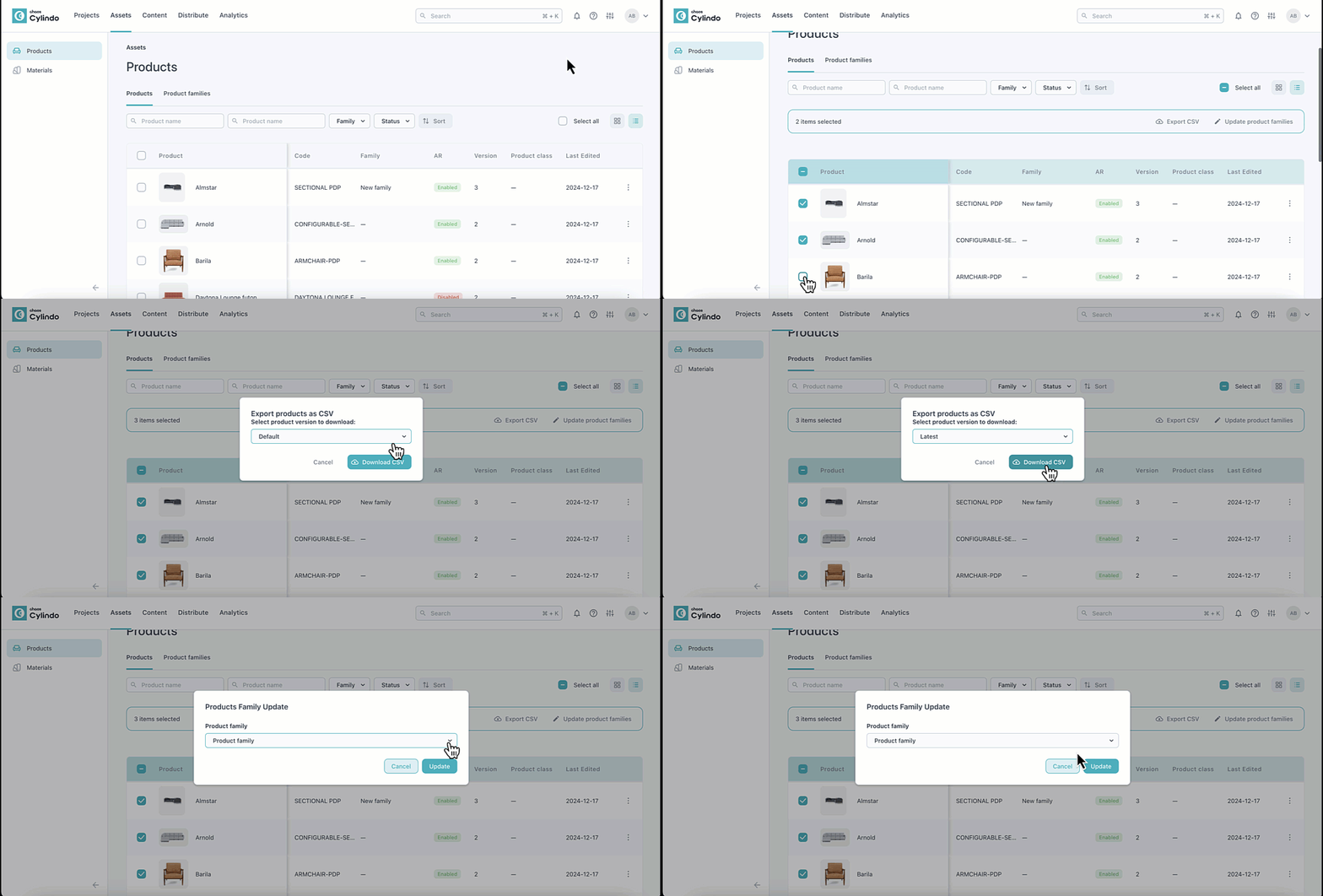
Search by product name, code, family, and status (active/disabled).
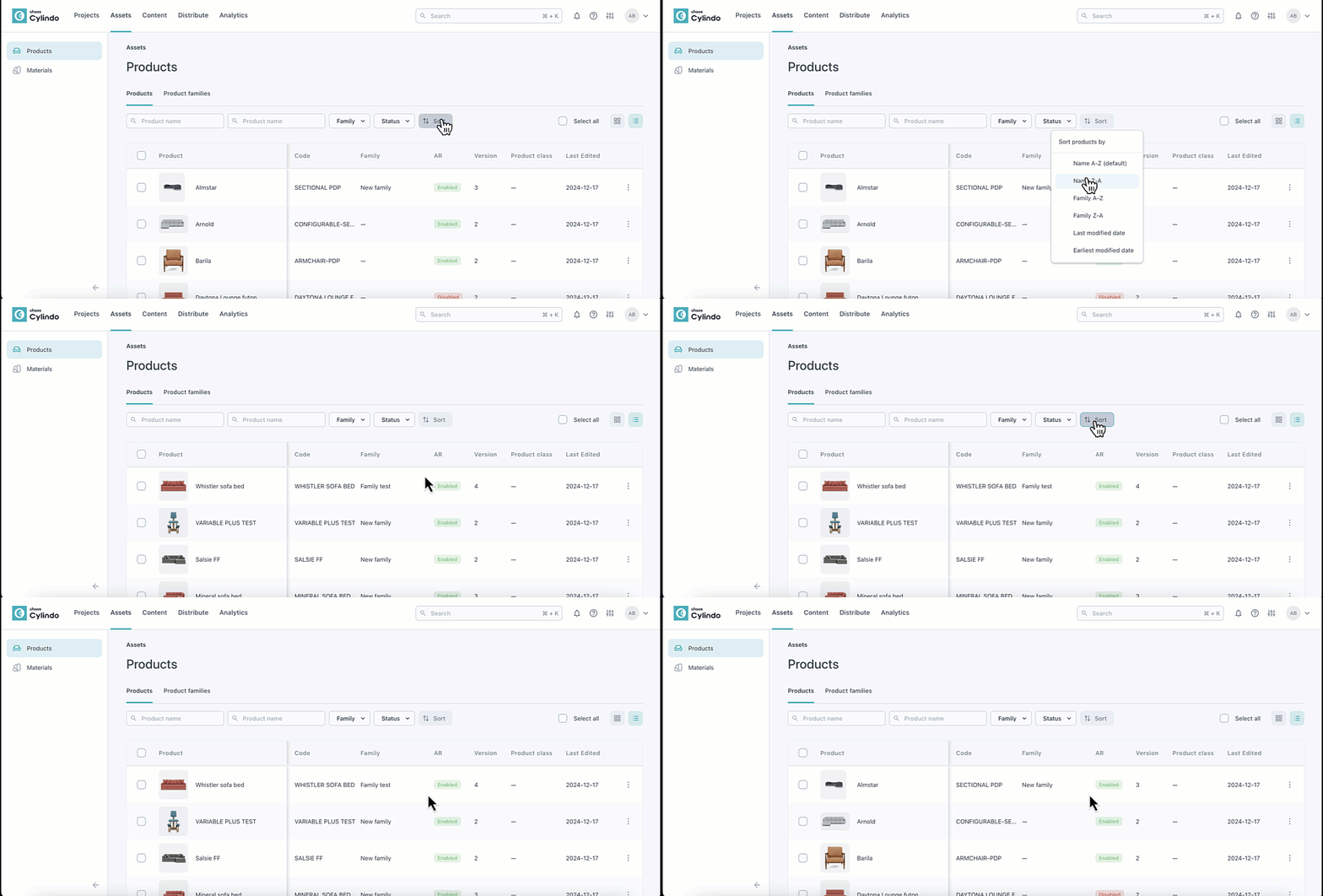
Sort results by name, family, or last modified date.
Select products to export CSVs or update families.