April 30th, 2023
Improved
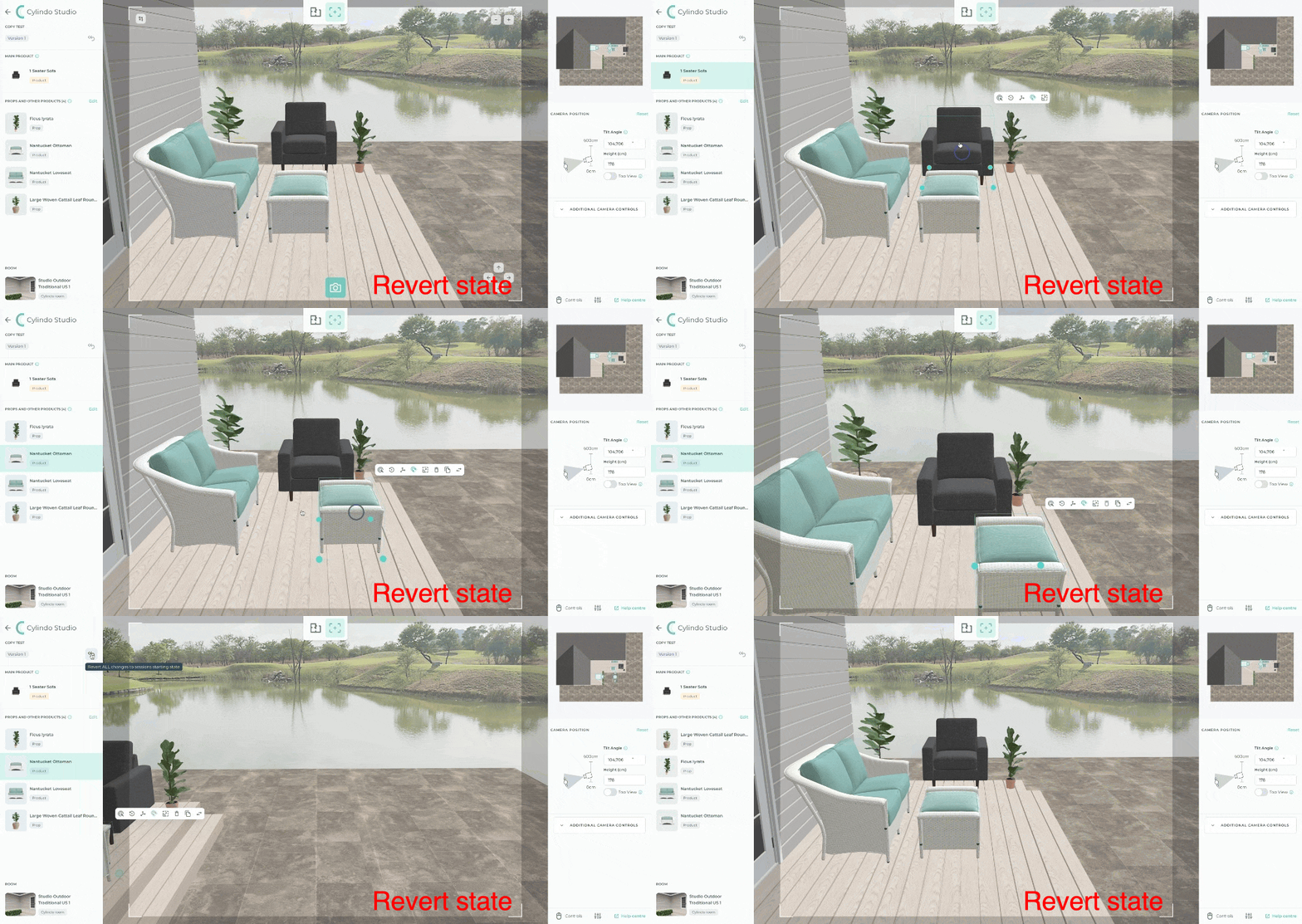
[Live] Studio Update: Pause ⏸️ Rewind ⏪
What is it?
You can revert changes you applied to a Studio (positioning of objects, scaling of objects, and camera position) to the state a new Studio version or a Studio copy was originally in when opened.
Why does it matter?
As humans, it's only natural that we make mistakes. Now, when that happens, simply revert back to the setup your Studio was at when opened and start again.
How does it work?
After making undesired changes, click the back button at the top of the left-hand panel to revert to the original state of your Studio version.
Write a comment...