💧 Add a watermark to your content
What is it?
You can now add a watermark to all of your content to make sure your brand name is on all of your images, e.g. if you want to distribute them to partners.
Why does it matter?
Watermarks helps you protect your images from misuse and gives more visibility to your brand.
How does it work?
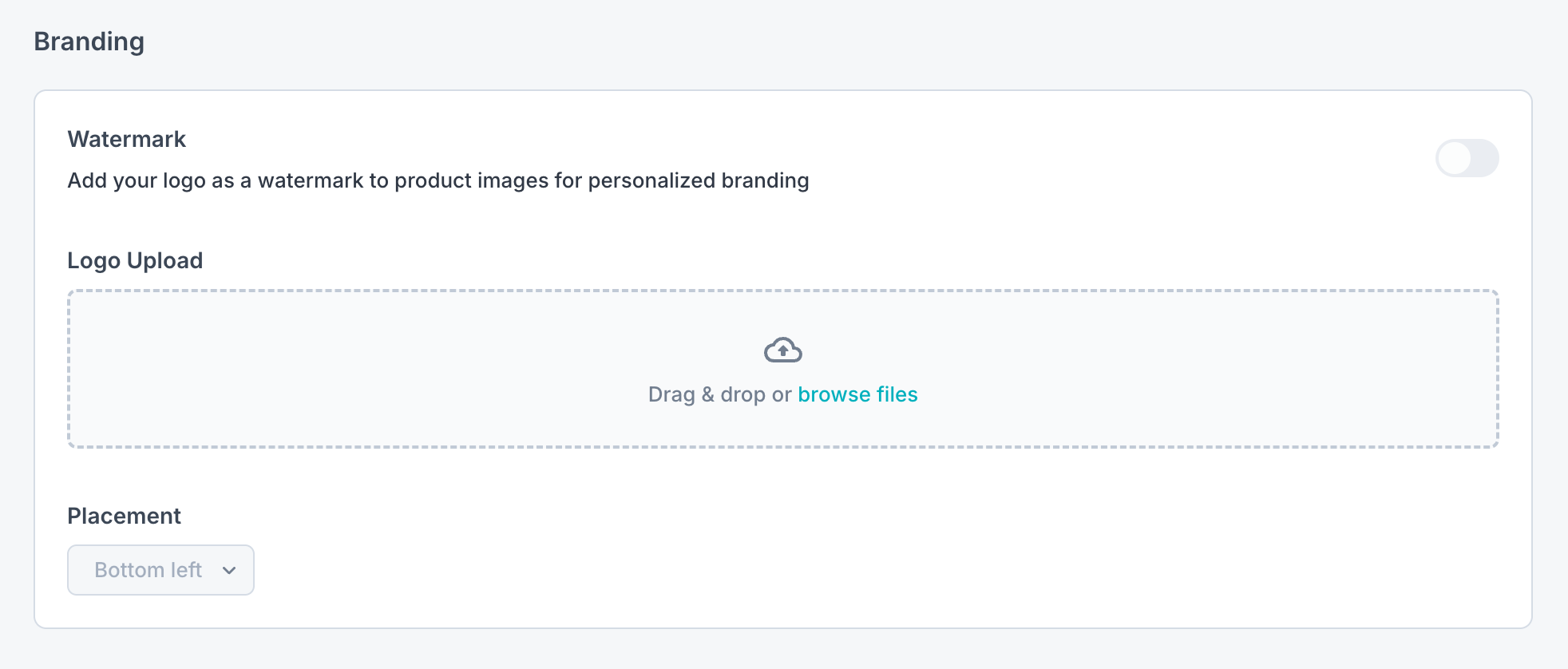
Navigate to your company settings page from the top bar navigation
Scroll down to the branding section
Upload a watermark image (PNG)
The watermark should have a transparent background
Max size: 1024×1024 pixels
The watermark should ideally be tested before uploading in order to ensure that it looks as intended.
Select the position where you want the watermark to appear on your images
Turn watermarks on/off using the toggle button in the right top corner
☝️ Note: When you turn on watermarks, they will appear on all of your content.