Material Data Guide
Material Data
High quality materials for 3D models is one of the most important factors for realism within 3D rendering. To accomplish the best possible material quality Cylindo requires material data to follow a certain standard to accurately represent the physical material.
Material creation runs through a separate creation and approval process and is added to the clients shared material library, from where it will automatically be applied to relevant products.
General guidelines:
● Physical samples provide better realism - physical swatches are preferred by Cylindo.
● Cylindo can work with minimum requirements, but best outcome material data is recommended.
● Best outcome material data will result in fewer revisions, faster project timeline and less efforts required on client side.
Physical vs digital swatches
Cylindo prefers physical swatches for material creation, as those create best photo realism. Creating materials based on digital swatches has certain disadvantages, as mentioned below.
Visual examples
LEATHER Digital Swatch Physical Swatch, Cylindo photographed
Render based on digital Render based on physical
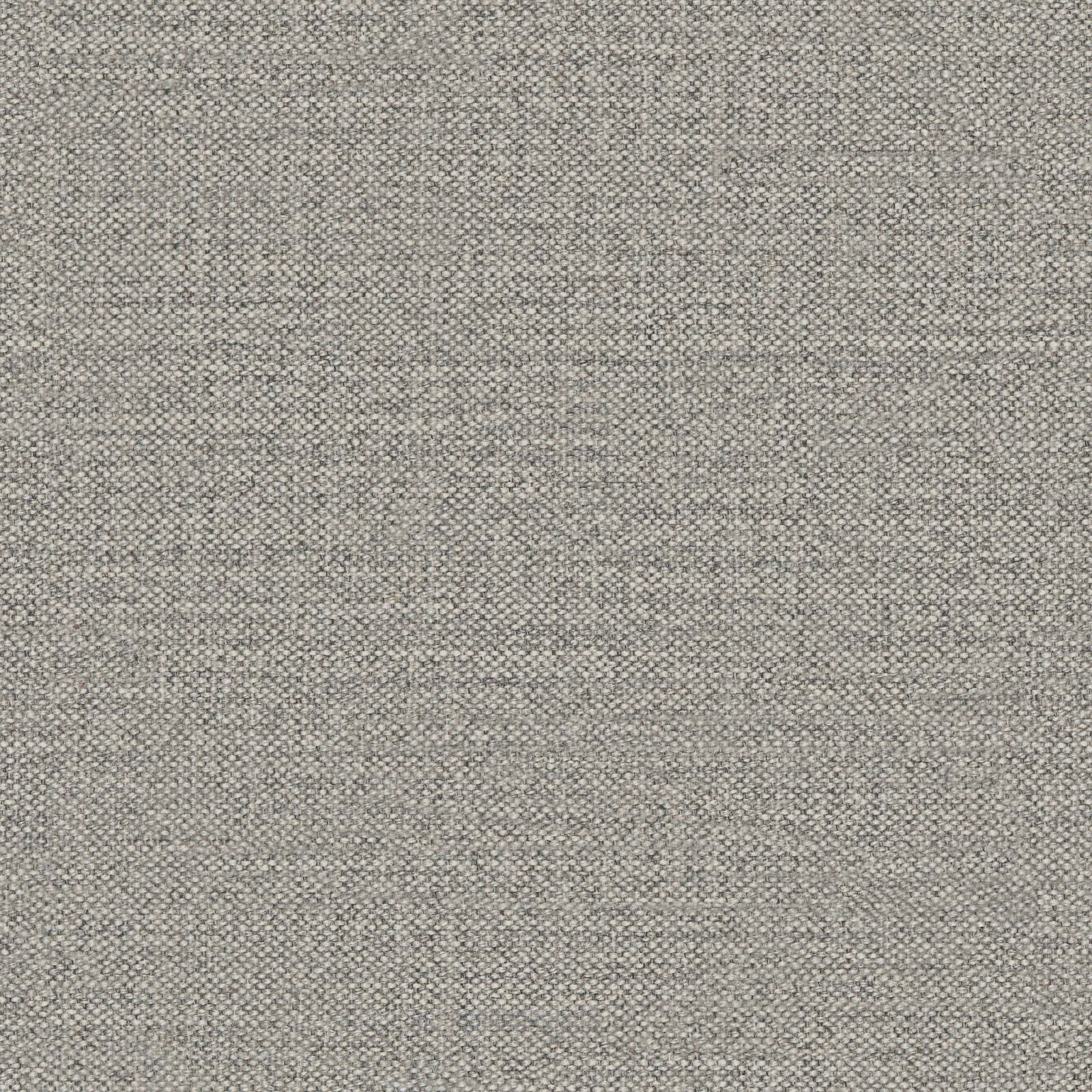
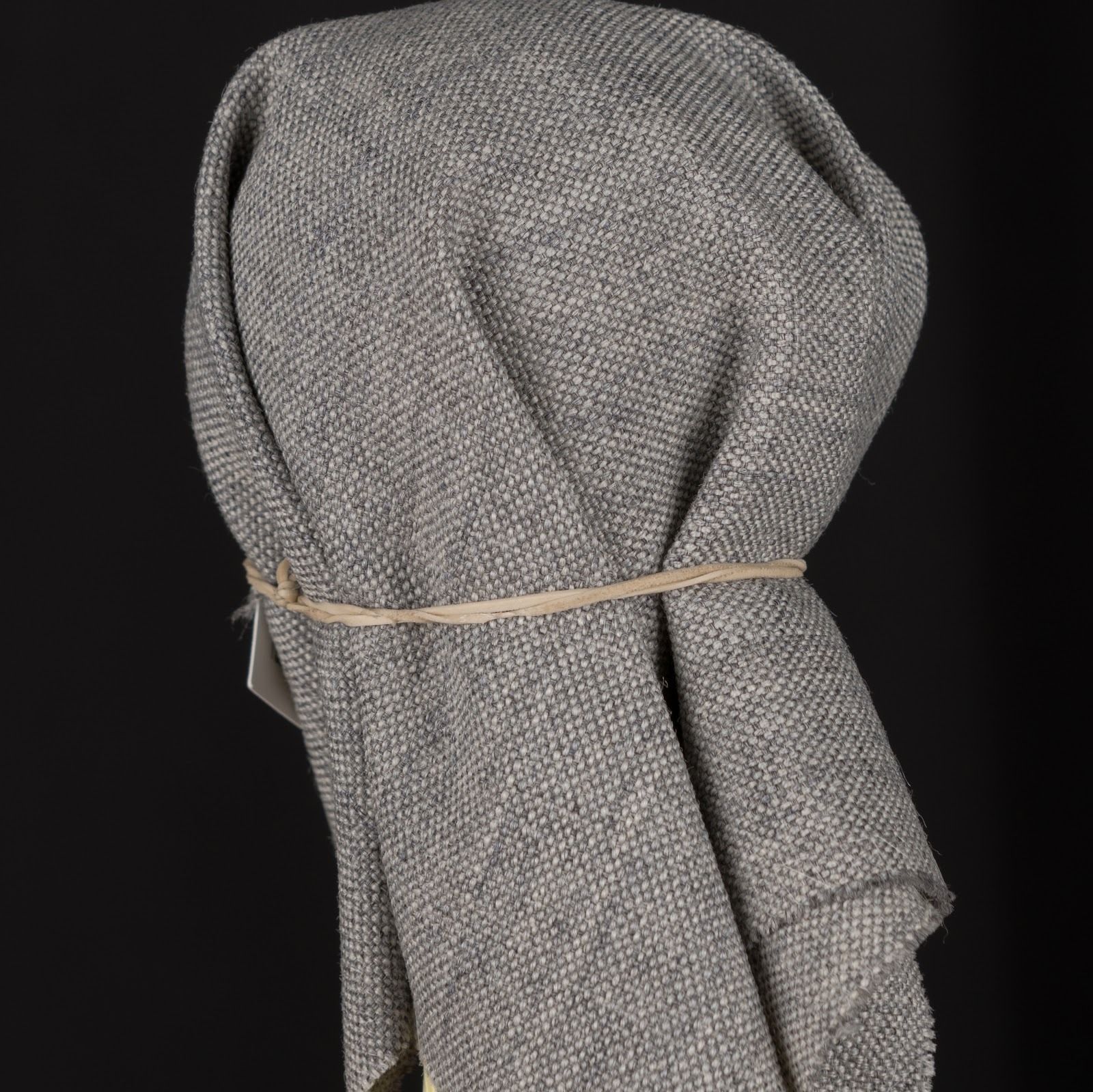
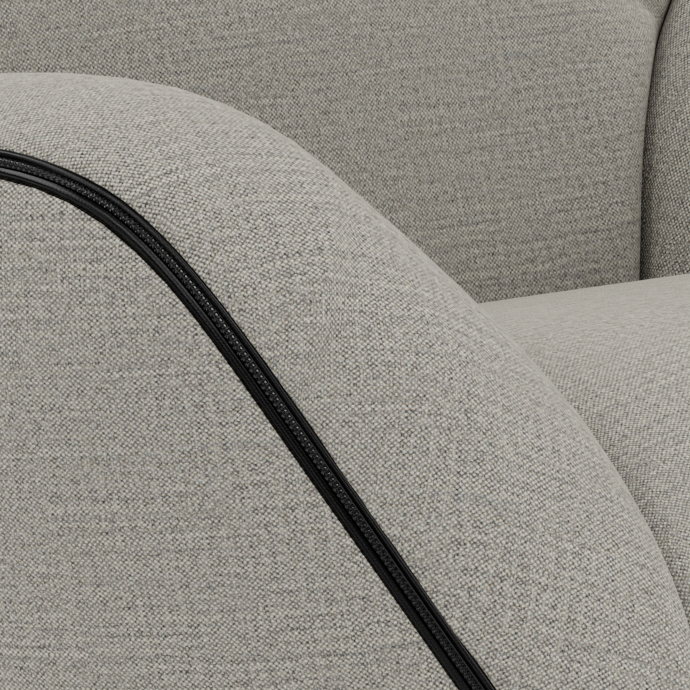
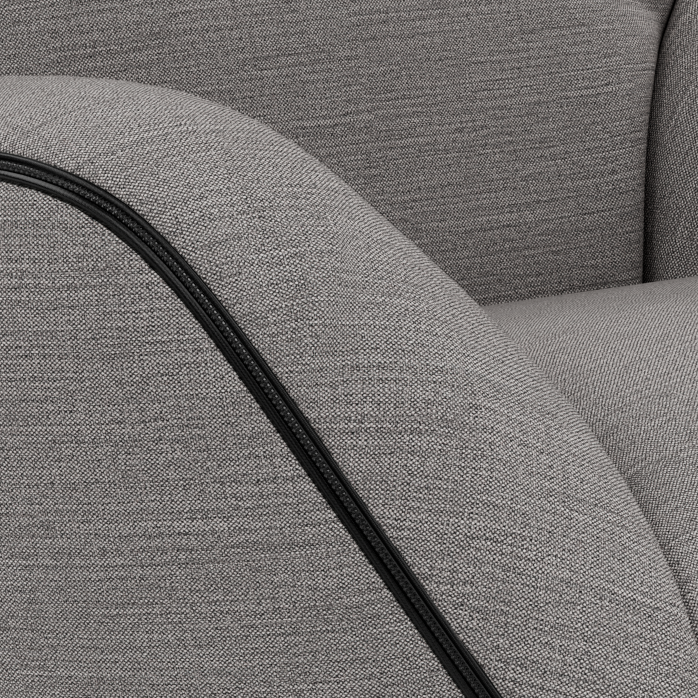
LINEN FABRIC
Digital Swatch
Physical Swatch, Cylindo photographed
Render based on digital swatch
Render based on physical swatch
VELVET
Digital Swatch Physical Swatch, Cylindo photographed
Render based on digital Render based on physical
FINISH
Digital Swatch Physical Swatch, Cylindo photographed
Render based on digital Render based on physical
It’s clear that the material produced with a physical swatch is a better representation of the real world material. Cylindo gets much more information extracted from the physical swatch that allows for better realism.
Material Data Requirements
Physical Swatches
Cylindo prefers to have physical swatches of all material samples. These swatches should be sent to the Cylindo studio in Macedonia where they will be processed.
Please use the Shipping Instructions for Material Samples when sending your material samples. Below are the requirements for physical swatches.
Fabrics & Leathers
Following the preferred options is not required, but will result in the best results:
The material will be more realistic, as we have more context about application
Faster delivery time as there will be a higher degree of accuracy in the first go
Finishes
Hard Surface Materials: Wood, Metal, Marble, Plastic, Glass, MDF.
Following the preferred options is not required, but will result in the best results:
The material will be more realistic, as we have more context about application
Faster delivery time as there will be a higher degree of accuracy in the first go
Digital Swatches & Data
In absence of physical swatches or if speed is of the essence digital swatches can also be used.
Below are the digital swatches requirements for fabrics and leathers as well as finishes.
Fabrics & Leathers
Following the preferred options is not required, but will result in the best results:
The material will be more realistic, as more detail is being seen in the reference images
Fewer revisions in the production, as more context and detail is given
Faster delivery time as there will be a higher degree of accuracy in the first go
Finishes
Hard Surface Materials: Wood, Metal, Marble, Plastic, Glass, MDF.
Best outcome requirements will have the following benefits:
The material will be more realistic, as more detail is being seen
Faster delivery time, as well as fewer iterations due to more details
In cases where no digital swatches exist Cylindo has created a Material Photographing Guide (bottom of page) that explains the steps and best practices of how to best create digital swatches.
Upholstery & Finishes Application Rules
When providing product and material data to Cylindo its very important to include the actual application rules.
This can be as simple as: “All fabrics and finishes are applied on all Products” or as complex as a spreadsheet matrix with Products matched to their specific fabrics and finishes.
In any case, this information is crucial for Cylindo’s production. In most cases, the customer will already have this information available, requiring only the transfer of it to Cylindo.
FAQ
What if I do not have swatches that live up to the minimum requirements?
Cylindo is following a detailed material creation and replication process, and if what we are getting is not living up to the minimum requirements, the output of the material and the photorealism of the final render can only be as good as the quality of the swatch provided.
What if I do not have a picture with the material applied on a product?
We only need a picture of one material from one material family to be applied on a product. Having that picture on each material will make it faster and more accurate, but is not a minimum requirement. The product photo with that material does not need to follow the swatch requirements, so taking a good picture of a physical product you have will work for us. If you don’t have that possibility, then we can still create the material without it. In that case you should expect 1-2 additional revisions of your material library, as well as longer delivery time.
What if the quality is not as good as I would like?
Cylindo has up to 3 material revisions included in the material review process. If additional revisions are required by the client, there will be an additional cost associated, as well as the project delivery timeline will be prolonged.
How do I give the digital material data to Cylindo?
Cylindo has a web based dashboard that is the center of our content production. There you add your material and product data, as well as the application data.
What if I sent you the wrong data or there are changes?
Cylindo has a material and product data verification step as part of the delivery of the project that’s intended to catch problem areas. If we identify a certain material is missing, conflicting or not living up to the minimum requirements, your project manager will flag it. You will be required to provide clarity on this prior to us starting the production process. If there are changes during the project, please flag it to your Project Manager, and he/she will determine how to accommodate those changes.
What if I have existing 3D material data already produced?
Cylindo can work with existing PBR materials. If you have existing 3D materials, please send it to Cylindo for us to verify that they are usable and in the desired quality.
Shipping Instructions for Material Samples
(ie upholstery swatches, finish & hardware samples)
Shipping address:
Cylindo DOOEL
Dobrivoe Radosavlevikj 3
1st Floor
7000 Bitola
Macedonia
Person for Contact: Kristina Joshevska
Phone for Contact: +38976527282 / +38977821111
Invoice Instructions:
1. Sender information
Please write the sender and for which customer you are sending the materials
2. When inserting a cost/value, please do not exceed 20 USD/EU for the goods value (fabrics, leathers etc). You can add any price of the transport depending on the weight of the package or the location it’s been sent from.
Example:
3. The phrase “Proforma Invoice” must be clearly visible on the invoice sent with the swatches.
The description should include:
Client Name
Project Name
Price for the package contents
Price for the transport (optional)
The sum of the two
In the quantity (sample pieces) section it should be specified the number of contents (leather, fabric, wood, metal etc. ) separately that are inside the package since this is one of the most common reasons custom held ups occur.
THE TOTAL AMOUNT OF THE GOODS SHOULD NOT EXCEED THE AMOUNT OF €20 EU.
4. At the bottom of the invoice, please write:
“Free of Charge - Value For Customs Only”
“ Terms of Delivery DAP Bitola”
Example:
“Good Supplied - Free of charge” this means that every item that you are sending has a price that should be determined by the sender, but the item itself is not for sale
“Terms of Delivery DAP Bitola” this means Delivered At Place Bitola - the final destination of the package
Tax price should be $0.
5. The best way to pack any or heavier shipments is to put everything in one package with the proforma invoice in a transparent envelope attached to the outside of the package.
Here’s an example of the Pro-forma invoice: Pro-forma Invoice Template
6. Once the shipment is sent, please confirm it via email to your Cylindo PM or CS.
The Email should also include:
Shipment tracking number.
A digital list of the items (material samples) in the package. In case of different naming conventions between the shipped samples and the company’s material names please map them into the list.
Example:
FAQ
Can the package get stuck at customs?
Yes, it can. In that case it takes 2-3 days and complete documentation for the package to get released.
What if packages are sent from different locations (suppliers)?
Just make sure that besides the Supplier to add the Company as well so we can relate the packages.
Material Photographing Guide
Taking a good reference photo is the key to a realistic render texture and correct color match between the render and the actual fabric.
It’s highly recommended that retailers/manufacturers send the physical textures to Cylindo. We have a specialized photography studio with modern equipment and a skilled team.
Our studio is designed with a camera and lighting setup that has a sole purpose of capturing the most detailed fabric texture and the most accurate fabric color. Cylindo has developed specialized techniques for capturing reference photos.
Also, in order to achieve high color accuracy, we use a color correction card which is used by all the professional photographers around the world for calibrating the white balance and the color spectrum. This guarantees that the color will remain unchanged when transferred from a physical to digital format.
However, in case sending physical fabric samples is not an option, Cylindo has a short guide on how to photograph samples the right way.
Basic requirements:
A professional camera, equal lightning on at least two opposite sides and a ruler. (iron is optional)
It's really important to follow the next couple of steps.
First, find a flat surface where you will place the fabric.
If possible iron it from the back side so the fabric is also flat (Iron it on medium temperature because you don't want to burn and damage the fabric). Secure it in place. Be sure not to stretch the sides because you will distort the fabric and it will be harder to work with the digital swatch. Place a small ruler somewhere in the frame to help us get a real picture of the scale of the fabric.
Place the lighting on equal distance and height from the material. Place the camera in the center and pointing at the fabric at 90-degree angle (it's recommended to put the camera on a tripod for taking better still photos with no movement distortions).
Then set the white balance, ISO and shutter speed accordingly.
If possible take the photo remotely or on a timer so no movement will blur the photo like mentioned. After taking the photo, transfer it to the computer and open it with some photo-editing software.
This is the more advanced step and requires a trained eye. The color on the monitor will be slightly different from the physical fabric.
This is due to the different settings from the camera and the monitor. The swatch will always have slight color mismatch by a tiny nuance on different monitors. This is due to different quality of monitor models, components used by retailers/manufacturers and different monitor settings and calibrations.
That is why Cylindo uses professional color calibration card that assures that the color will be accurate on most monitor screens.
After you make sure that the color/sharpness/brightness on the monitor matches the physical sample, you are done. Just save the photo and send it to us and we'll work our magic.